CloudBox User Manual 112
5.G REVIEW THE DASHBOARD NETWORK SETTINGS
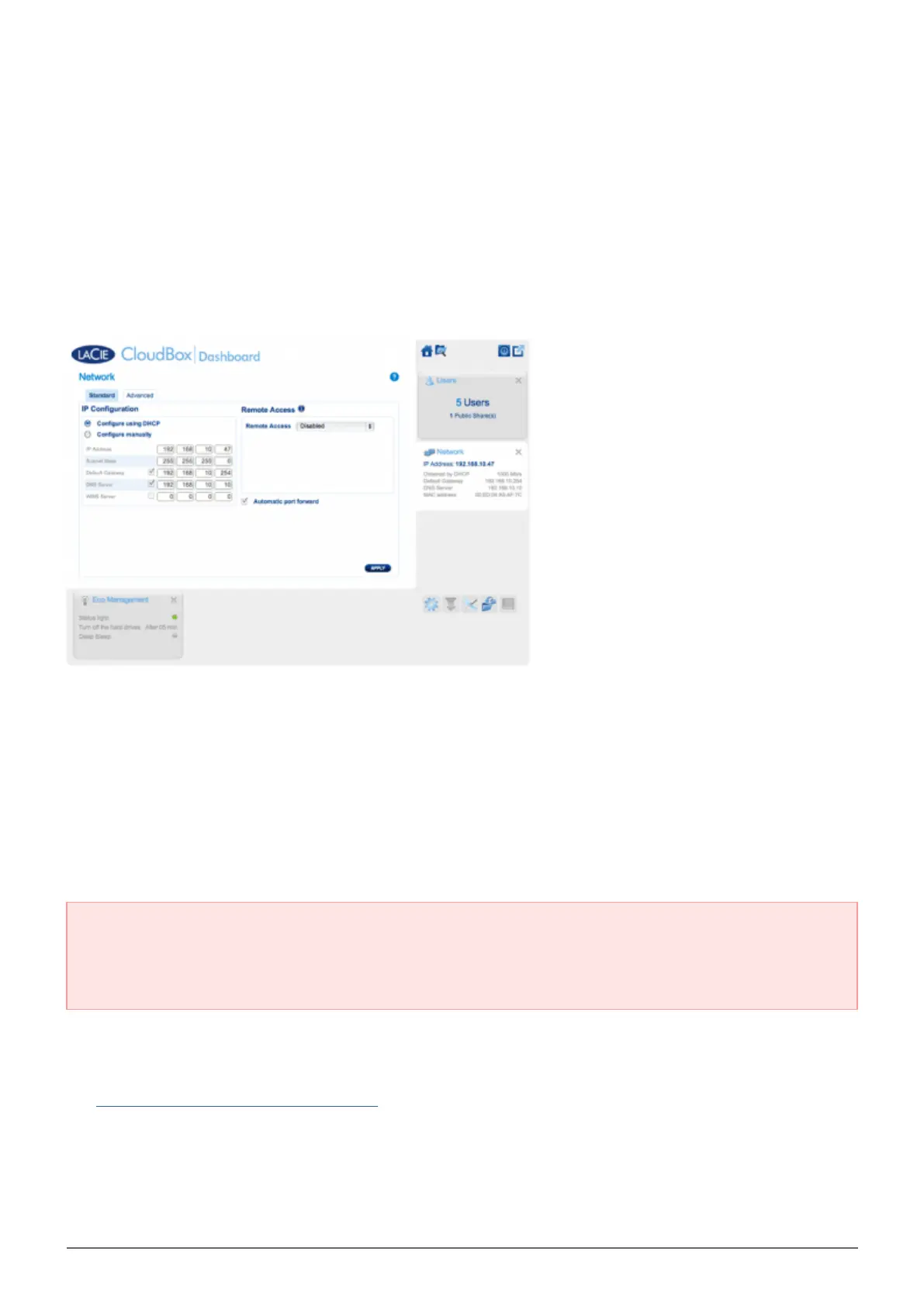
STANDARD TAB
IP Configuration
Choose between Configure using DHCP and Configure manually. If your router is DHCP-enabled, as are
most consumer routers, your LaCie CloudBox will receive an IP address automatically. As a result, most users
will see that the table has been filled in with values. By selecting Configure manually, you can modify the
table values to accommodate your router.
Important info: Please make certain that you do not change the IP address without a complete
understanding of your network. You risk losing contact with your LaCie CloudBox if the IP address is not
compatible with your network. Review your router documentation or contact your internet provider for
further information.
Remote Access
See Access your LaCie Dashboard Anywhere.















 To Next Page