CloudBox User Manual 80
A user has limited access to Dashboard management
MANAGE USER ACCOUNTS
New User - Personal Folders
By creating a new user, the administrator will add a personal folder to the LaCie CloudBox. As opposed to the
Family folder, personal folders can offer private access, requiring a username and password. Whenever a user
accesses his personal folder on a PC or Mac in the home, he will be prompted for the username and password
assigned by the administrator.
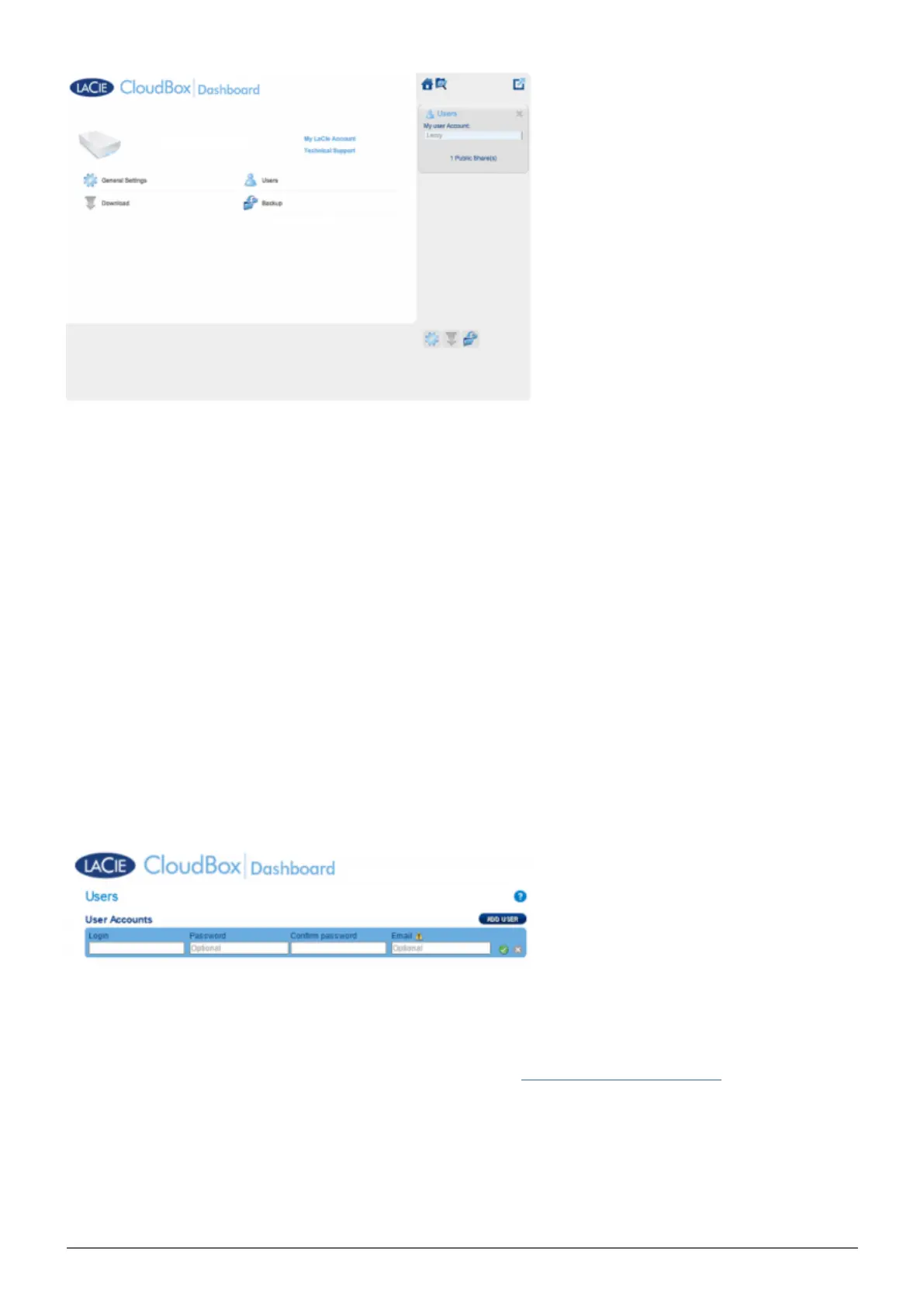
To create a new user, click the ADD USER button, then fill out the required fields. Click the green check mark
to add the user or the x to cancel.
A user name can have 1 to 20 characters using: letters, numbers, symbols, hyphen, and underscore. Do not
■
begin or end with a hyphen or underscore.
The password can be 4 to 20 characters. All passwords are case-sensitive.
■
Enter an email address if you wish to include notifications. See Dashboard Network Settings
■















 To Next Page