CloudBox User Manual 79
5.D CREATE AND MANAGE USERS ON THE DASHBOARD
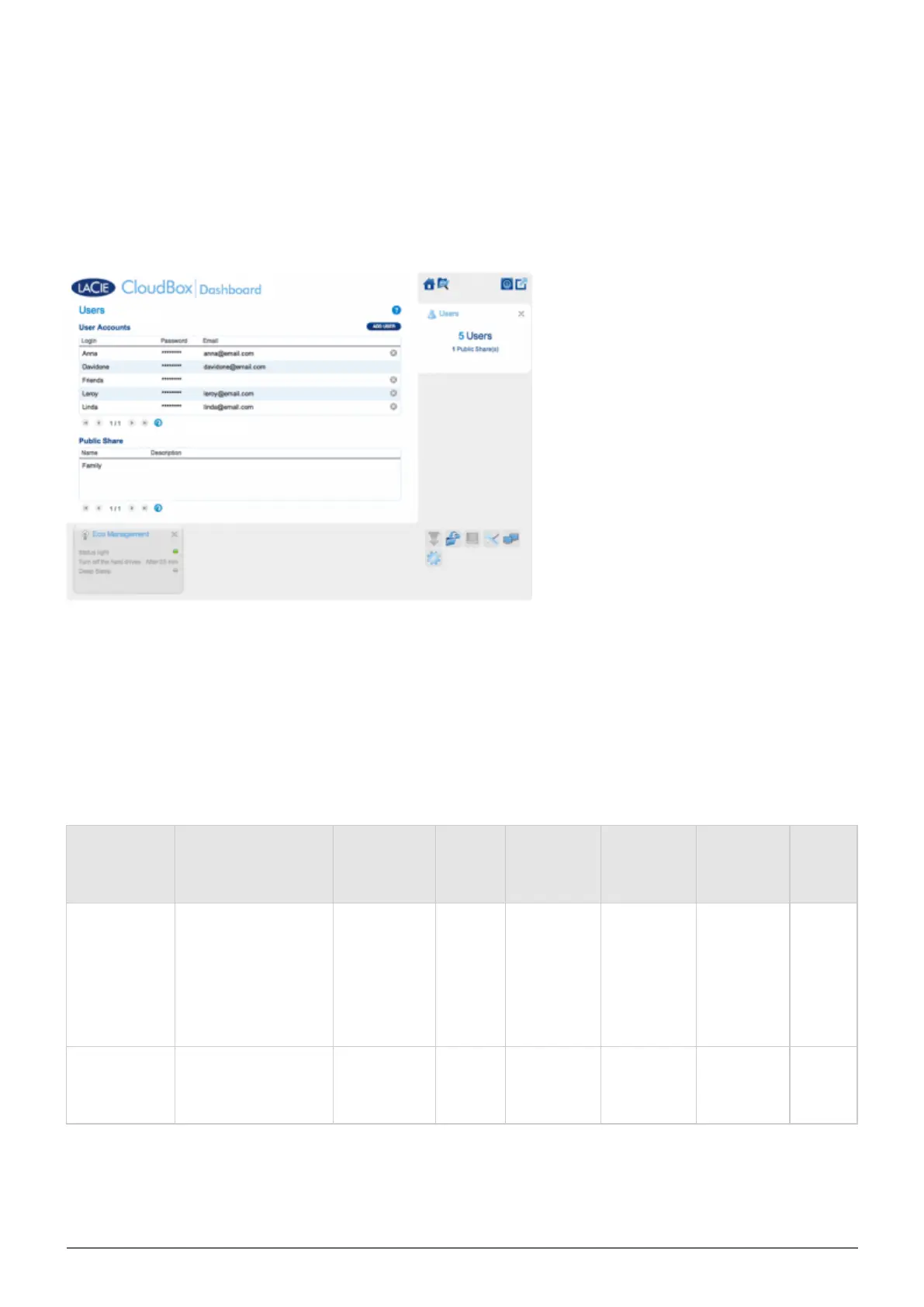
USER PAGE
The CloudBox administrator can manage user accounts and the Family folder on the Users page.
ADMINISTRATOR AND USERS' MANAGEMENT PRIVILEDGES
In most instances, the administrator performs all management tasks for the LaCie CloudBox. See the table
below for the access rights available to the administrator and users.
Create/Revise/Delete
Users
Eco
Management
Settings
General
Settings
Backup
Jobs
Download
Jobs
(Torrents)
Drive
Information
(Format
Disk)
Support
Administrator Yes Yes Yes
Yes; Family
and personal
folders only.
The
administrator
cannot back
up other
users' folders.
Yes. The
administrator
must turn
this option
on
Yes Yes
User No No No
Yes; Family
and personal
folders only.
Yes. The
administrator
must turn
the option on.
No No















 To Next Page