CloudBox User Manual 54
4.N MUSIC: PLAYBACK MUSIC STORED ON YOUR LACIE
CLOUDBOX
Keep your music libraries on your LaCie CloudBox for easy playback on Windows Media Player (Windows only)
and iTunes®
WINDOWS MEDIA PLAYER
PCs connected to the same network as your LaCie CloudBox can playback compatible media files using Windows
Media Player. For detailed information on how to enjoy music, movies, and photos on a shared volume such as
the CloudBox Family folder, please go to Microsoft's dedicated support page:
Windows Media Player
Windows Media Player on your PC
Go to Start > All Programs/Programs > Windows Media Player1.
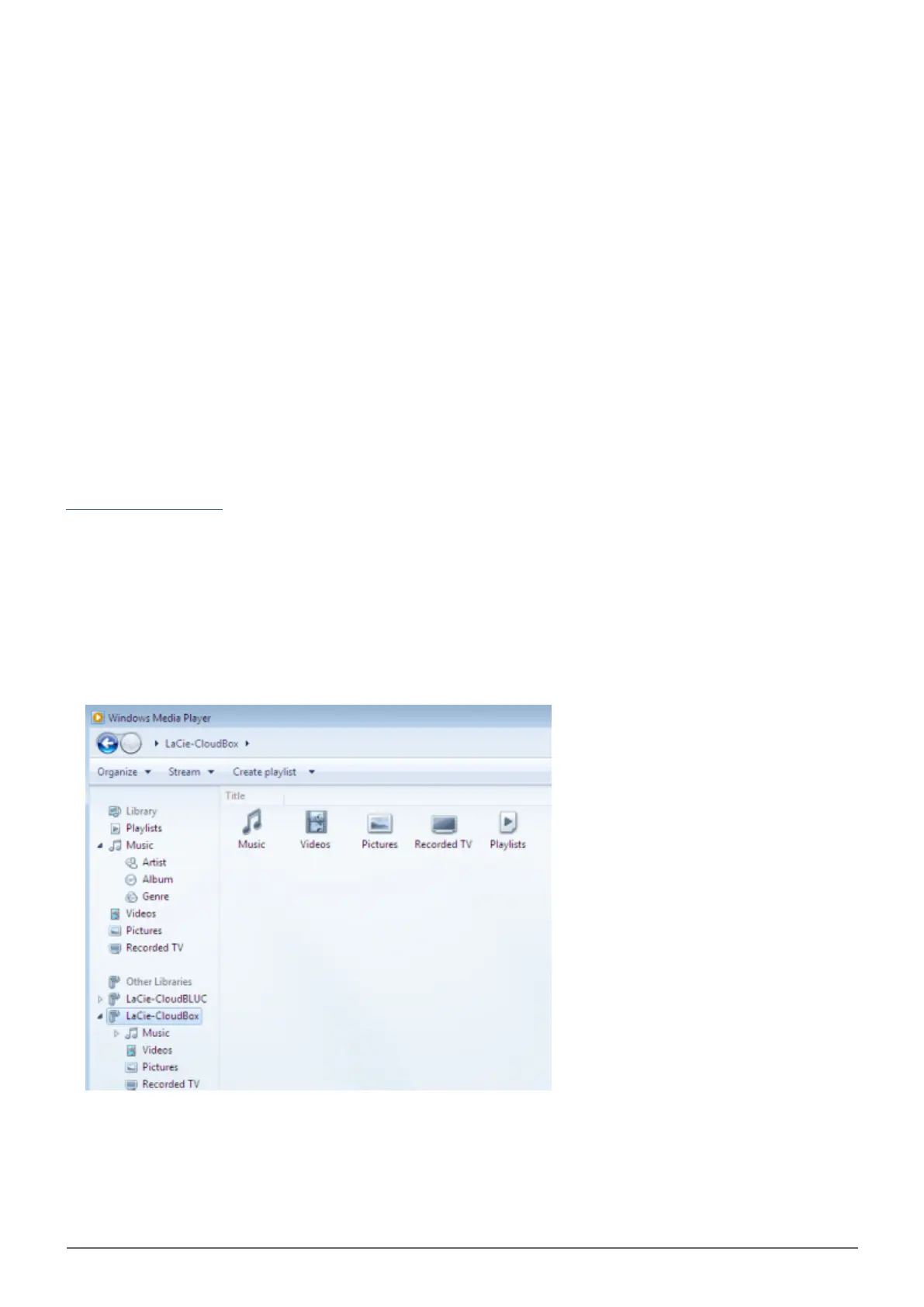
On the left side of the Windows Media Player window, look for Other Libraries > LaCie-CloudBox. Click on2.
LaCie-CloudBox.
Navigate to the file you wish to play.3.















 To Next Page