CloudBox User Manual 146
MAC USERS
In your Finder, navigate to Go > Connect to Server.1.
In the dialogue window that opens, type one of the following:2.
afp://[machine name].local
smb://[machine name].local
afp://[IP address]
smb://[IP address]
Click Connect.3.
Select Guest to view the Family folder only; or, select Registered User to enter the administrator/user4.
Username and Password to see the Family and personal folders.
AUTO-MOUNT A FOLDER USING THE OPERATING SYSTEM
Windows
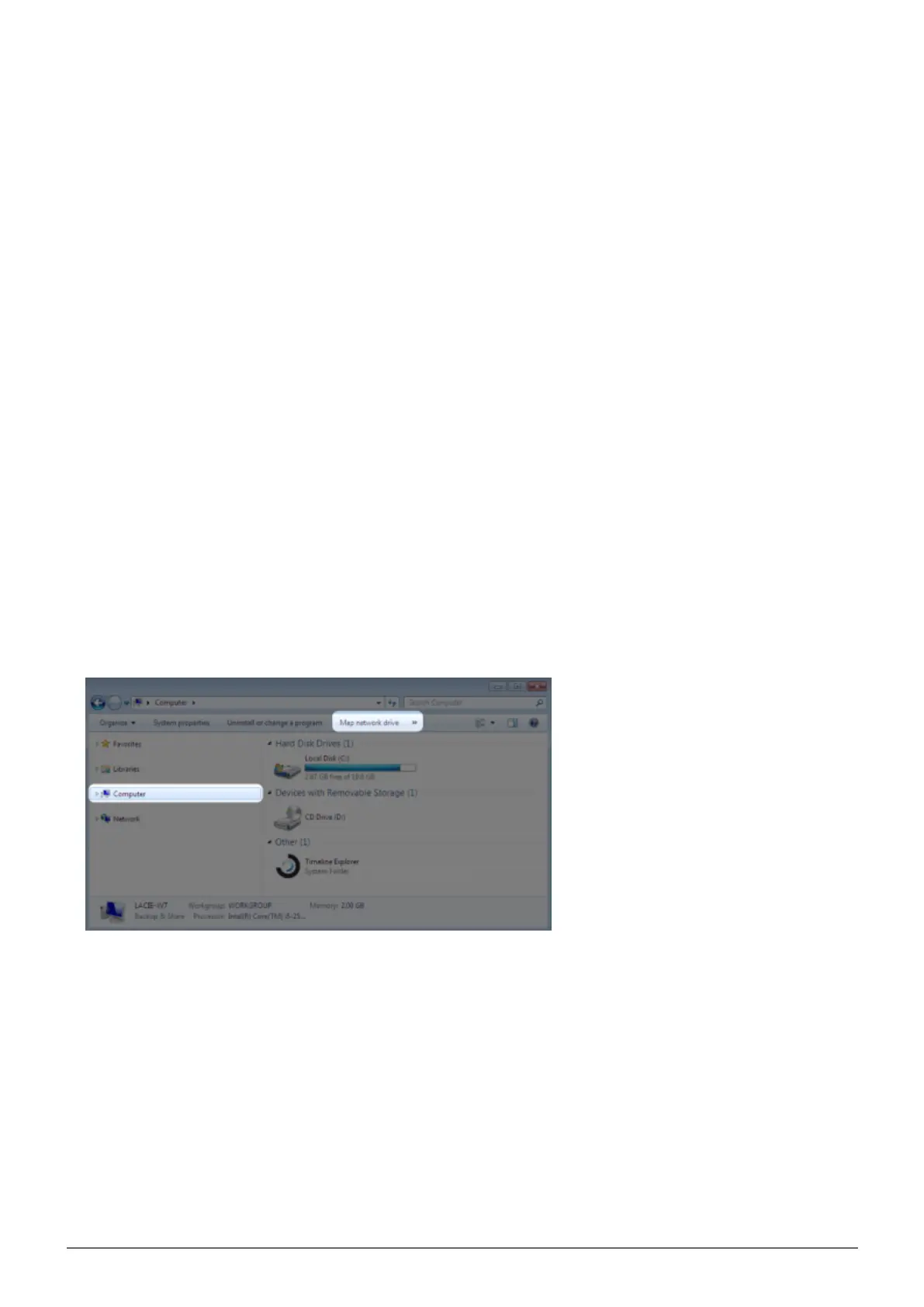
From an Explorer window in Windows XP, select Tools > Map Network Drive. For Windows Vista and1.
Windows 7, navigate to Computer in an Explorer window to click Map Network Drive.
Browse to and select the folder you wish to auto mount (Family or personal). You will be prompted for a User2.
name and password.















 To Next Page