CloudBox User Manual 145
6.D MOUNT LACIE CLOUDBOX FOLDERS USING THE
OPERATING SYSTEM
WINDOWS
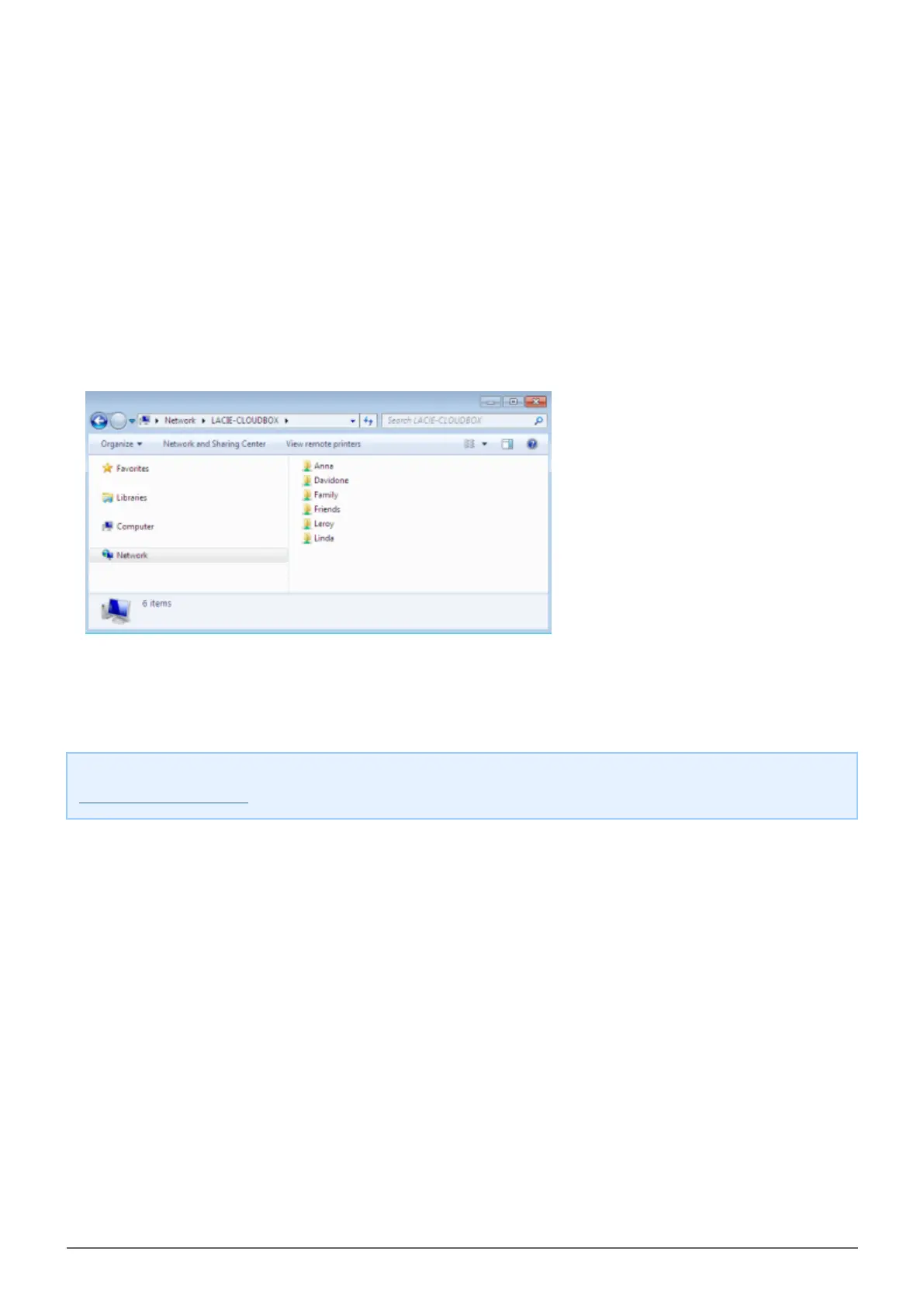
In an Explorer window address field, type \\[machine name] or \\[IP address] and hit Enter.1.
Click twice on Family or your personal folder. You will be prompted for the Username and Password when2.
clicking twice on your user folder.
Technical note: To find the IP address of your LaCie storage device, open LaCie Network Assistant (see
LaCie Network Assistant) and choose the Configuration tab. The address will be listed.















 To Next Page