CloudBox User Manual 110
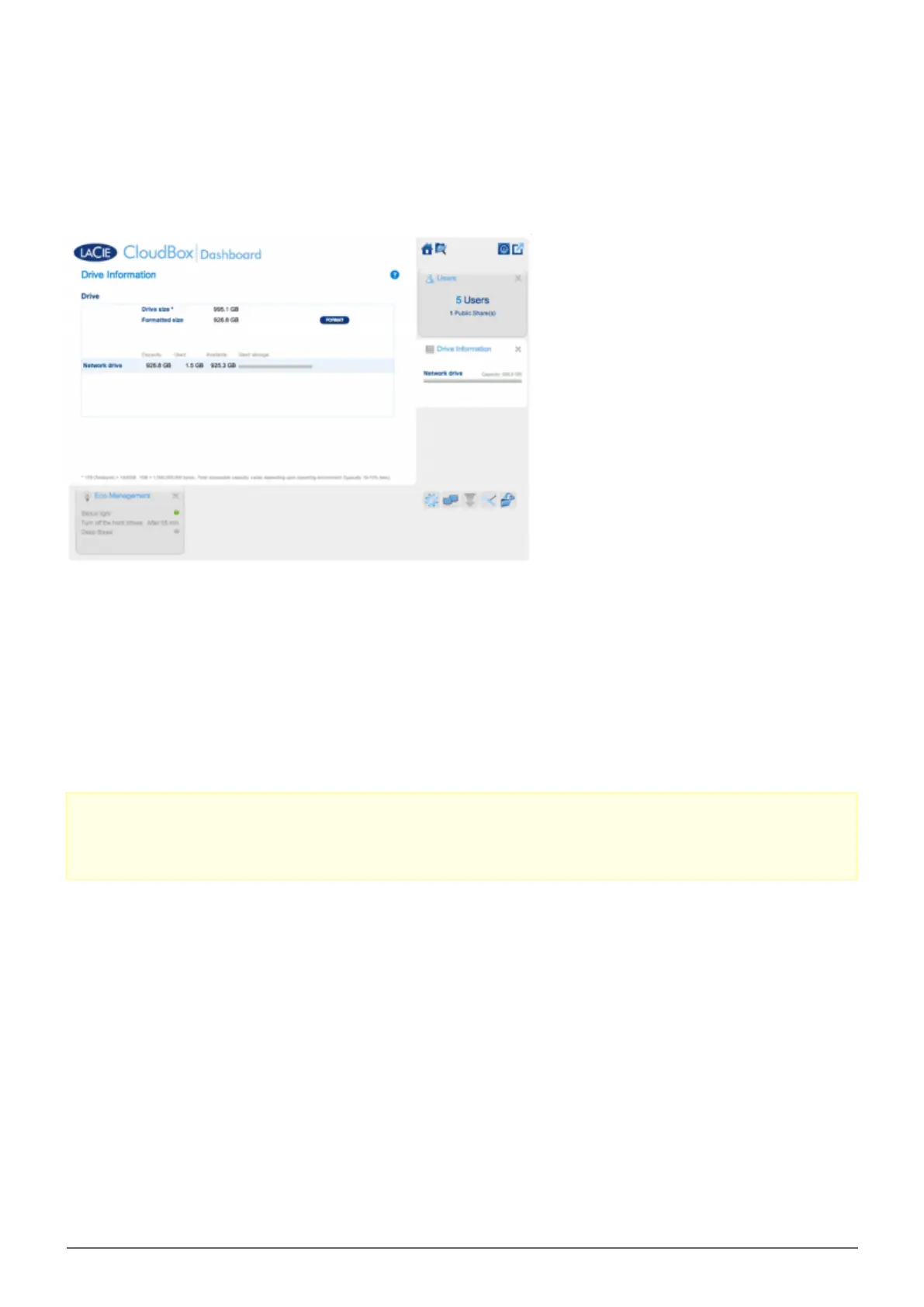
5.F REVIEW THE DASHBOARD DRIVE INFORMATION
This page shows you information about disk usage and will allow you to reformat the LaCie CloudBox hard drive.
NETWORK DRIVE
When you click the FORMAT button, ALL data on the disk, including user folders, will be erased during the disk
format.
Caution: Formatting will erase all the data on your drive. Make sure to back up all your data onto another
hard drive before proceeding. LaCie cannot be held for responsible for the loss of data caused by formatting.
Users and settings will not be erased.















 To Next Page