CloudBox User Manual 119
5.I CONSERVE ENERGY WITH DASHBOARD ECO
MANAGEMENT
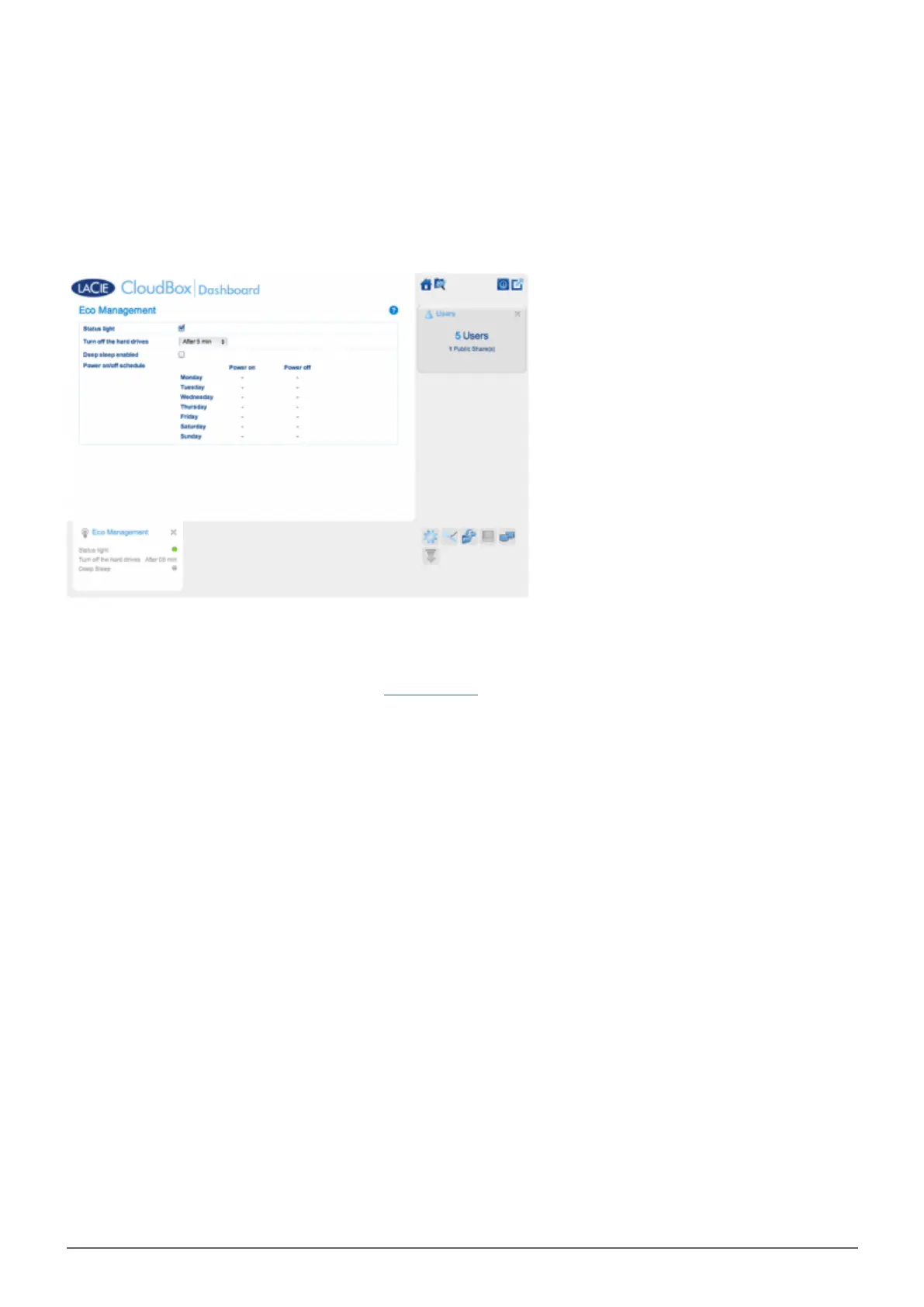
Use the Dashboard Eco Management page to conserve energy when you are not using your CloudBox.
Status light on: Uncheck this box to turn off the front blue LED. Note that this will not disable warning
■
indicators such as a temperature alert (see LED Behavior).
Turn off the hard drives: Set the amount of time that the CloudBox is inactive before it goes into auto sleep
■
mode. In auto sleep mode, the disk spins down to reduce power consumption, conserving up to 50% energy.
The LaCie CloudBox will leave auto sleep mode when someone tries to access it.
Deep sleep enabled: Check this box to enable deep sleep mode for your LaCie CloudBox. Deep sleep means
■
that the drive will enter a very low energy consumption mode, conserving up to 75% energy.
DEEP SLEEP MODE
There are three ways to place your LaCie CloudBox into deep sleep mode:
Schedule deep sleep mode: Set a schedule for the LaCie CloudBox to enter and exit deep sleep mode (see
■
below).
Manually enable deep sleep mode: hold the device's rear power button for three seconds.
■
Click on the power icon on the upper right of the Dashboard to select Deep Sleep Mode. Please note that
■
deep sleep mode must be enabled.















 To Next Page