CloudBox User Manual 120
Schedule Deep Sleep Mode
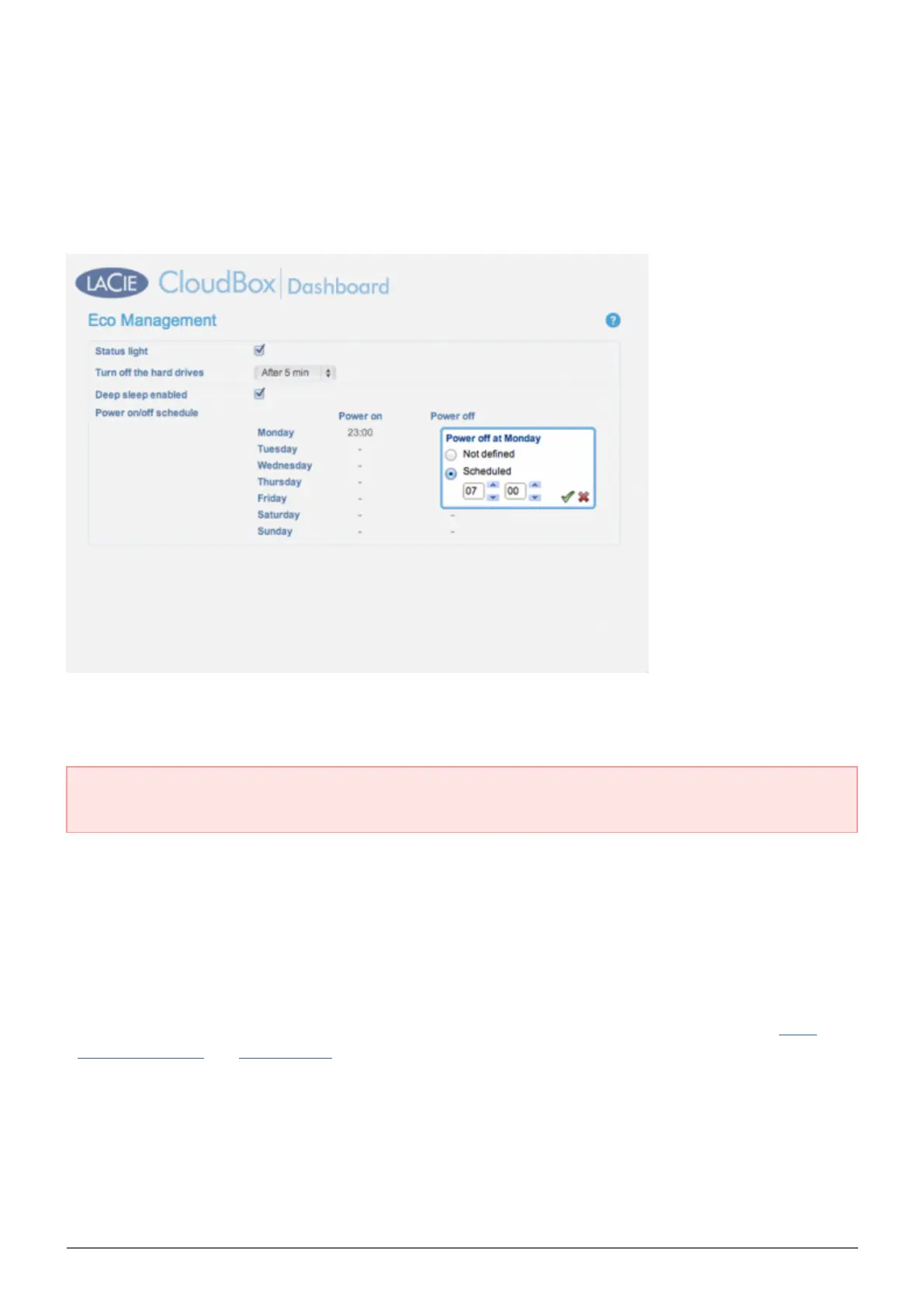
Set the drive to enter deep sleep mode at a certain time to save energy. Click the ”-” symbol in the Power on
and Power off columns to enter the time for each day of the week.
Power on: The device wakes from deep sleep mode.
Power off: The device enters deep sleep mode.
Important info: When deep sleep mode is activated, all processes, including downloads and backups, will
be terminated.
Wake from Deep Sleep Mode
Wake the drive from deep sleep mode:
The CloudBox will wake at its set time if you have scheduled deep sleep mode.
■
Press the power button on the back of the device for three seconds.
■
Use the Wake on LAN feature available in the network software utility LaCie Network Assistant. See LaCie
■
Network Assistant and Wake on LAN for further details.















 To Next Page