CloudBox User Manual 121
5.J REVIEW THE DASHBOARD SUPPORT SETTINGS
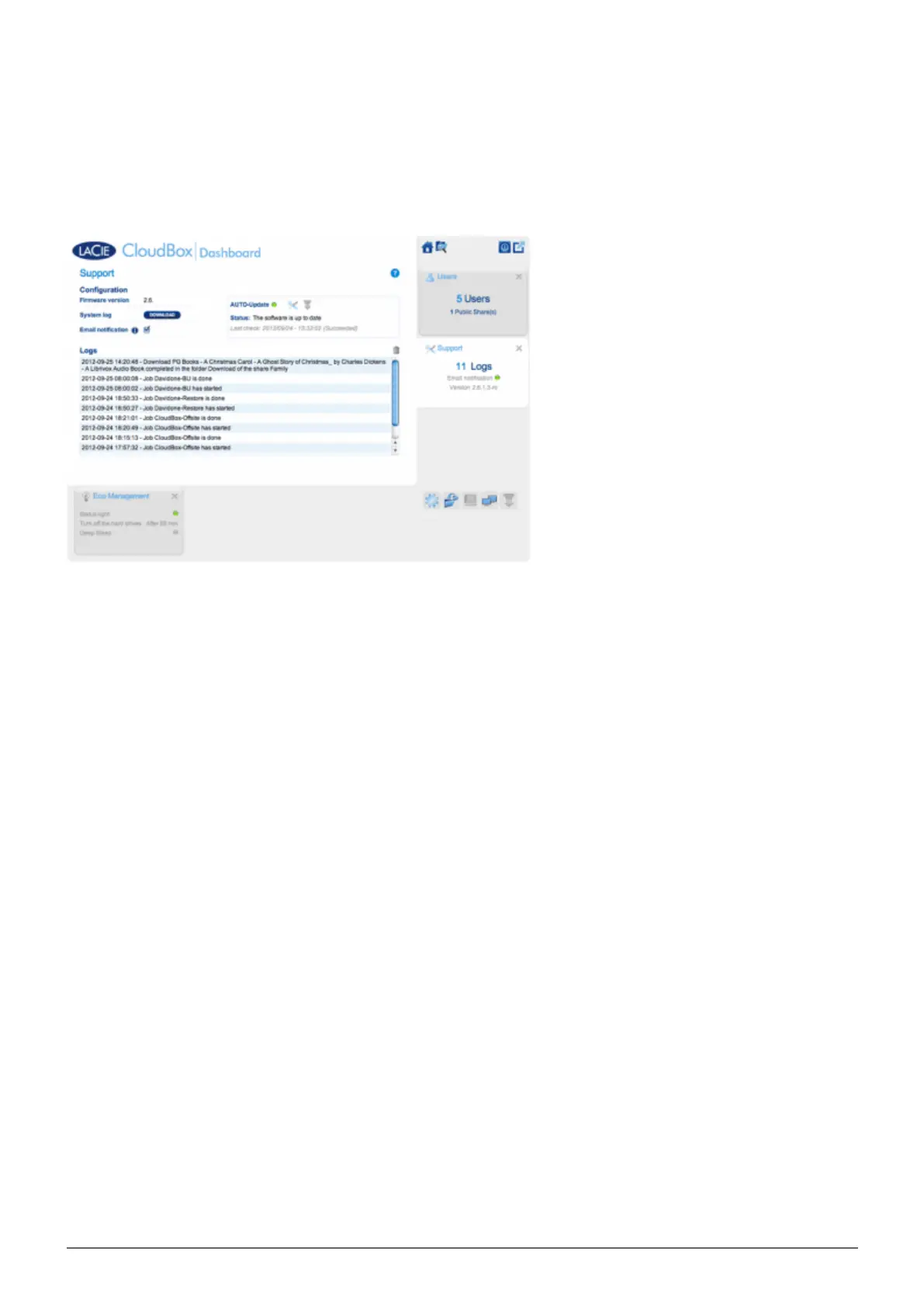
Go to the Support page to update your CloudBox firmware or download System logs when working with LaCie
Customer Support.
CONFIGURATION
Firmware Version: Your CloudBox runs on the LaCie NAS Operating System (LaCie NAS OS). The version of
■
LaCie NAS OS is listed here.
System log: Click the Download button to save the system log to your computer.
■
Email notification: By default, the checkbox is selected. Note that an SMTP server must be defined on the
■
Network page and the administrator must have added an email address on the Users page.















 To Next Page