CloudBox User Manual 116
DOWNLOAD FILES
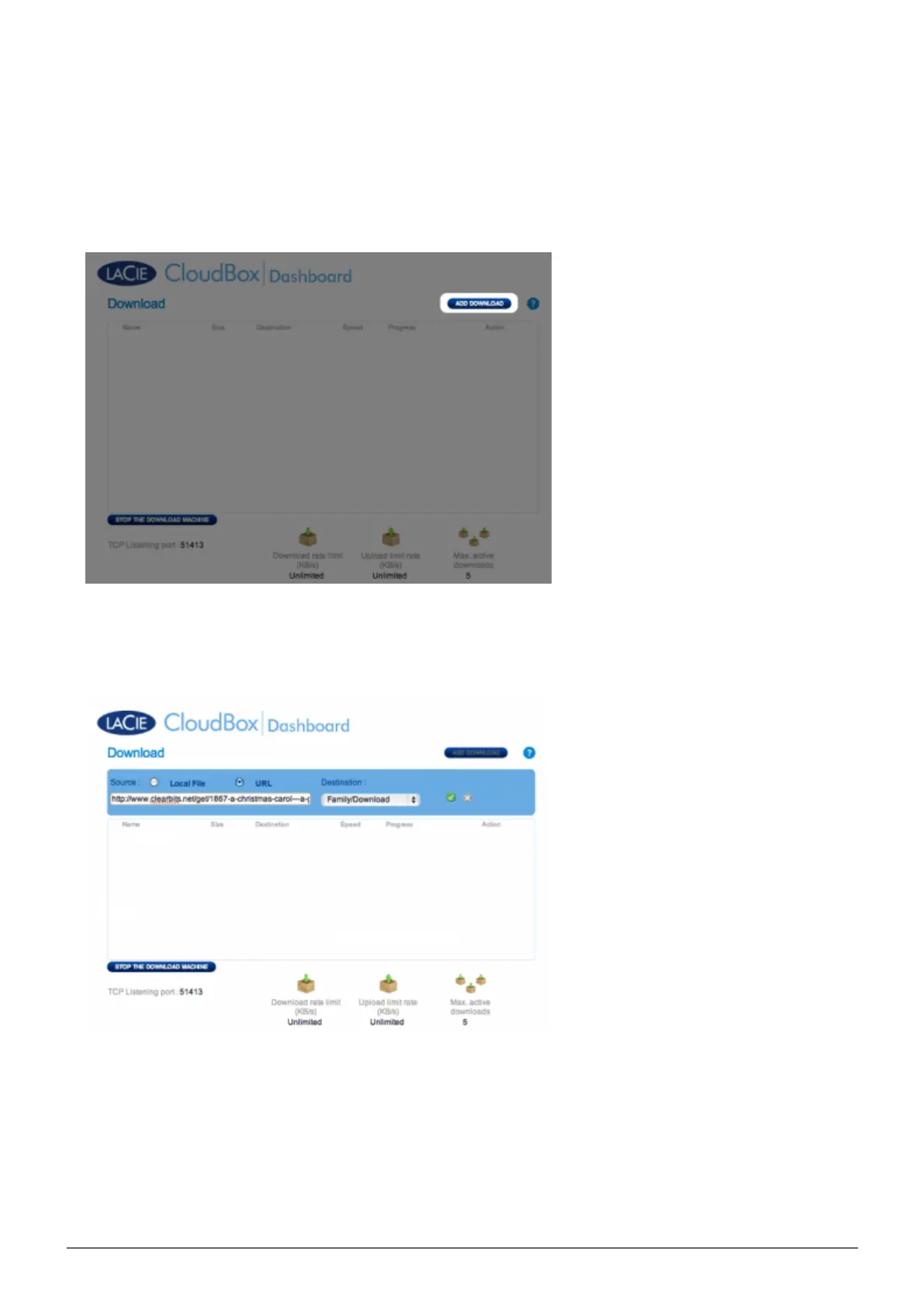
Once the download machine has been started, follow the steps below to automate one or more downloads:
Click Add Download.1.
Choose the torrent source: Local File (computer or connected hard drive) or URL (internet web address).2.
Choose the destination folder on the LaCie CloudBox: the Family folder or the administrator/user folder. A3.
sub-folder called Download will be automatically created to contain the torrent file(s). Click the green check
mark to begin.
It may take a few minutes to start the download.4.















 To Next Page