CloudBox User Manual 118
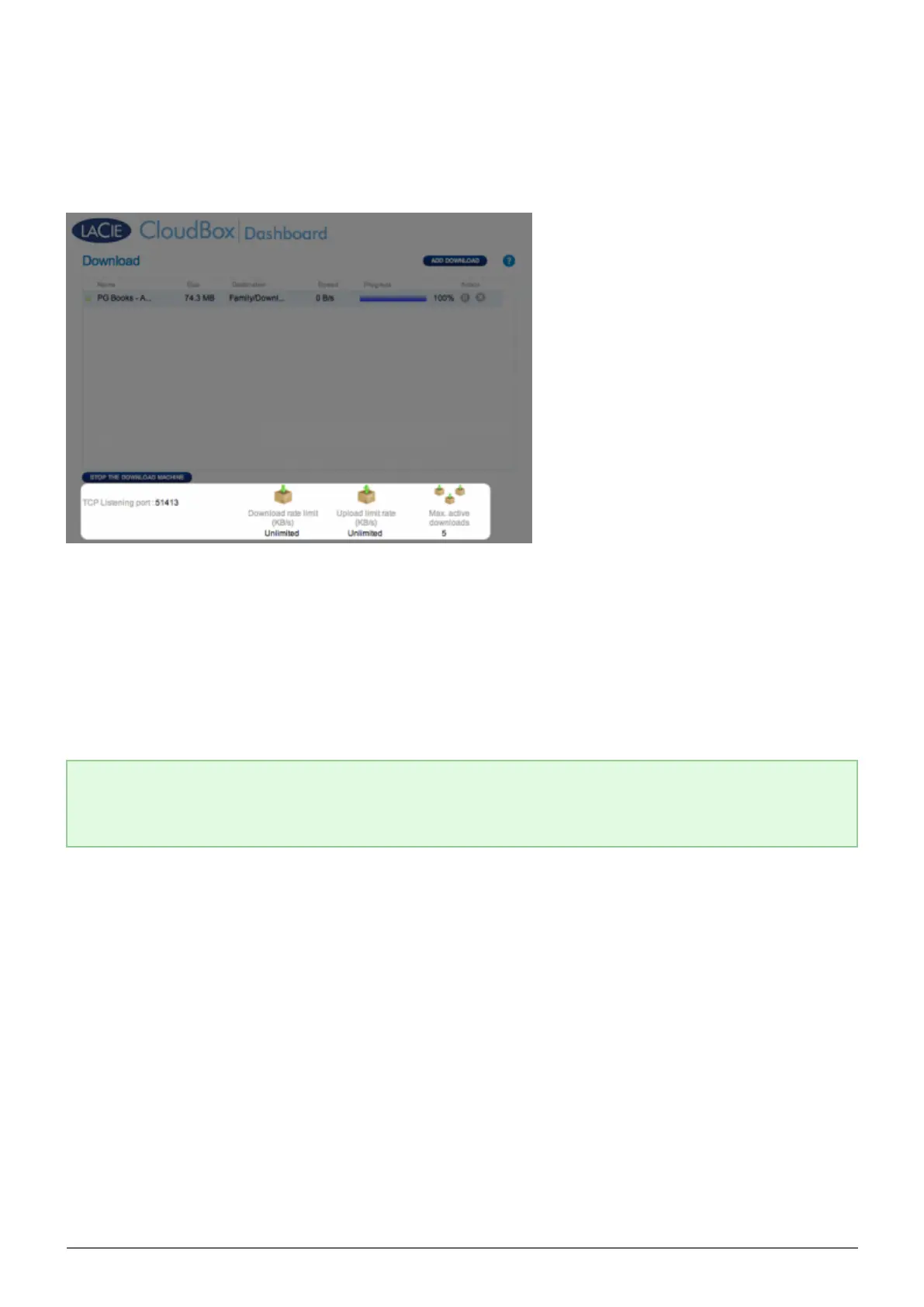
Download Page Settings
TCP Listening port: Click on the number to choose a router port through which the torrent service will
■
operate. Use the port number available within your router's management software. Review the documentation
for your router for instructions.
Download rate limit: Click Unlimited or the listed number to type a maximum download speed.
■
Upload limit rate: Click Unlimited or the listed number to type a maximum download speed.
■
Max. active downloads: Click the number to limit the number of torrents that can download/upload
■
simultaneously. Type zero for no limit.
Technical note: Because downloading torrent files uses bandwidth and system resources, multiple
simultaneous downloads can impact your LaCie network storage performance. Further, even after a
download has completed it may still be active, which will continue to use system resources.















 To Next Page