CloudBox User Manual 147
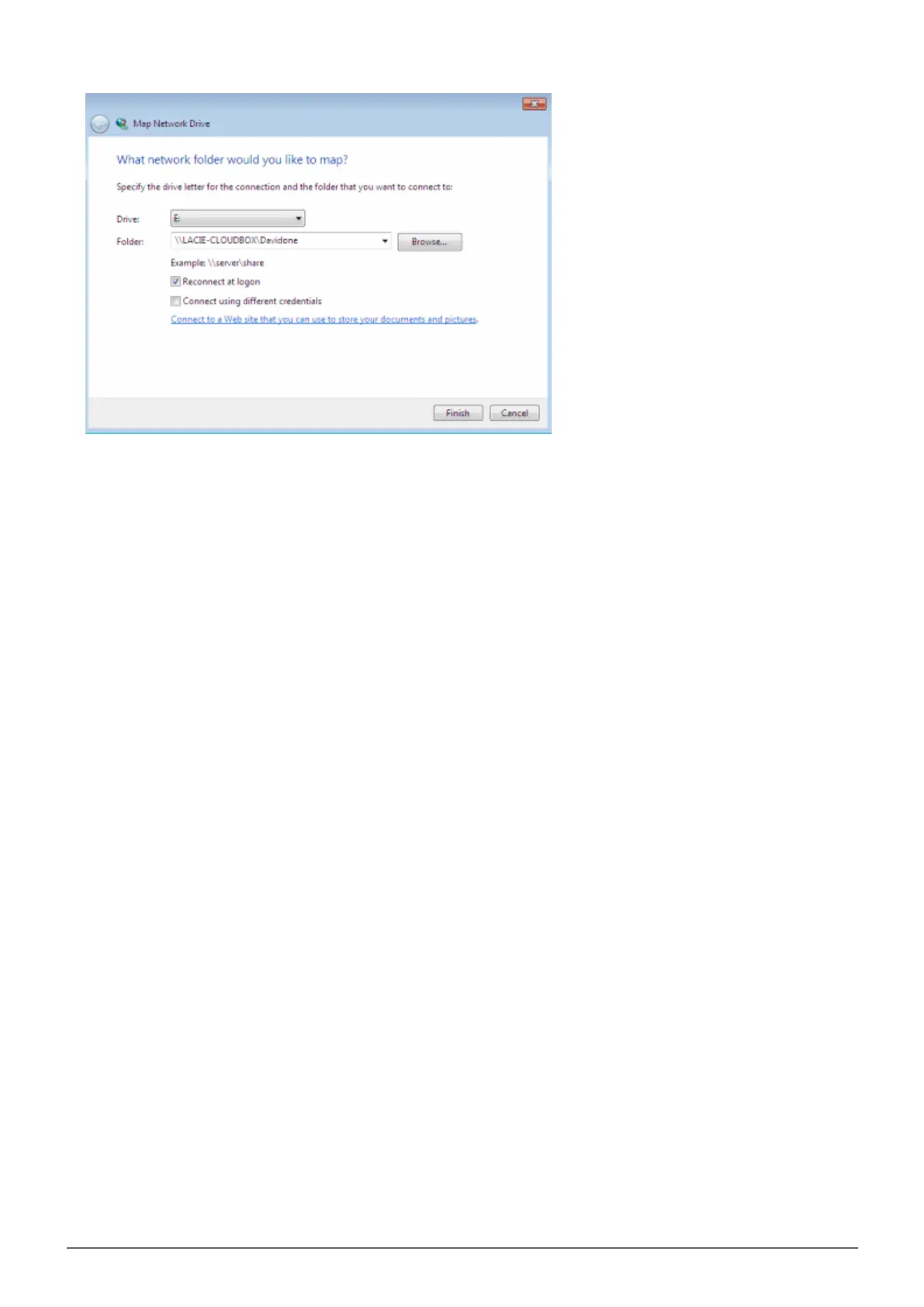
a. Choose a free letter from the Drive pulldown menu.
■
b. Browse the network for the share you wish to mount
■
c. Keeping the box next to Reconnect at logon will mount the folder each time you boot your computer.
■
This will allow anyone who uses the PC to access the folder, even if it is a personal folder.
Repeat the steps for other shares.3.















 To Next Page