CloudBox User Manual 107
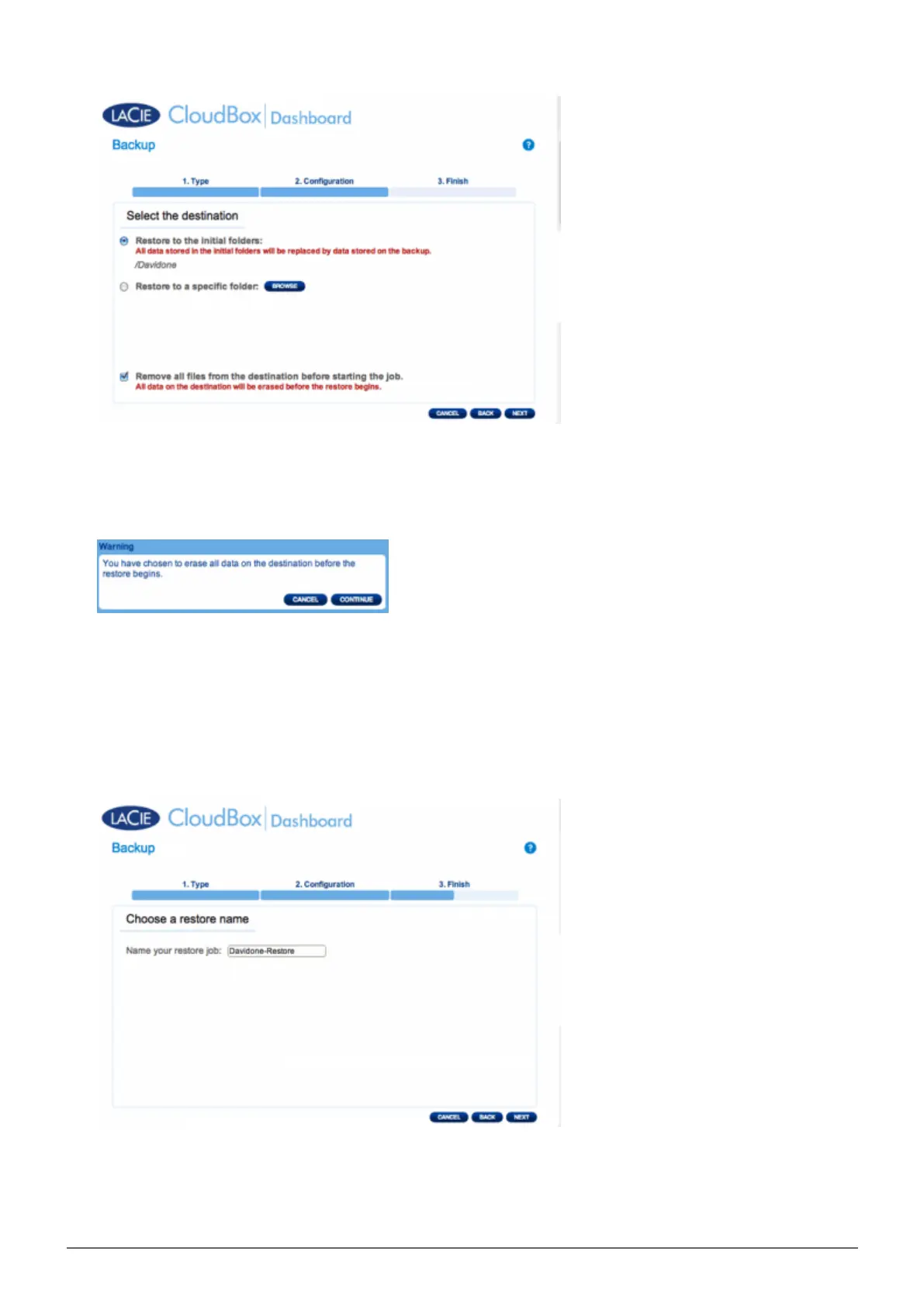
Restore to the initial location of the data, which will save over the source folder. This gives priority to the
■
backup and will replace it with all the data from the backup. All changes since the date of the backup
will be lost.
If you want to restore the backup to a specific folder, click this option to BROWSE for the destination. Click
■
APPLY.
To free disk space, you can choose to clear the source before the job starts. By checking the box in this
■
step, all data will be erased in the source directory. Before continuing to the next step, a prompt will ask
you to acknowledge that all data will be erased in the source before the restore begins.
Name the restore job, then click NEXT.8.
Review the summary for the restore job then click FINISH to add the job.9.















 To Next Page