CloudBox User Manual 129
Failed Connection
If you receive an error that your LaCie CloudBox is unable to connect to the internet, you may need to:
Configure port forwarding on your router.
■
Confirm that you are not using a proxy server to connect to the internet since it can interfere with LaCie
■
MyNAS. Please note that most home users do not require a proxy server.
If the issue is related to your home network, use the router's administration page to forward a port for LaCie
MyNAS. By default, LaCie MyNAS uses port 8080 to access the internet but you can choose a port that suits your
network. Refer to your router's documentation for details.
Once you have opened the port on your router, follow the directions below:
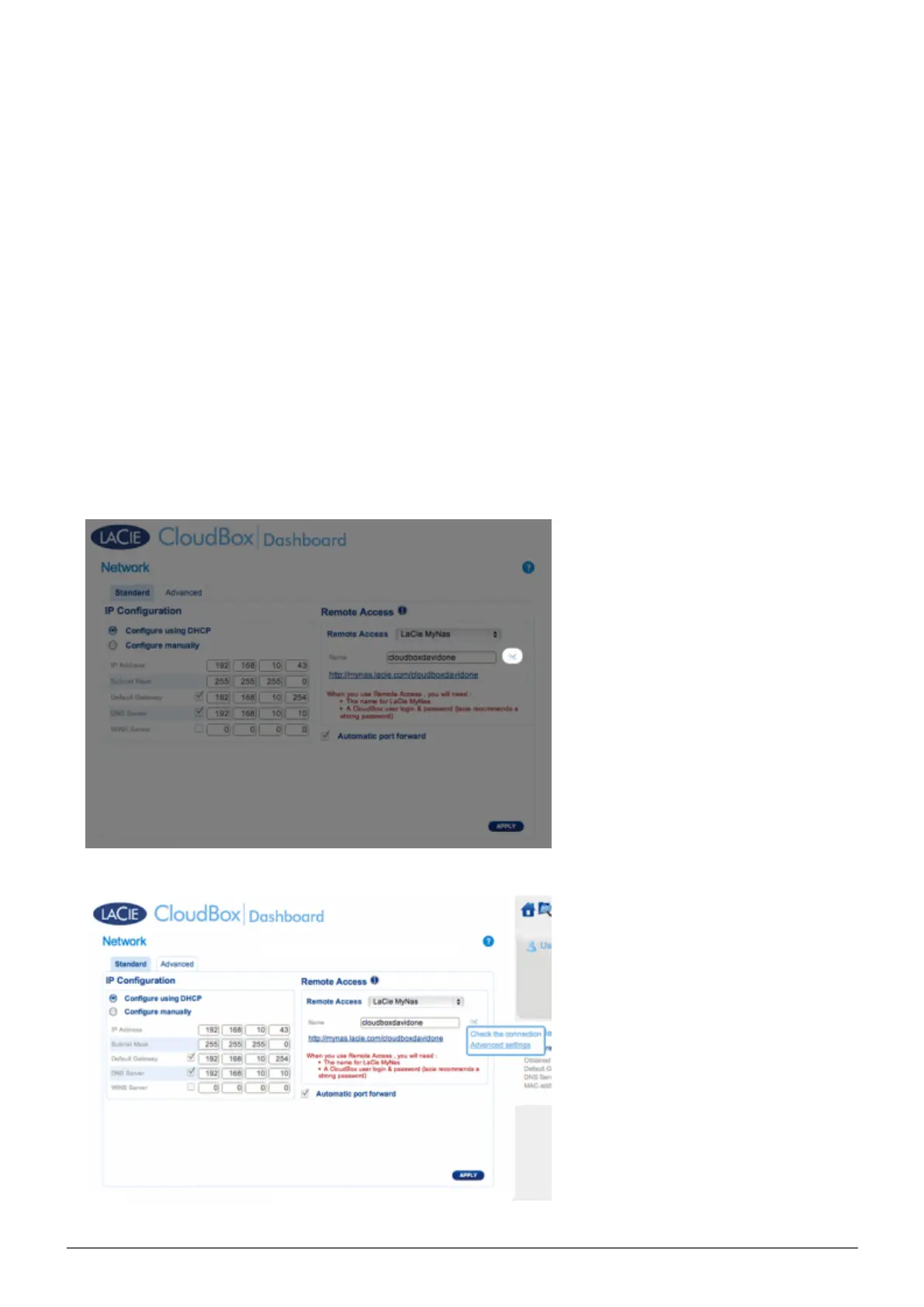
Navigate to the Dashboard > Network page.1.
Next to the Name field, click on the configuration icon, then select Advanced settings. (If you do not see2.
the configuration icon next to the Name field, first type a name and then click Apply, and the icon will
appear.)















 To Next Page