CloudBox User Manual 141
FIND YOUR LACIE CLOUDBOX IP ADDRESS
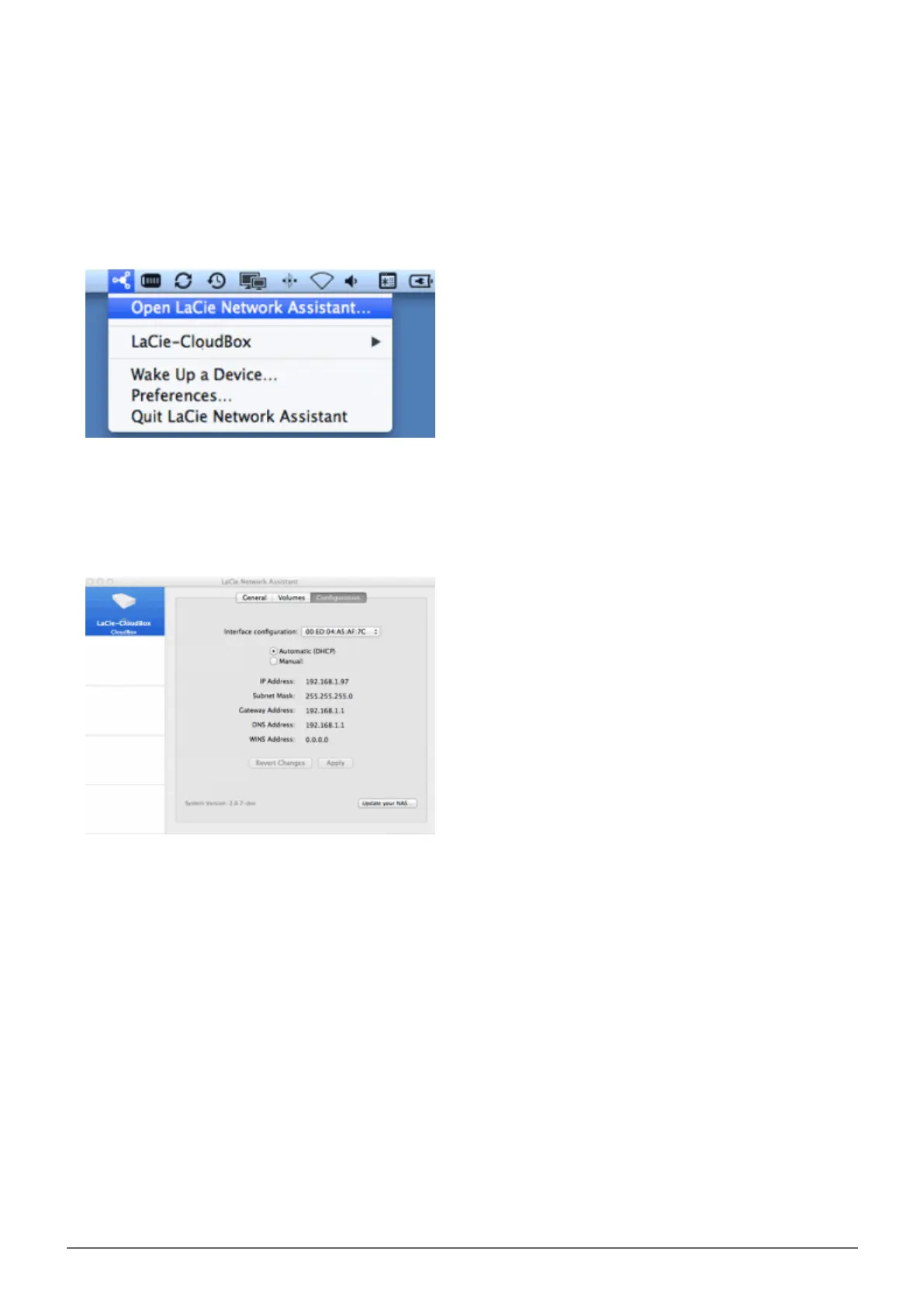
Launch LaCie Network Assistant.1.
Windows Users: Click on the LaCie Network Assistant icon to select Open LaCie Network Assistant. Mac2.
Users: Click on the LaCie Network Assistant icon in the menu bar to select Open LaCie Network
Assistant…
If you have more than one LaCie network device, select the LaCie CloudBox from the list of devices in the3.
left-hand column.
Click the Configuration tab.4.
Review the LaCie CloudBox:5.
IP address
■
MAC address (hardware ID)
■
Version of software
■















 To Next Page