CloudBox User Manual 151
7.A RESET THE LACIE CLOUDBOX TO FACTORY
SETTINGS
Important info: Once the reset is complete, all data will be saved in a new folder called Recovery:
LaCie-CloudBox > Family > Recovery.
Read the directions below before performing the reset:
Make certain that the LaCie CloudBox is on and that no one is accessing it.1.
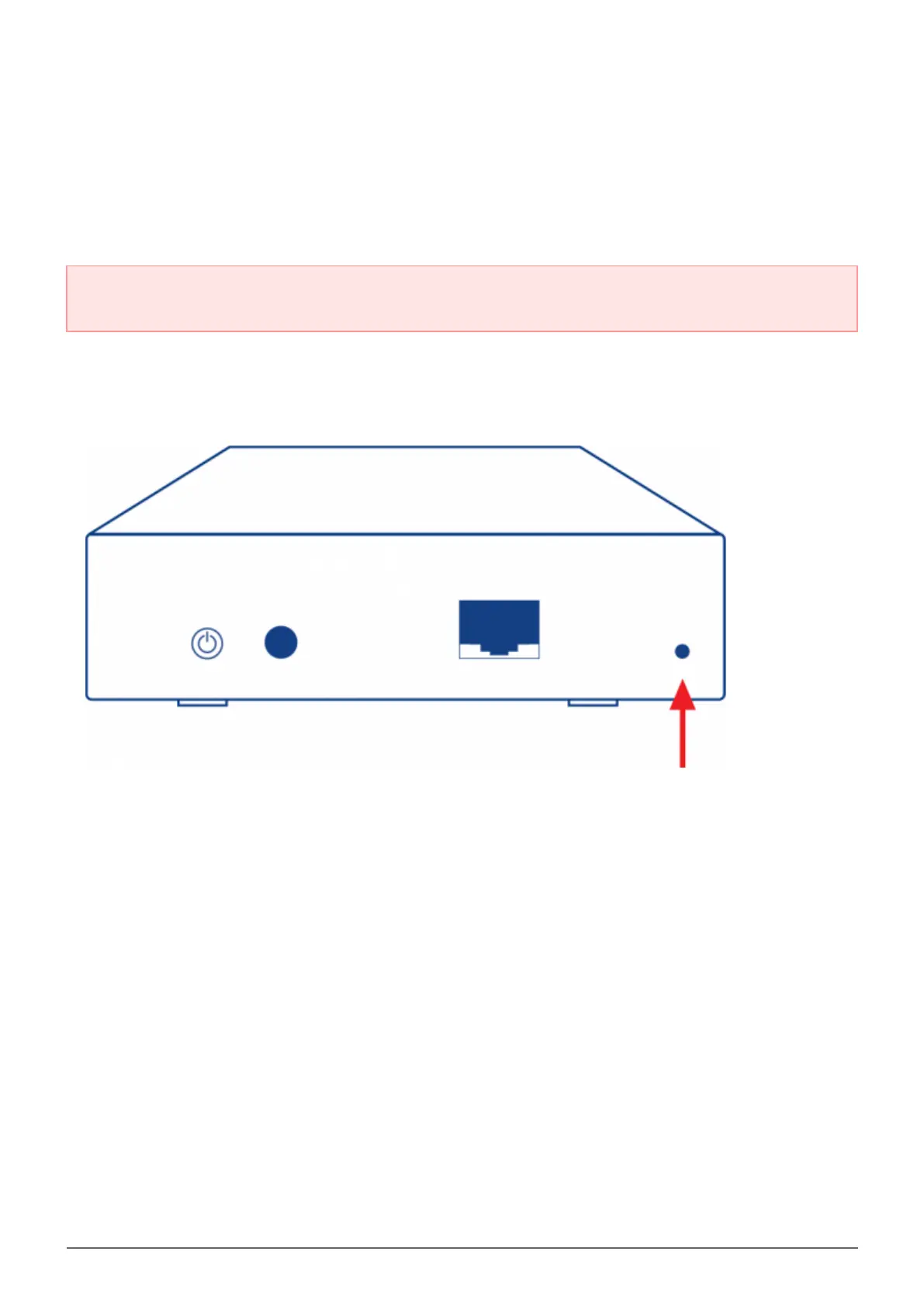
Locate the reset button on the back of the LaCie CloudBox.2.
Insert a small, pointed object (e.g. a paper clip) into the shallow recess for the reset button. When you feel3.
resistance, continue to push for five seconds.
The reset has begun once the front LED blinks blue and red. Please be patient as it may take up to 104.
minutes.
The CloudBox LED will return to steady blue once the reset is complete.5.















 To Next Page