CloudBox User Manual 27
4.D USERS: ADD USERS
The administrator of the LaCie CloudBox can add users to the LaCie CloudBox. Each new user will have access
to the following two folders:
Family
■
Personal
■
Relatives and friends outside the home can also access folders on the LaCie CloudBox. See Share Large Files for
further information.
ADD A USER IN THE DASHBOARD (ADMINISTRATOR ONLY)
Only the administrator can perform the actions listed below. See Review the Dashboard User Settings for further
information.
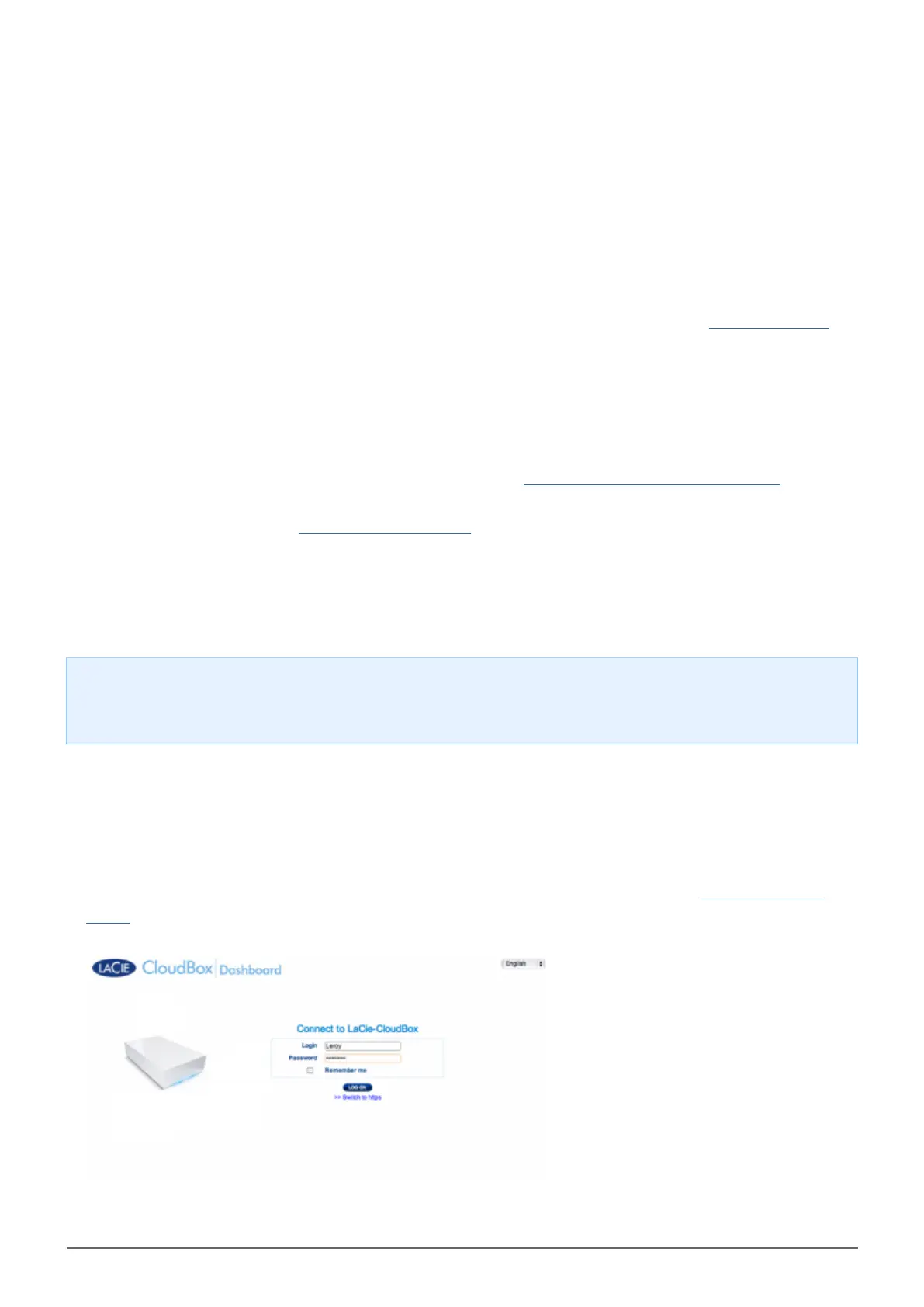
Log on to the Dashboard. See Create a Personal Folder for details.1.
Click on Users.2.
Click on Add User.3.
Enter the user name, password, and email address (optional). Click on the green check mark to add the user.4.
Provide the user name and password to the member of the household you have added to the CloudBox.5.
Helpful Tip: The administrator should pay attention to the amount of files that users are copying to the
LaCie CloudBox. While it is very helpful to have up to 10 users, the total amount of storage space can be
filled quickly if many users add files to the LaCie CloudBox.
A User wants to change the assigned password
A user can change the password assigned by administrator.
The user logs on to the Dashboard with his/her assigned user name and password. See Create a Personal1.
Folder for details.















 To Next Page