CloudBox User Manual 37
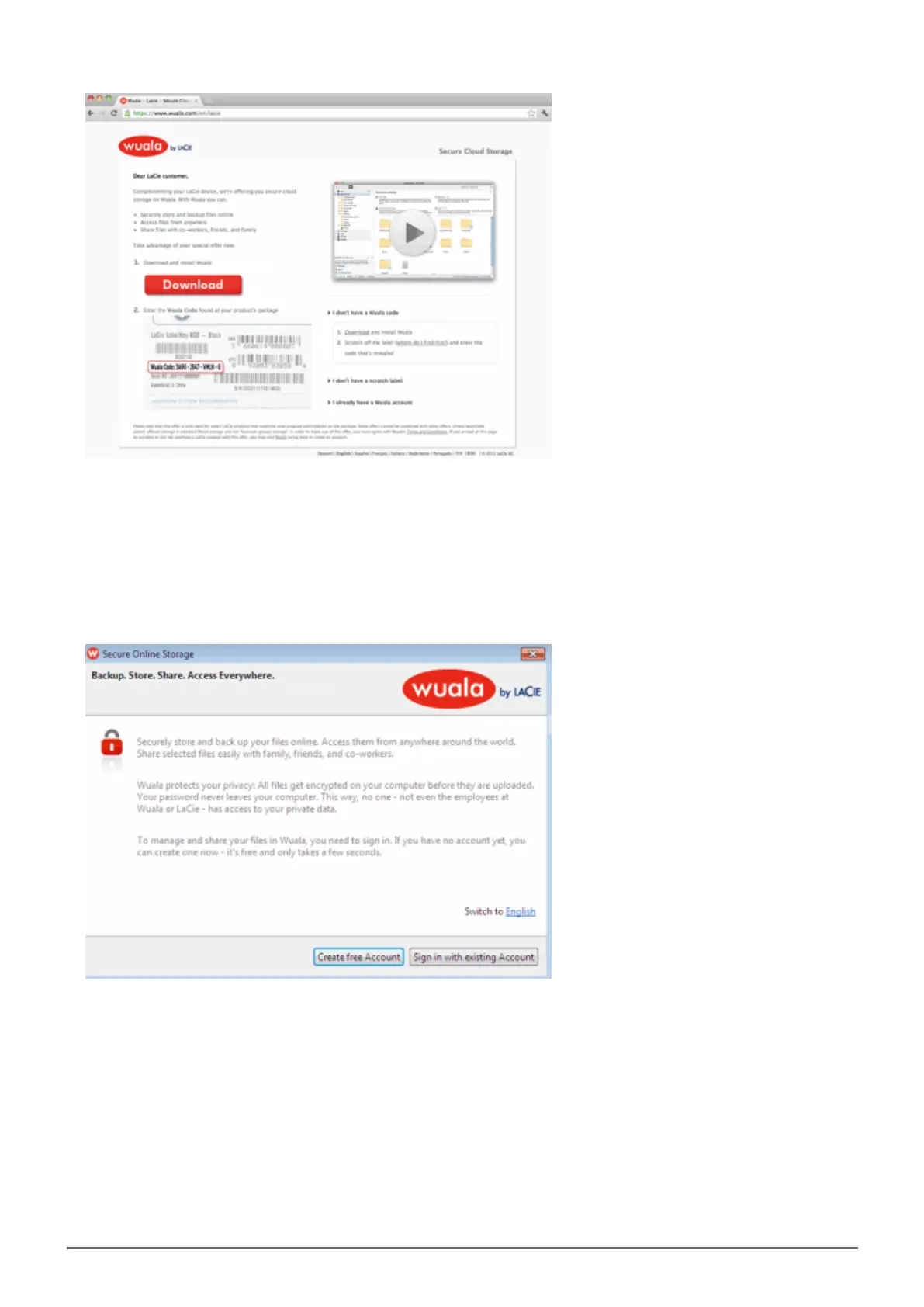
Launch the installer and follow the directions to completion. You may need to restart your computer. Note:2.
Wuala will be optimized when you install the recommended additional programs (Windows: Wuala CBFS and
Mac: OSXFUSE).
Launch Wuala. Windows: Start > All Programs > Wuala and Mac: Go > Applications > Wuala.3.
Select Create free Account.4.
Complete all the fields. To take advantage of an additional 10GB of cloud storage, make certain to enter the5.
serial number for your LaCie CloudBox in the field Wuala Codes before clicking on Create Account. The
serial number has 17 alphanumeric characters and may be found on the bottom of your LaCie CloudBox.















 To Next Page