CloudBox User Manual 62
4.R CLOUD: CONFIGURE A WUALA BACKUP/SYNC
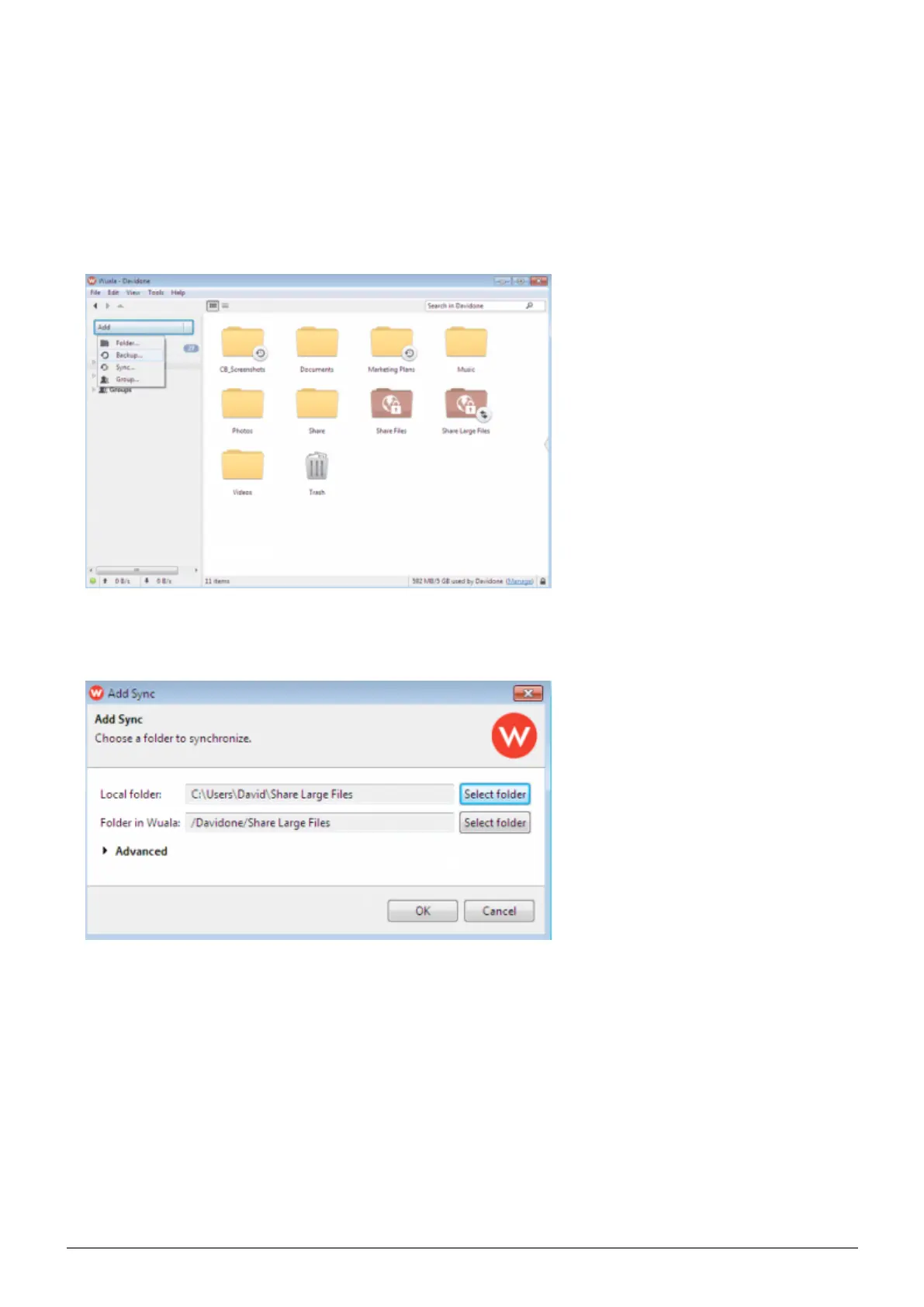
Log onto your Wuala account.1.
Go to Add > Backup…2.
Browse your computer for the folder you wish to backup/sync.3.
The time to upload the folder to Wuala depends upon the amount of files it contains. A green progress bar4.
runs vertically next to the folder to let you know when the upload is finished. It is very important that you do
not quit Wuala before the upload is complete. See the table below for average upload times.















 To Next Page