CloudBox User Manual 68
5. MANAGE YOUR LACIE CLOUDBOX WITH THE
DASHBOARD
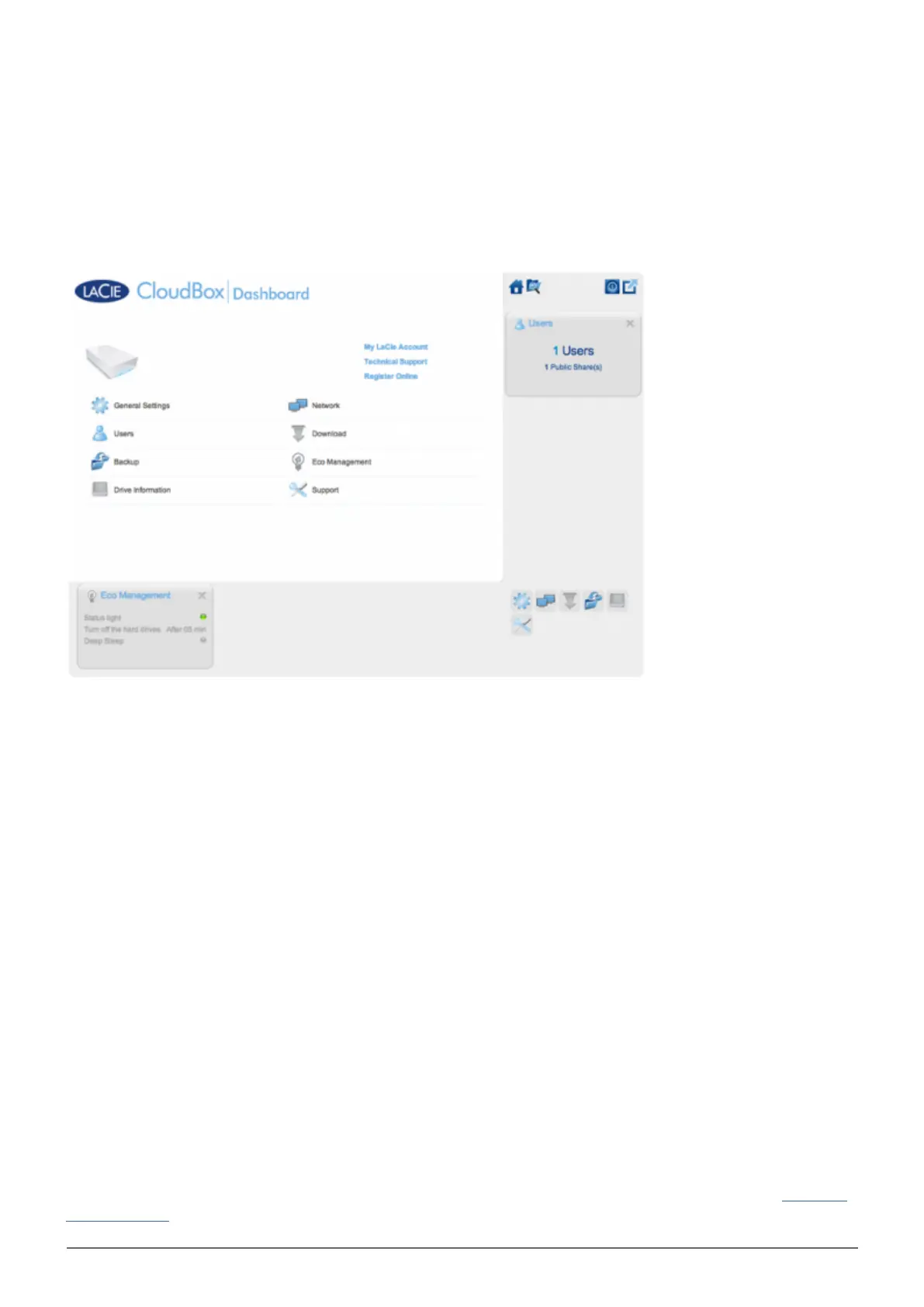
The Dashboard is the management tool for your LaCie CloudBox. In addition to simple management tasks such
as changing the device name and setting the time zone, the Dashboard can help you:
Optimize energy conservation
■
Automate torrent file downloads
■
Adjust network settings for remote access
■
Configure offsite backups to another LaCie CloudBox or LaCie network drive
■
DO I NEED TO USE THE LACIE CLOUDBOX DASHBOARD?
Unlike many network attached storage (NAS), it is not mandatory to run a device management tool for your
LaCie CloudBox. Essential applications such as centralizing data and sharing files are available as soon as the
LaCie CloudBox is connected. Of course, LaCie encourages users who wish to learn more about their LaCie
CloudBox to check out the Dashboard.
WHO MANAGES THE LACIE CLOUDBOX?
Since the Dashboard is a management tool, the administrator of your LaCie CloudBox is the only person who
can adjust its settings. The administrator is the first person to log on to the CloudBox Dashboard (see Log on to
the Dashboard).















 To Next Page