CloudBox User Manual 72
Note: Any CloudBox user can log in to the Dashboard but only the administrator has the right to revise the
device settings.
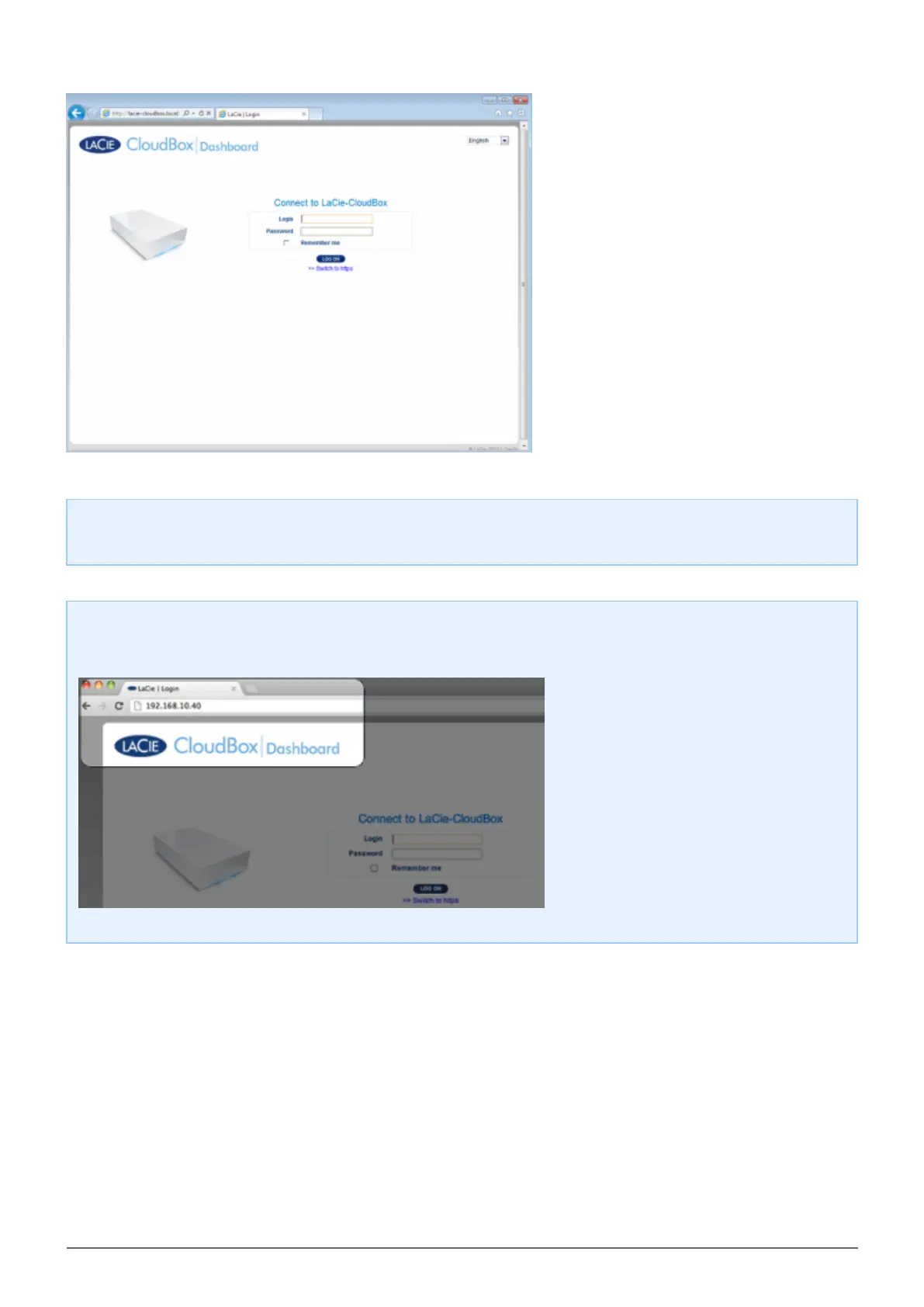
Login Tip: If you know the IP address for the LaCie CloudBox, you may enter it into the browser address
field instead of the name. For example, http://[IP-address].
Log on to the Dashboard - More than one LaCie CloudBox
If you purchased more than one LaCie CloudBox, the default login names to type into the browser address bar
will change:
Two LaCie CloudBox: LaCie-CloudBox and LaCie-CloudB-1
■
Three LaCie CloudBox: LaCie-CloudBox, LaCie-CloudB-1, and LaCie-CloudB-2
■
Four LaCie CloudBox: LaCie-CloudBox, LaCie-CloudB-1, LaCie-CloudB-2, and LaCie-CloudB-3
■
When typing the names in the internet address bar:
http://lacie-cloudb-1 (Windows XP) or http://lacie-cloudb-1.local (Windows Vista/7/8 and Mac).
■















 To Next Page