CloudBox User Manual 77
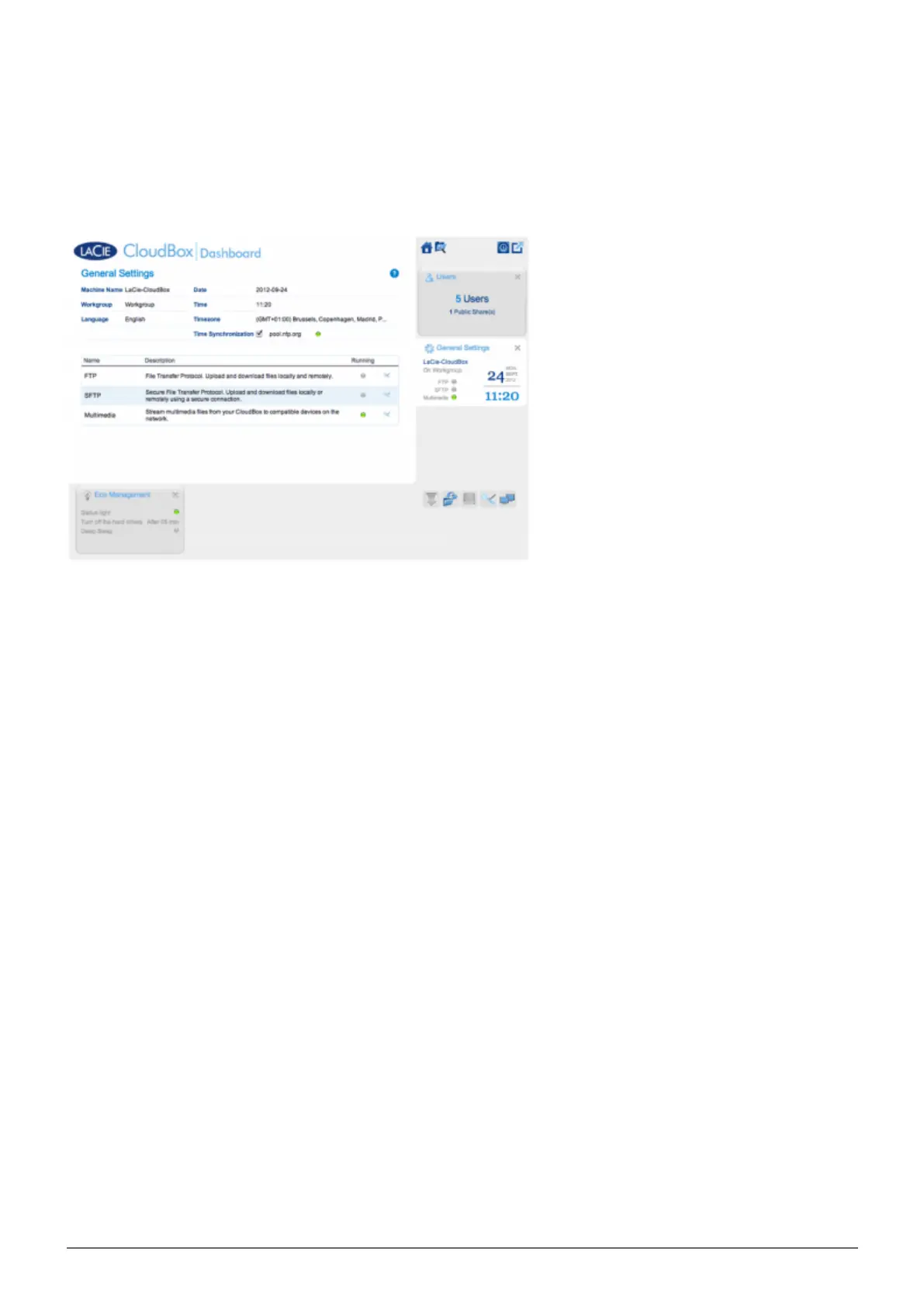
5.C REVIEW THE DASHBOARD GENERAL SETTINGS
SETTINGS
Machine Name: The machine name identifies your LaCie storage device on your network. You can change it
■
from the default by clicking on the text and typing a new one. Keep in mind that the machine name: is limited
to 15 characters; is case-sensitive; and can consist only of alphanumeric characters without spaces or symbols.
Workgroup: Click on the text, then type a Windows workgroup name (1 to 15 alphanumeric characters).
■
Language: Click on the text to change the Dashboard language.
■
Date: The date and time are set automatically if you assign an NTP server (see Time Synchronization below).
■
If not, click the text and select a day from the calendar.
Time: If the time is not set by the NTP server (see Time Synchronization below), click the text and select the
■
proper time.
Timezone: Select your timezone from the drop down window.
■
Time Synchronization: This option allows your network storage to sync the time and date with an online NTP
■
(network time protocol) server. Setting the time automatically will avoid the need to adjust the time settings
for daylight savings.















 To Next Page