CloudBox User Manual 82
FAMILY FOLDER - PUBLIC SHARE
The Family folder is a Public Share since it is available to everyone who uses the LaCie CloudBox in the home.
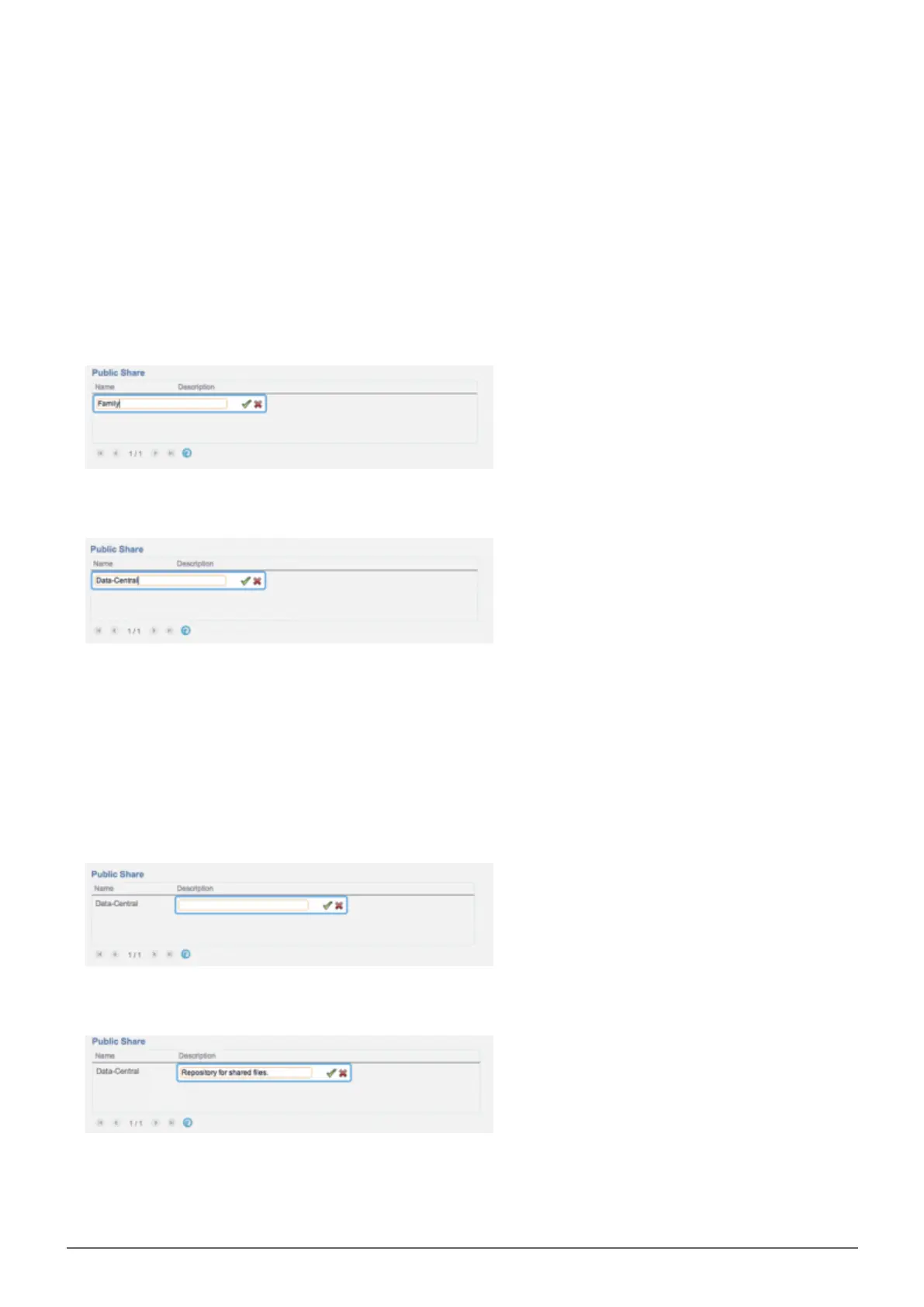
Change the name of the Family folder
Click once on Family.1.
Type the new name.2.
Click on the green check mark.3.
Add a description to the public share
Click on the white space below Description.1.
Enter text for your description.2.
Click on the green check mark.3.















 To Next Page