CloudBox User Manual 98
Remote Backup: Offsite
Set up
Please review the list of prerequisites for an offsite backup before following the instructions:
The Destination NAS is connected to an offsite network and powered on.
■
You must have the public IP address for the Destination NAS. The public IP address has been assigned to
■
your router by an internet service provider. You can find the public IP address by clicking here or by accessing
your router's management software. When searching for the public IP address, use a computer connected to
the same router as the Destination NAS. For further information, review the user manual for the offsite
network router or contact your internet service provider. An explanation of IP addressing is available at
http://en.wikipedia.org/wiki/IP_address.
Use your router's management software at the offsite location to open port numbers 22 and 873 to the
■
Destination NAS. (To learn how to open ports on your router, review the user manual for the offsite network
router or contact your internet service provider.)
Enable the NetBackup Share on the Destination NAS NetBackup Share.
■
Offsite Backup Setup
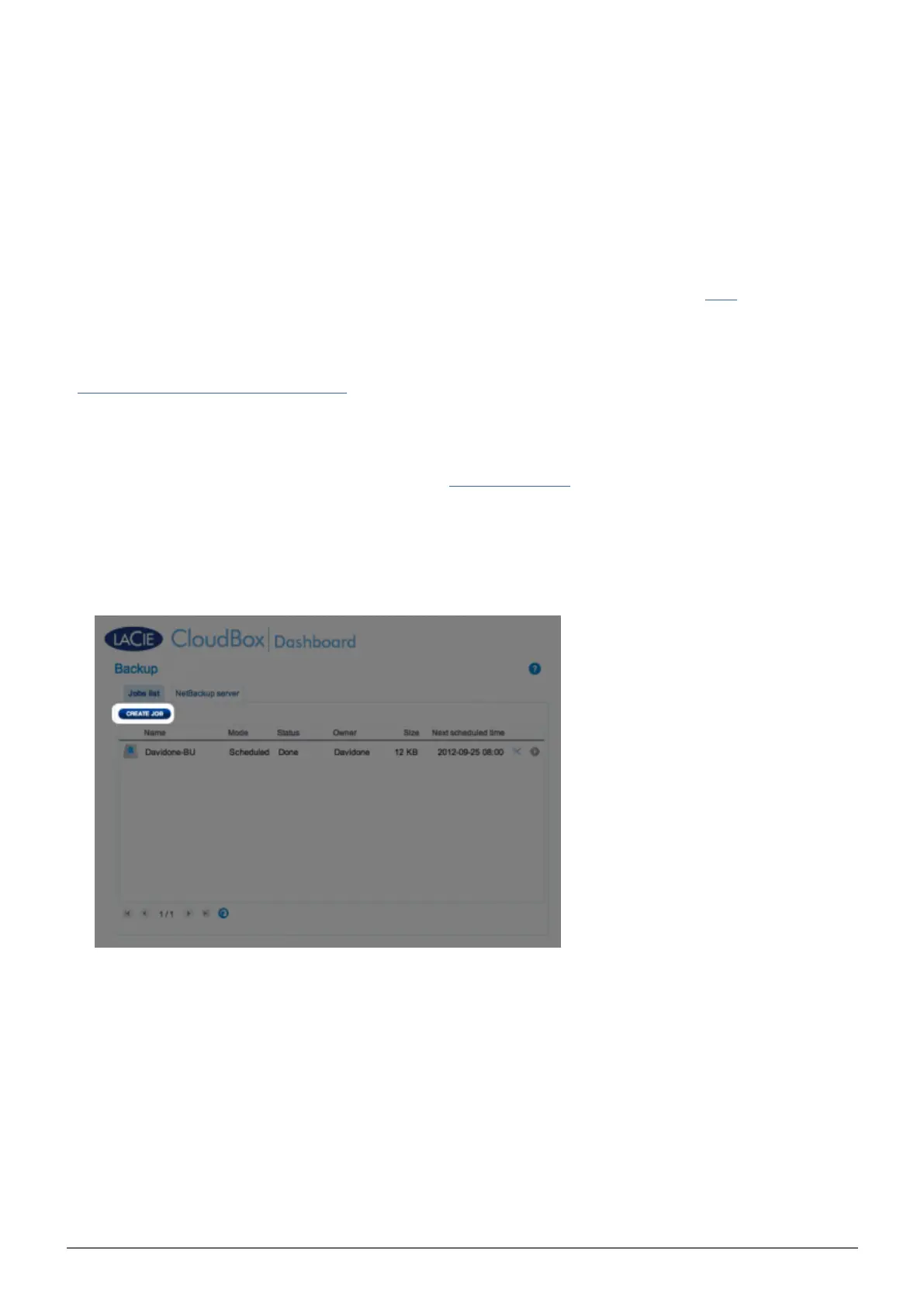
Go to your LaCie CloudBox Dashboard to select the Backup page.1.
Click the CREATE JOB button. to launch the Backup & Restore Wizard.2.
Select Remote Backup and click NEXT.3.















 To Next Page