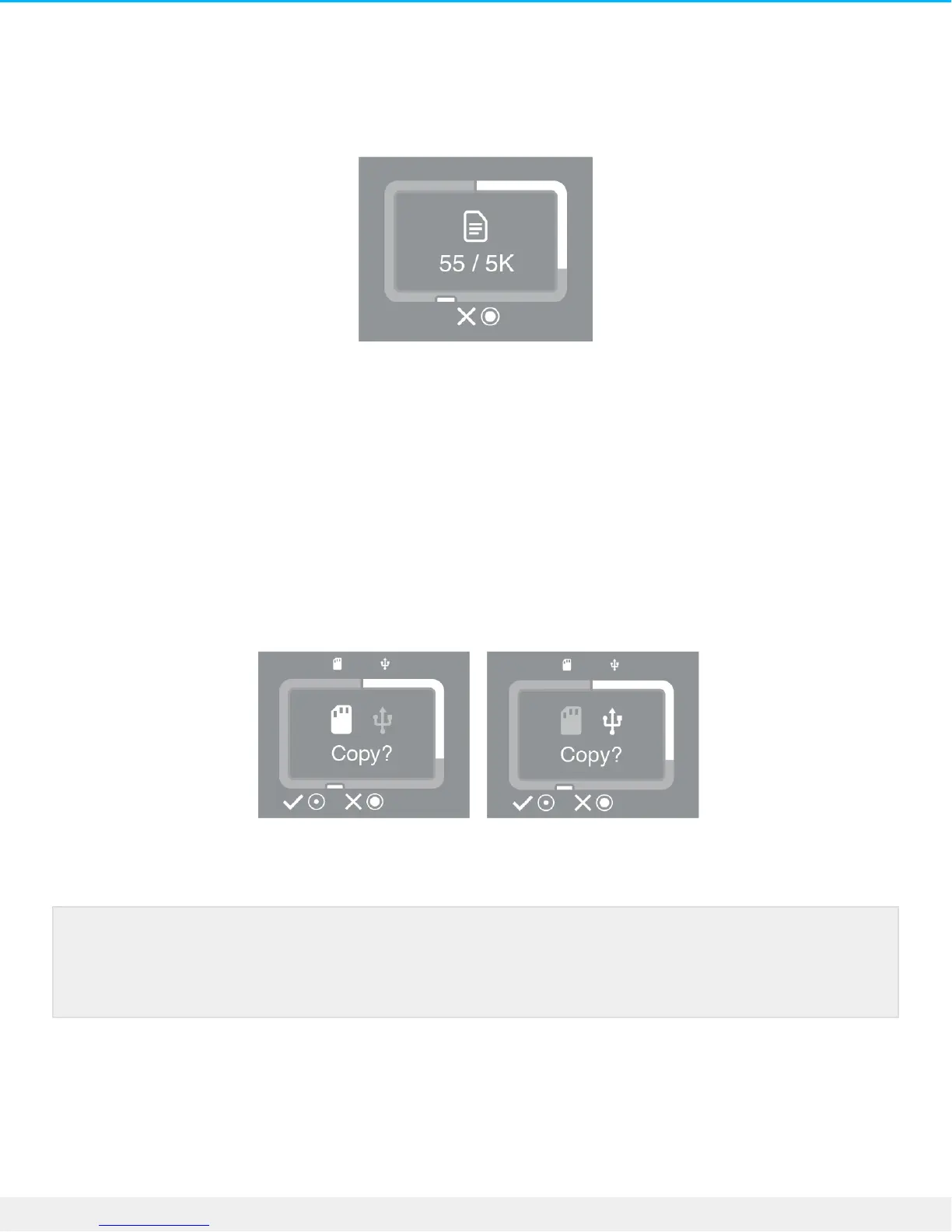
Canceling an Easy copy
The X icon on the LCD indicates that you can cancel an operation with the action button on DJI Copilot.
Press and hold the action button on DJI Copilot for 3 seconds to cancel a copy.
Queuing ports for Easy copy
If DJI Copilot scans the ports and detects both an SD card and a USB-connected device at the same time,
you can queue both ports for Easy copy.
1. Press the action button to confirm or cancel the Easy copy for the highlighted port. Use a short push (1
second) to confirm, or a long push (3 seconds) to cancel.
2. Confirm or cancel the Easy copy from the second port.
Easy copy data naming convenons
During an Easy copy, DJI Copilot creates folders using the following naming convention:
Ports can be queued when both an SD card and a USB-connected device are detected at the
same time. However, if DJI Copilot is currently performing an Easy copy and then discovers a
new card or device, it can’t create a queue.





 To Next Page