Connecons
The recommendations below provide details on connecting devices to DJI Copilot.
Mobile device port
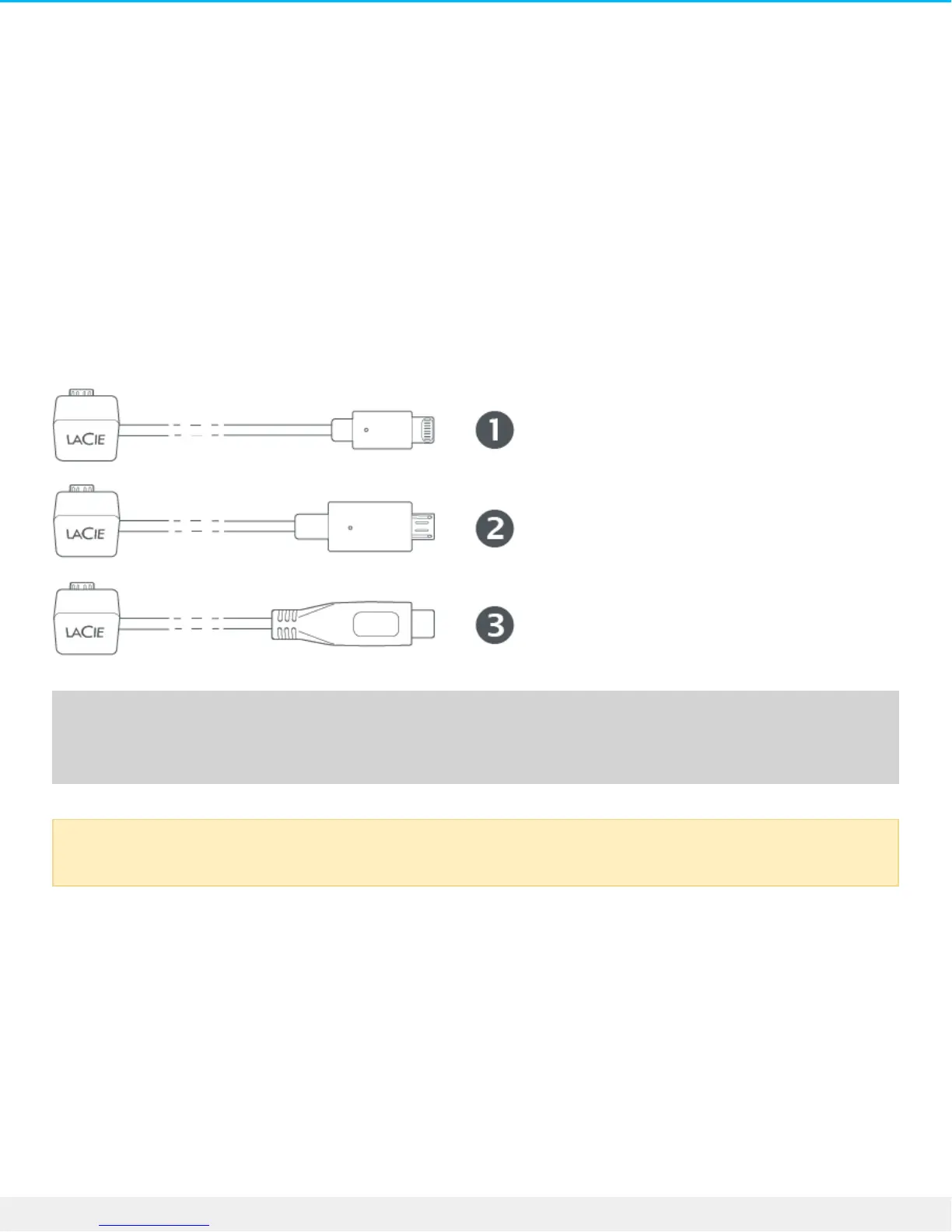
The mobile device port conforms to Micro-USB measurements. Use one of the three custom cables to
connect a mobile device to DJI Copilot.
1. Lightning: iOS devices
2. Micro-USB: Android devices with Micro-USB ports
3. USB-C: Android devices with USB-C ports
Secure Digital (SD) card port
Insert SD cards into the SD card slot. For microSD cards, use the included microSD to SD adapter.
Connections using third-party cables have not been tested and their stability cannot be assured.











 To Next Page