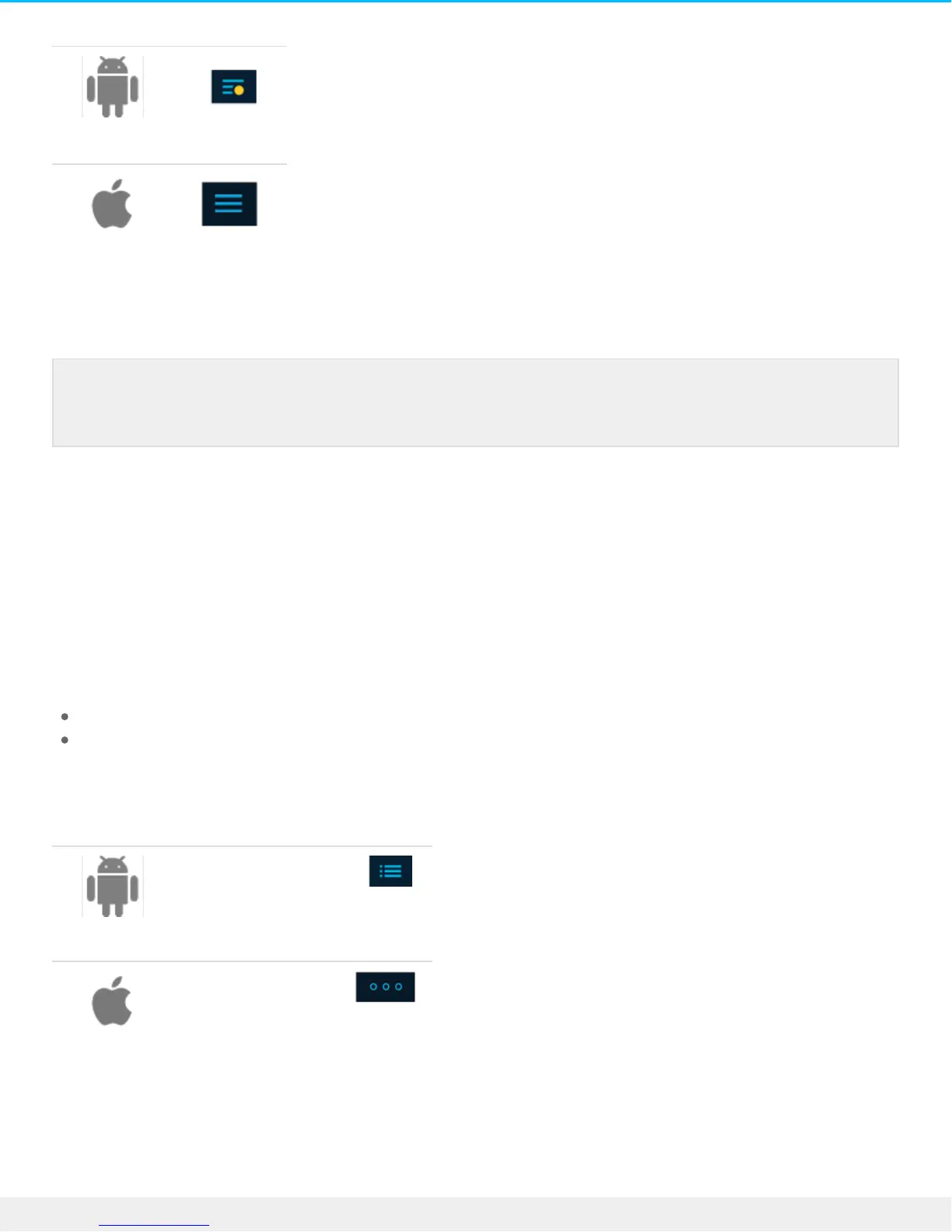
2. Tap to select a device.
Viewing folders and files
Browse folders and files by tapping on a folder to open it. Use the Back icon to navigate back to the previous
folder.
View opons
Use the view options to:
View files as a grid of thumbnails or as a list
Select the sorting order for folders and files
To select from view options:
Tap the View icon
Tap the View icon
You can also open the Navigation menu using a gesture to slide it out from the left side of the
screen.











 To Next Page