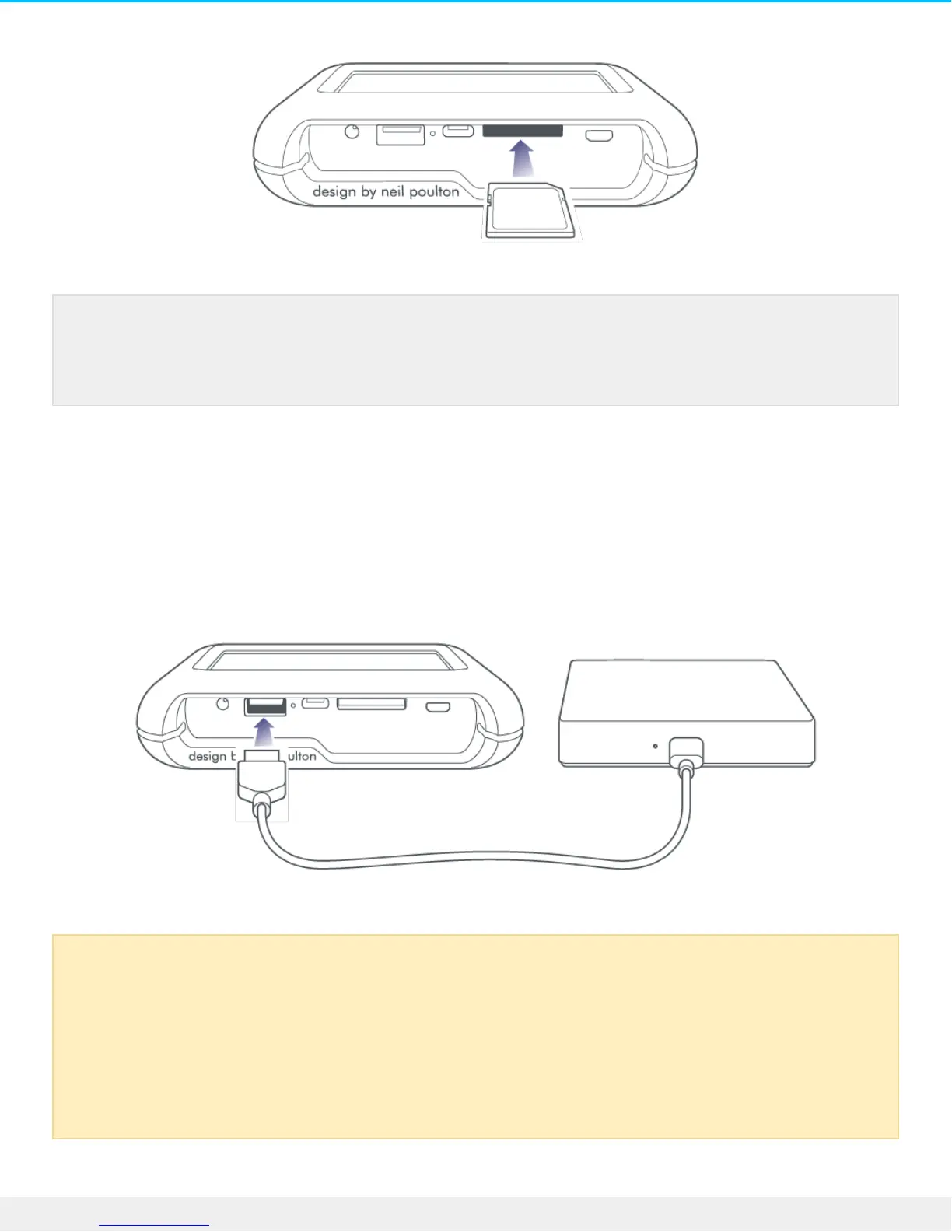
USB Type A port
The USB Type A port allows you to connect a wide range of external devices to DJI Copilot. Connect the
device to the Type A port on DJI Copilot using a USB cable recommended by the device manufacturer (not
included).
The included microSD to SD UHS-I adapter is compatible with both UHS-I and UHS-II microSD
cards. A UHS-II adapter may be required to achieve the highest data transfer performance when
copying from UHS-II microSD cards.
Powered devices and USB warning
When connecting powered devices such as desktop storage, drones, or cameras, confirm that
they are powered on before pushing DJI Copilot’s action button. If the device is powered off,
you may receive an error message on DJI Copilot’s LCD asking you to check the USB connection.
Some powered devices may not appear on the LCD when they are powered on, even if the
Copilot BOSS app recognizes the connection.











 To Next Page