Renaming folders and files
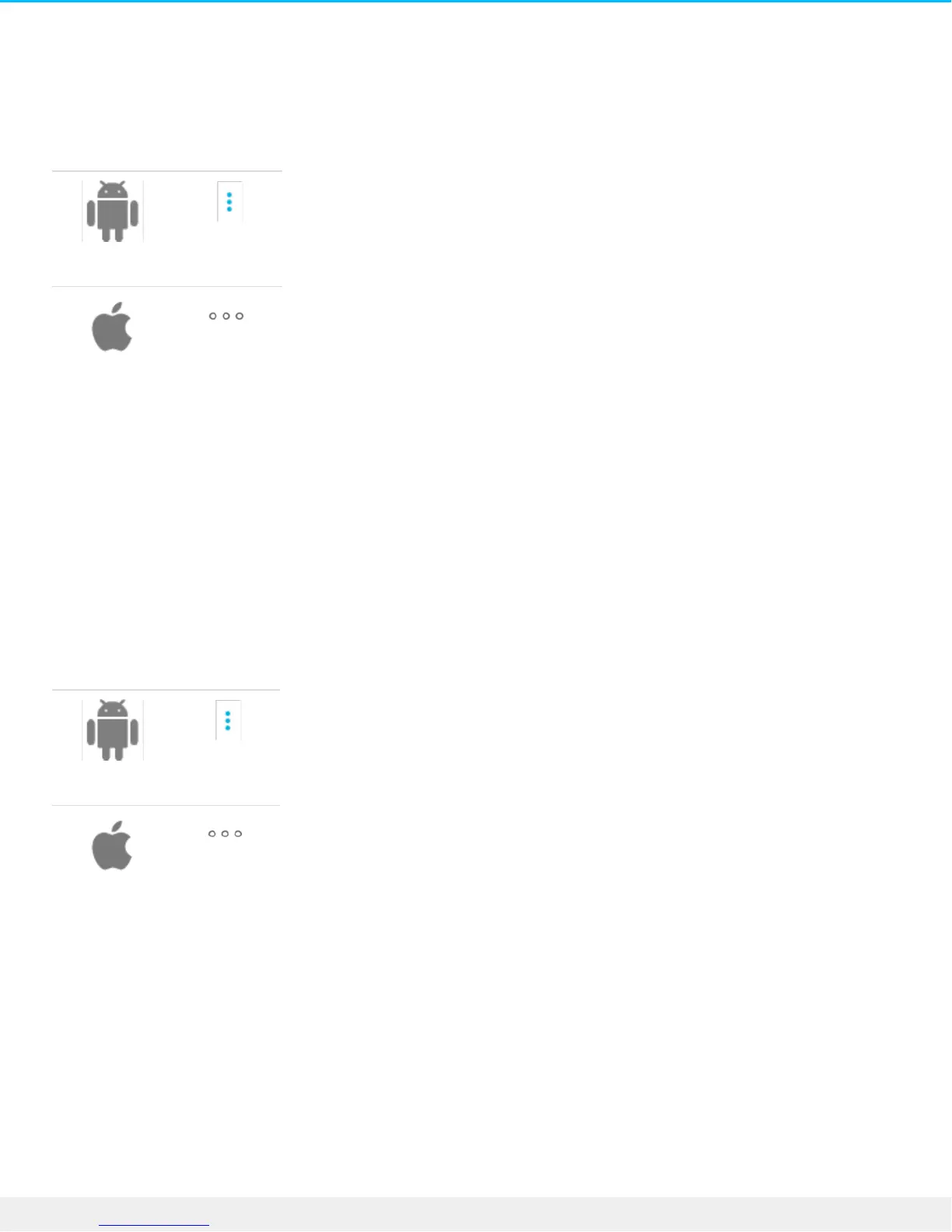
1. Tap the Options icon next to the folder you want to rename.
2. Select Rename.
3. A dialog box appears. Use the virtual keyboard to enter a new name.
4. Select Rename.
Rotang images
You can rotate an image 90 degrees clockwise.
1. Tap the Options icon next to an image file.
2. Select Rotate.
Opening files
Tap on a file to open a media file.
Copilot BOSS can read and play back media files supported by the mobile platform. If a media file cannot be
read, Copilot BOSS prompts you to use an alternative app on your mobile device, or choose an app from











 To Next Page