Rugged RAID User Manual 12
CABLES AND CONNECTORS
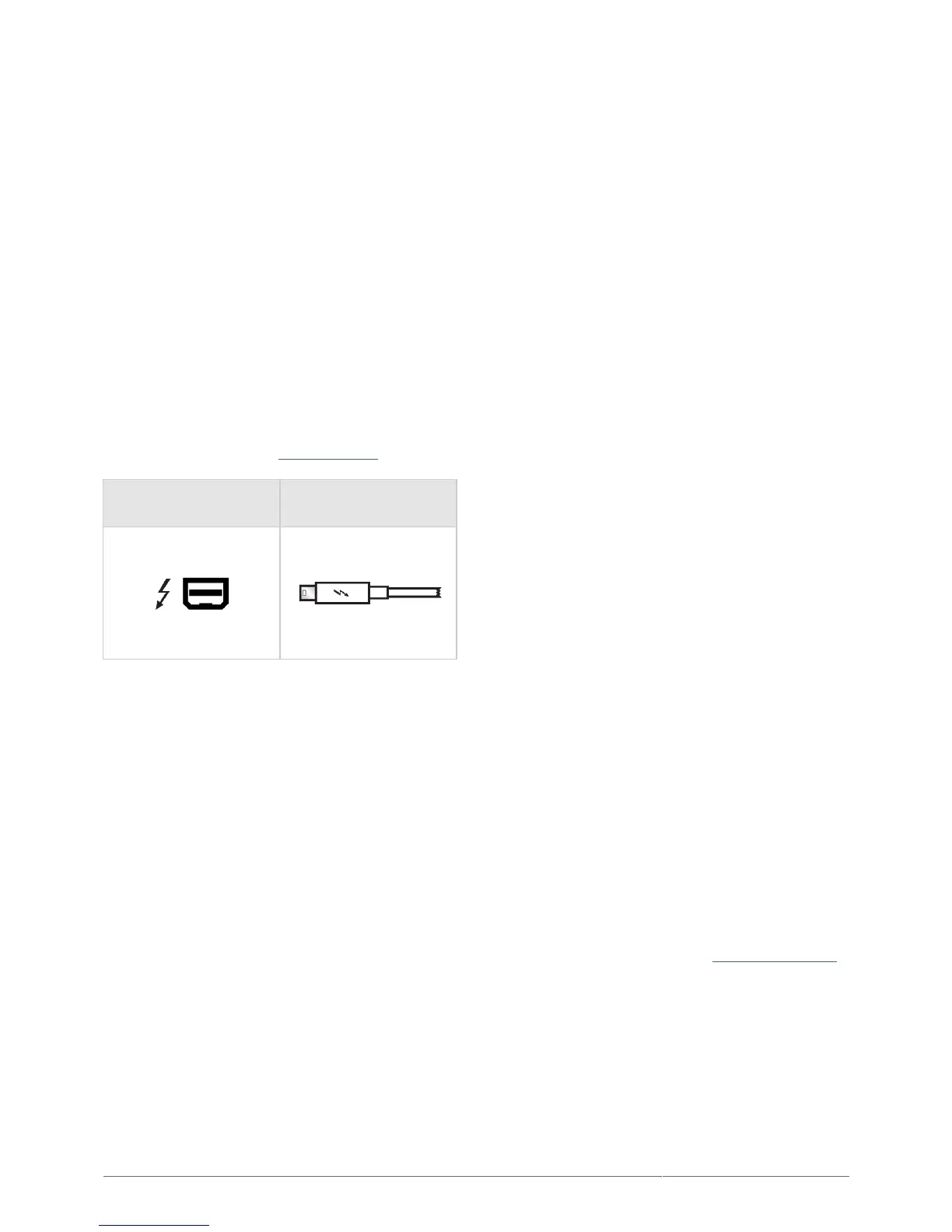
THUNDERBOLT
Your LaCie product features Thunderbolt technology, the most flexible interface ever created. This exciting new
high-speed cable technology connects your computers and electronic devices together like never before.
Thunderbolt technology supports two 10Gb/s bi-directional channels from a single port, the fastest data
connection available on a personal computer. At 10Gb/s, a full-length HD movie can be transferred in less than
30 seconds.
Thanks to support for both data streams and mini DisplayPort video, you can connect either a storage peripheral
or a display to a Thunderbolt port. However, it's not possible to use a mini DisplayPort cable to connect a
storage peripheral to a Thunderbolt port. You must use a Thunderbolt cable.
For more information, see www.lacie.com
Connector Face
(to computer)
Cable End
(to computer)
Integrated cable
For ease of access, the Thunderbolt cable is integrated on your LaCie Rugged RAID. Remove the interface cover
and gently unwind the Thunderbolt cable before attaching it to your Mac or PC.
Holding, dangling, or transporting the Rugged RAID by its integrated cable is strongly discouraged. Doing so can
invalidate the product warranty.
Thunderbolt technology and Windows
Windows users must connect the product via USB to configure the Rugged RAID for PC. See Getting Connected
for details.












 To Next Page