Rugged RAID User Manual 25
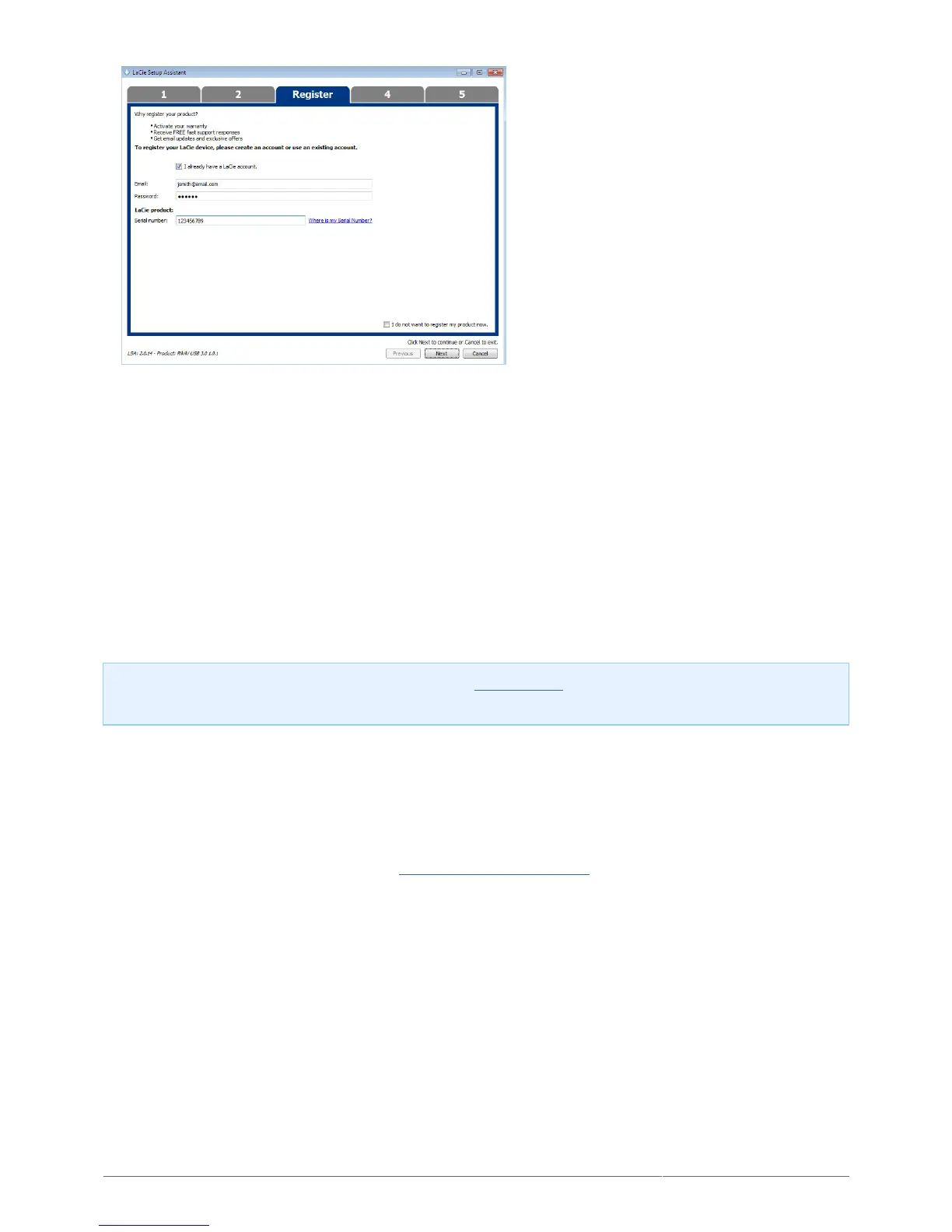
Existing Account
Choose the software utilities that you want to install. Certain software utilities may begin to install before7.
LaCie Setup Assistant has finished. Follow the software utility installer before completing LaCie Setup
Assistant. Windows and Thunderbolt: If your PC features a Thunderbolt port, choose the Thunderbolt
driver as one of the software utilities to install.
Choose Next to continue.8.
LaCie Setup Assistant provides a summary of the installation. Choose Finish to close the program.9.
LaCie software utilities can be installed at any time. Once the format is complete, the LaCie Setup Assistant
application is available on one of the following partitions:
LaCie: If you created one partition.
■
Compatible: If you created two partitions.
■
To install the software utilities, launch LaCie Setup Assistant and follow the steps listed above.
Note on RAID level: The default RAID level is 0. See Manage RAID for instructions on how to check and
change the RAID level.
UNMOUNTING THE VOLUMES
In order to avoid file system corruption, it is important to unmount your LaCie device’s volume before turning it
off or disconnecting the interface cable. See Unmounting Your Hard Drive for details.












 To Next Page