Rugged RAID User Manual 40
WINDOWS 7 AND WINDOWS 8
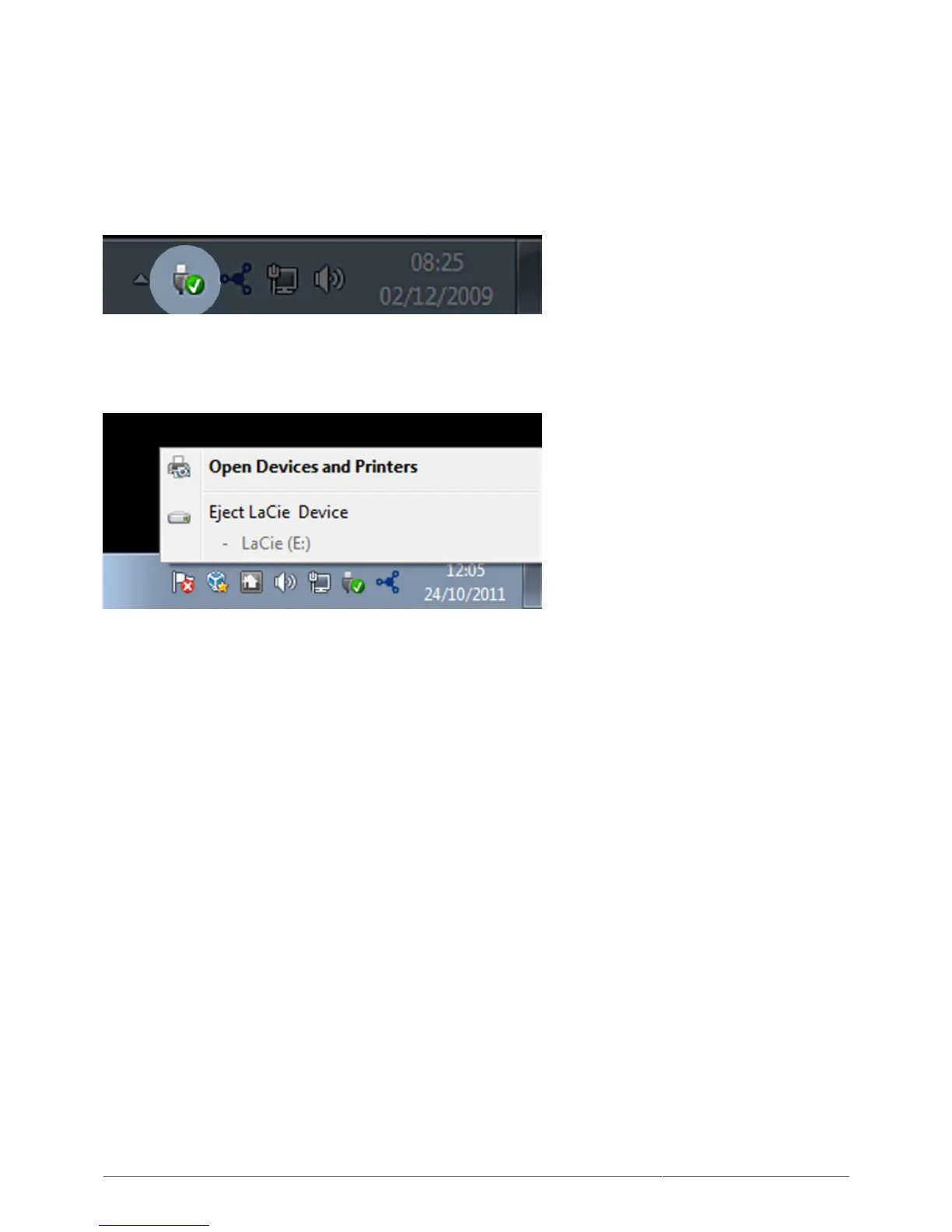
From the System Tray (located in the lower right-hand side of your screen) click on the plug icon (note the white
check mark inside a green circle).
A message will appear, detailing the devices that may be safely unmounted.
Select Eject for the device you wish to unmount. A message will appear notifying you that it is safe to remove it.












 To Next Page