Rugged RAID User Manual 31
LACIE DESKTOP MANAGER
LaCie Desktop Manager is a software utility that provides important information regarding the status and health
of your device.
INSTALLING LACIE DESKTOP MANAGER
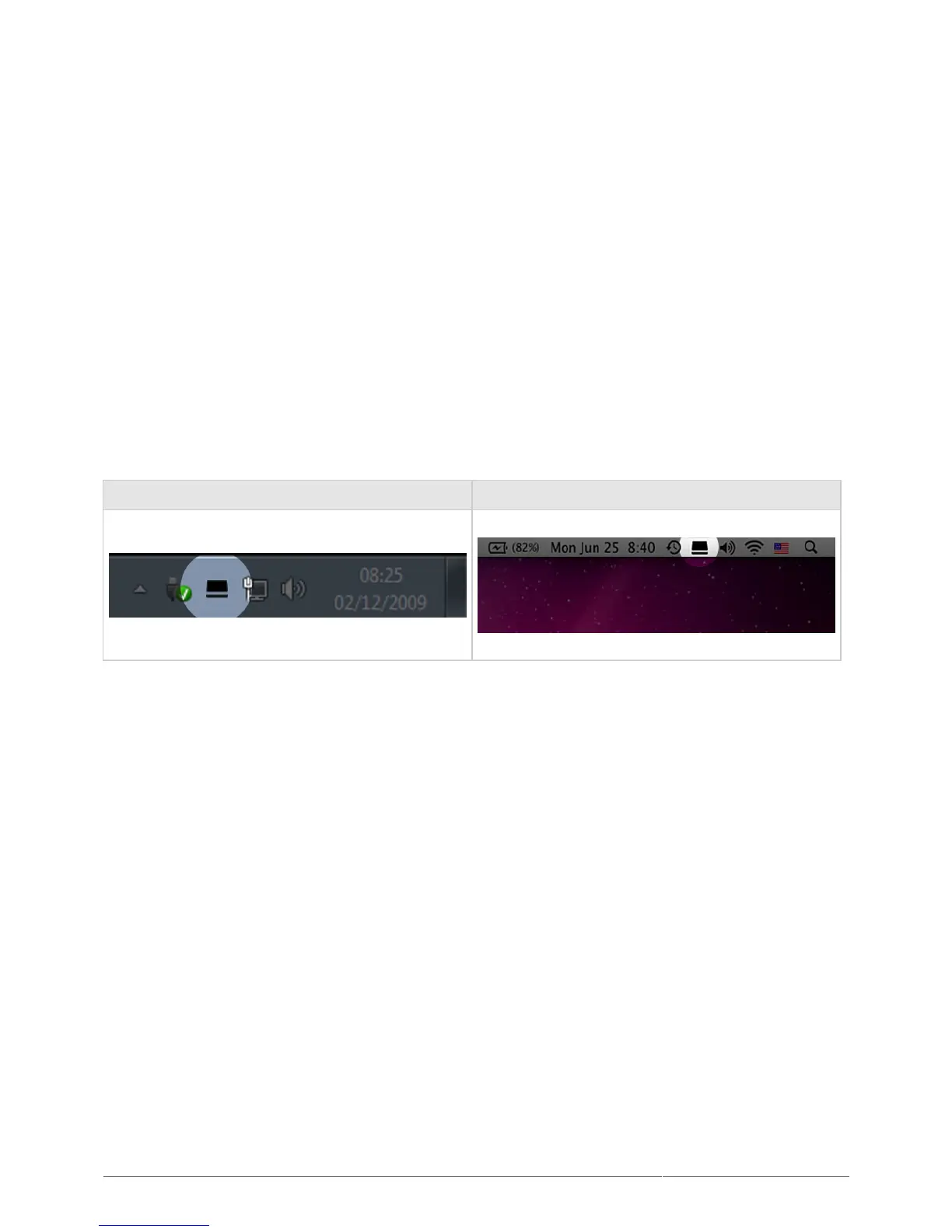
If LaCie Desktop Manager is not installed on your computer (check your Windows system tray or Mac menu bar),
you can install it:
Double click the Rugged RAID’s volume in Computer (Windows) or on the Desktop (Mac).1.
Open the LaCie/Software folder.2.
Launch the installer located in the folder for your operating system.3.
When setup is complete, launch LaCie Desktop Manager from the system tray (Windows) or the menu bar (Mac).
Windows Mac
LaCie Desktop Manager provides a list of all compatible LaCie devices in the left-hand column. If you have more
than one compatible LaCie device, choose a product and use the tabs to navigate to the page you want. Options
can vary based upon the product.












 To Next Page