Rugged RAID User Manual 32
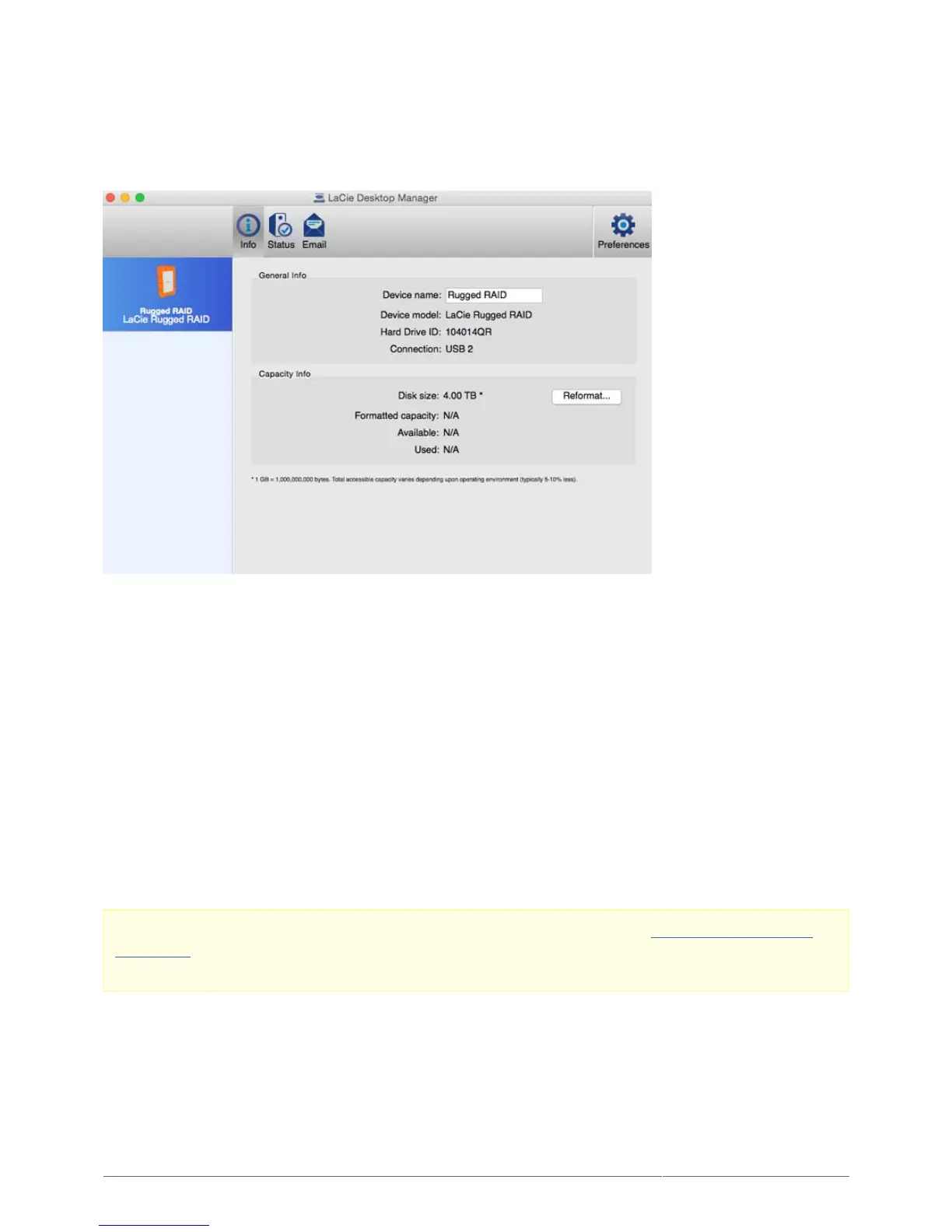
INFO TAB
Review the details of your device:
Name
■
Model
■
Hard drive ID
■
Connection type
■
Total capacity
■
Available capacity
■
REFORMAT
From the Info tab, you can reformat the hard drives.
Caution: Choosing Reformat launches your operating system's disk utility (see Optional Formatting and
Partitioning for details). Formatting erases all data stored on your hard drives. To protect files, back up your
hard drives before selecting Reformat.












 To Next Page