Rugged RAID User Manual 9
LED AND POWER
LED STATES
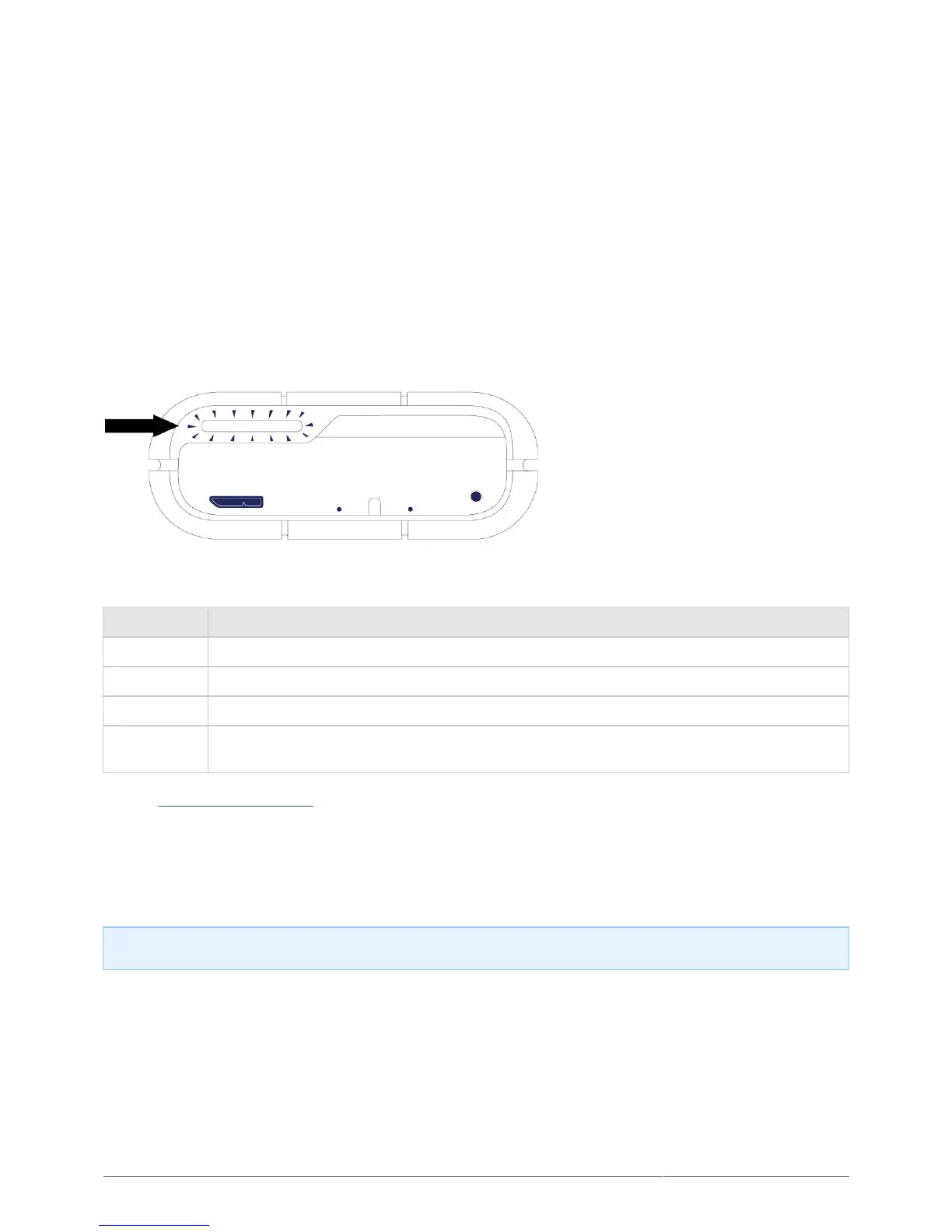
Activity LED
The Activity LED provides indications on the state of the Rugged RAID’s health:
Behavior State
Solid white The device is ready.
Blinking white The device is being accessed.
Blinking red One or two drives are not ready or have failed.
Off
The product is: turned off; in power saving mode; not receiving power; experiencing system
failure; or, experiencing electronic board failure.
Contact LaCie technical support if:
The LED remains off but the device is connected to a power supply and to your computer. Confirm that the
■
Rugged RAID is not in sleep mode before contacting LaCie technical support.
The LED continues to blink red. One or both of your hard drives may have failed. Do not swap one or both
■
hard drives onsite or in the field. Doing so will void the LaCie Rugged RAID’s warranty.
Technical info on LED color: The Activity LED can appear orange due to the sleeve’s color.












 To Next Page