Rugged RAID User Manual 39
UNMOUNTING YOUR HARD DRIVE
USB, FireWire, Thunderbolt, and eSATA external devices feature “plug & play” connectivity, which means that
your LaCie storage can be connected and disconnected while the computer is running. To prevent failures,
however, it is important to follow these steps when disconnecting your device.
MAC
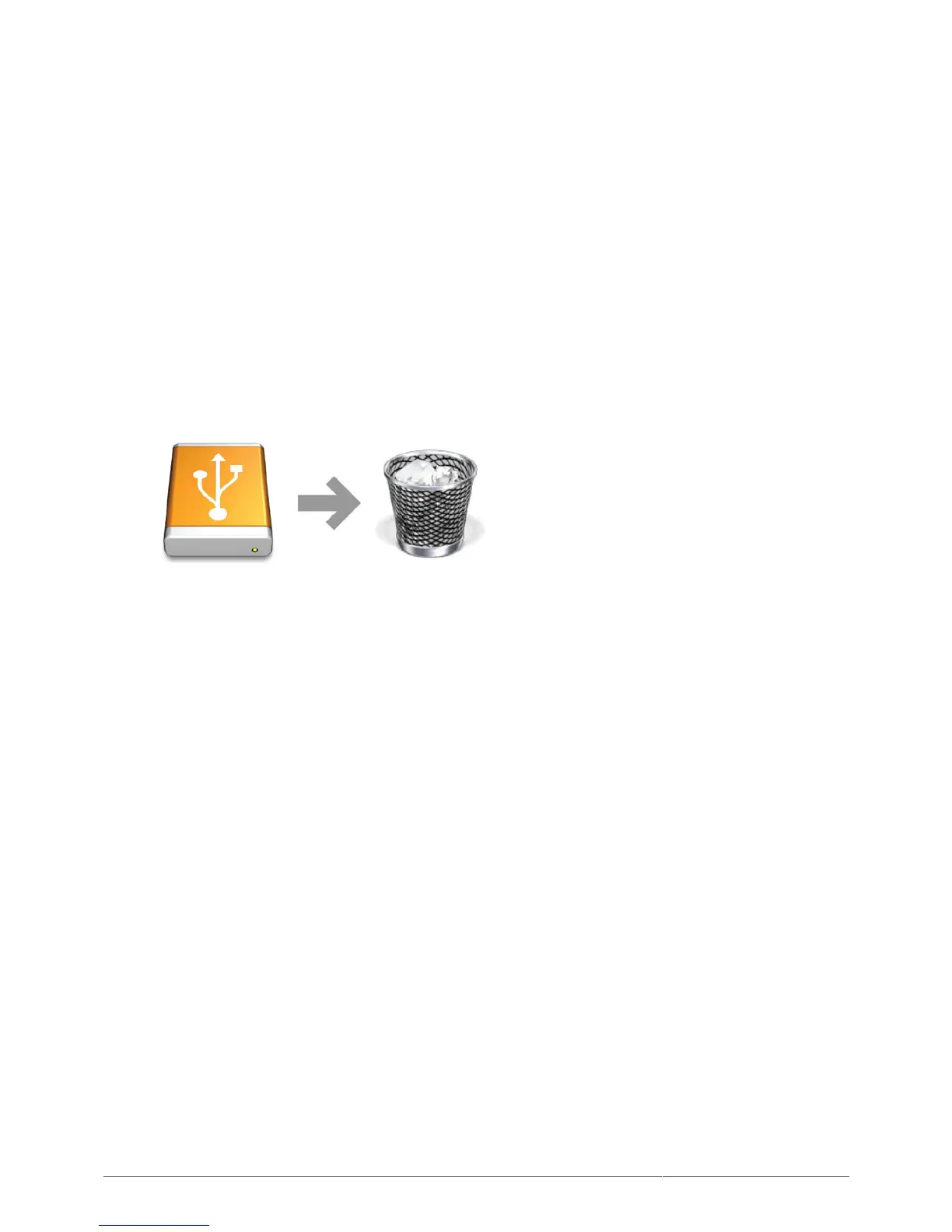
Drag the storage device icon to the Trash. (The icon pictured below is a generic USB device icon. Your LaCie
storage may be represented by an icon that looks like the device itself.)
When the icon disappears from the desktop, the storage device can be disconnected.












 To Next Page