Rugged RAID User Manual 28
CHECK THE RAID LEVEL
You can check the current RAID level in LaCie Desktop Manager (see LaCie Desktop Manager) or by using the
RAID select button.
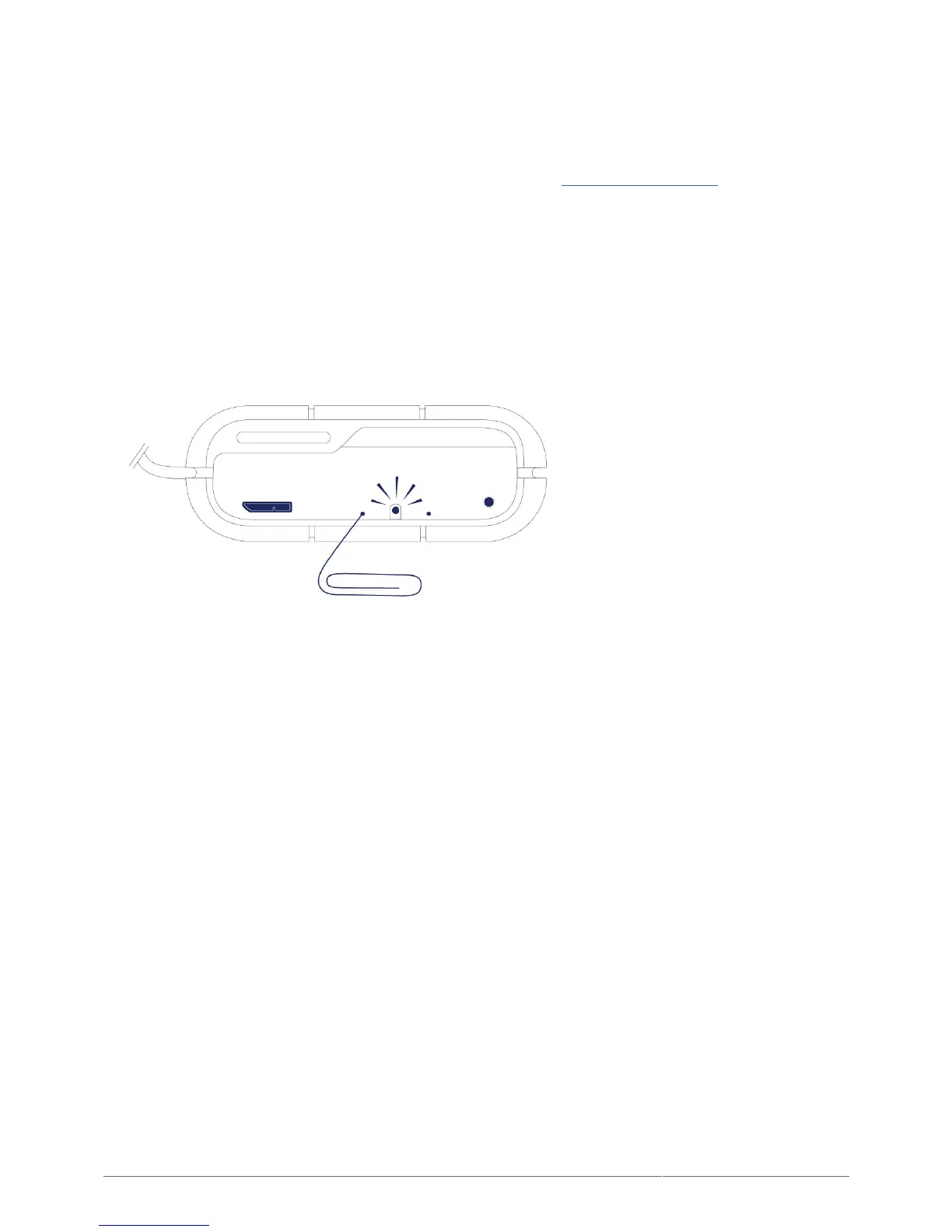
To check the RAID level using the RAID select button:
Confirm that the Rugged RAID is connected to a computer and powered on.
■
Locate a thin, pointed object such as the end of a paperclip.
■
Follow the steps below:
Use the pointed end of the paperclip to push the RAID select button. The RAID select button is located within1.
a small recess.
The RAID LED:2.
Turns solid if the device is set to RAID 0.
■
Blinks if the device is set to RAID 1.
■
The RAID LED provides the current level for approximately 5 seconds.












 To Next Page