90038900rev00
- 45 -
SETTINGS
USER PREFERENCES
BRIGHTNESS AND ENERGY SAVINGS
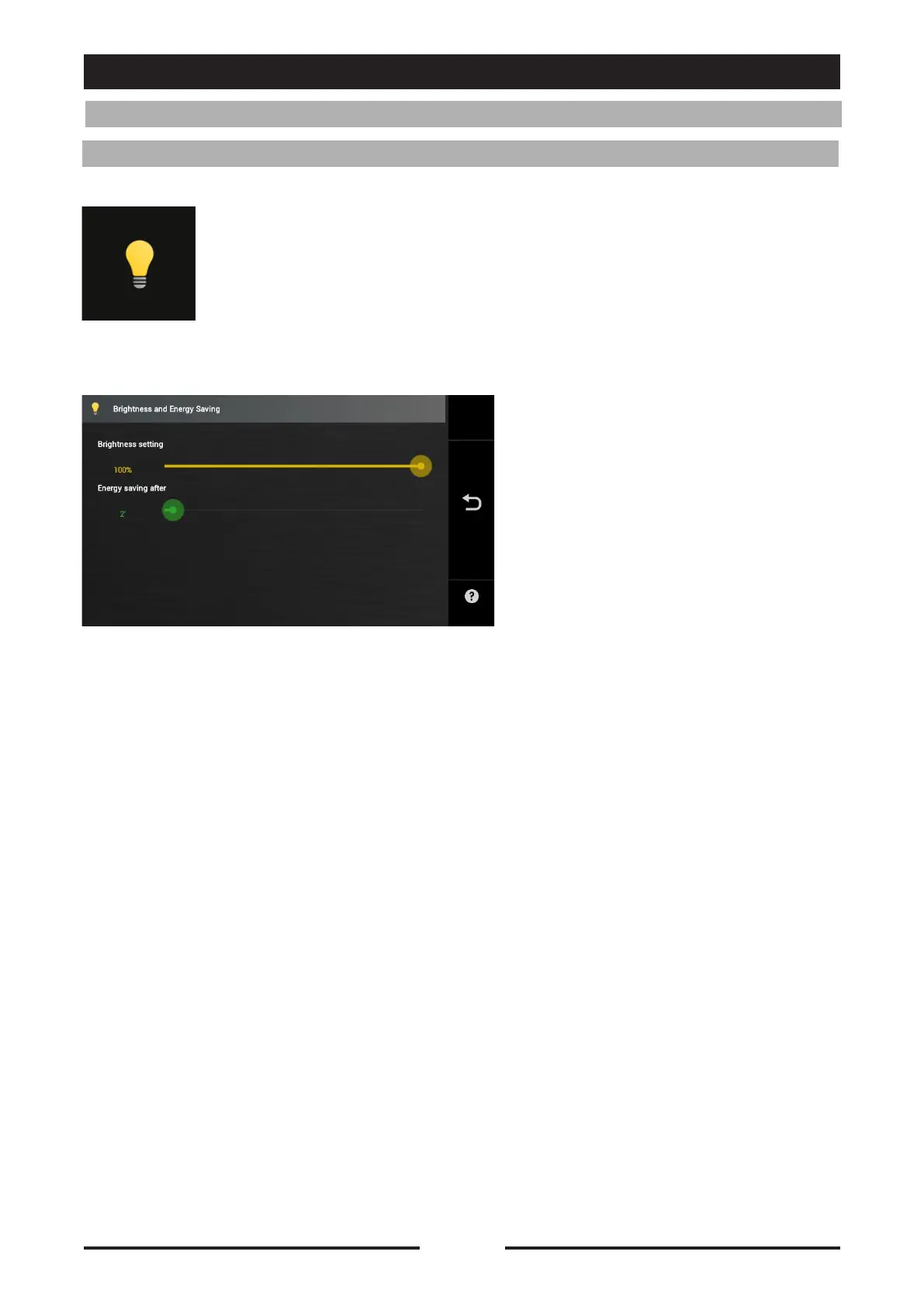
Press the icon to access the Brightness and Energy Savings settings
Brightness setting:
Drag the cursor to increase or
decrease the brightness of the display
Energy savings after:
Drag the cursor to set the period of
time after which Energy savings mode
will start.
Drag the cursor to the left to disable
the function.





 To Next Page