6.4 Touch display
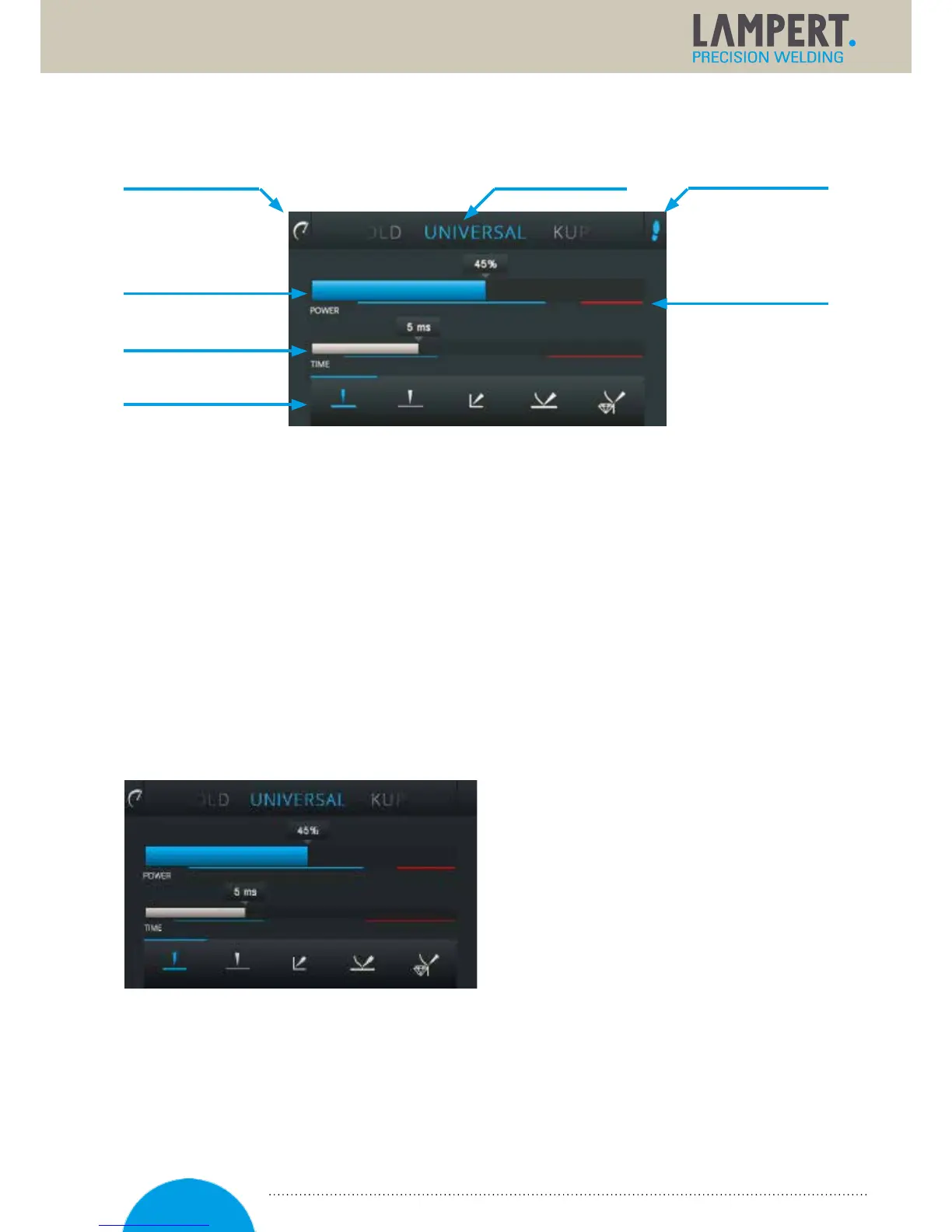
The smoothing mode (1) and welding situation (4) functions can be selected directly via the touch display
bytapping with the finger. The power scale (2), time scale (3) and menu field (5) can be changed with
theswipe function on the touch display. The recommendation scale (7) shows the recommended setting range.
In the red range, the settings are no longer expedient and there is a possible risk of damaging the workpiece.
The foot switch (6) can be activated by pressing it for 2 seconds.
6.5 Navigating through operation
Navigation through the user levels takes place by pressing and holding the multifunctional controller for longer
than 1 second. When you do so, the system runs through the following user levels as an endless loop.
Whenthe controller is released, the display comes to a stop at the selected user level. Pressing and holding
again changes to the next user level. It is now possible to implement or check further settings.
6.6 Start menu
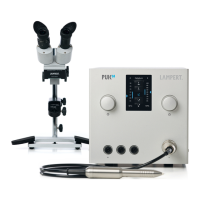
In the start menu user level, it is possible to start
welding immediately. At the top edge of the display
it is possible to select the welding material,
andatthe lower edge you can select
thegeometries orwelding situations.
With the help of the swipe function it is possible to
select the following predefined materials:
♦ Universal ♦ Gold
♦ Silver ♦ Copper
♦ Bronze ♦ etc.
(6) Foot switch
(5) Material selection(1) Smoothing mode
(4) Welding situation
(3) Time scale
(2) Power scale
(7) Recommendation scale
17


 To Next Page