CHAPTER 2 ACCES TO TECHNICIAN MENU
NT_820_910_1300_LX_ANG_V1 04_2007.doc
14
The slope of the probe is set.
Disconnect the probe simulator from the electronic board then connect
temperature probe on plug K49 of the electronic board.
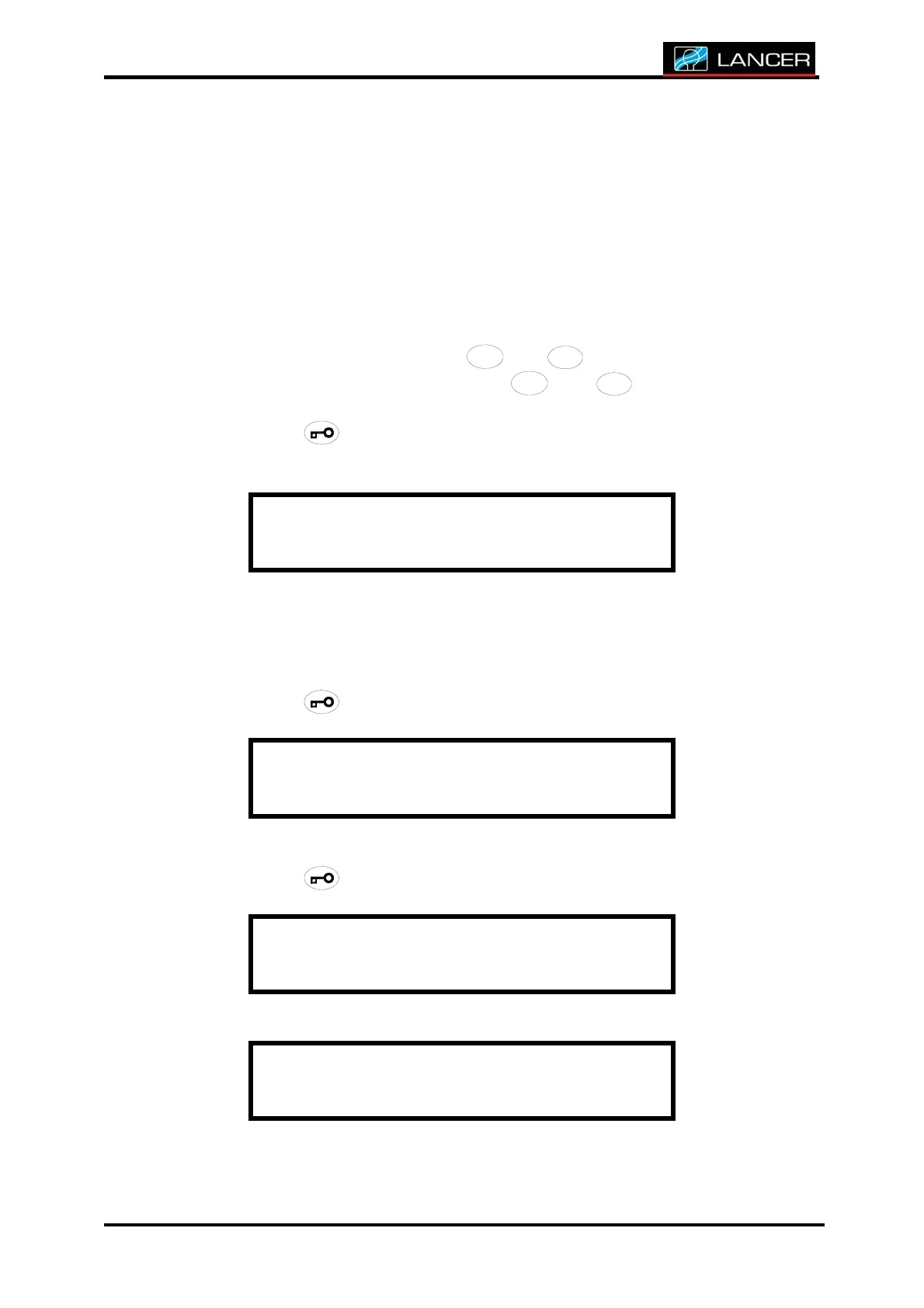
The following display enables calibration of the temperature probe of
the chamber.
Calibration of the probe must be done inside a full water chamber, then
deep the probe of the calibrated standard inside the sump and verify
both values (washer probe and calibrated standard probe).
Probe is blinking. Validate with
/
/
/
/
/
//
//
/
//
///
/
4
4
4
44
4
4
44
4
4
44
4
4
4
+
+++
++
+
++
++
+
+
+
+
+
and
/
/
/
//
/
/
//
/
/
//
/
/
/
3
3
3
33
3
3
33
3
3
33
3
3
3
-
--
-
-
-
--
--
--
-
-
-
-
buttons.
Adjust the value of the offset with
/
/
/
/
/
//
//
/
//
///
/
4
4
4
44
4
4
44
4
4
44
4
4
4
+
+++
++
+
++
++
+
+
+
+
+
and
/
/
/
//
/
/
//
/
/
//
/
/
/
3
3
3
33
3
3
33
3
3
33
3
3
3
-
--
-
-
-
--
--
--
-
-
-
-
buttons in regard to
the calibrated standard.
Accept with button.
If the display reads 120°C, the probe is not connected or is faulty.
Wa t e r p r o b : 3 4 . 9 °
Of f s e t : + 0.1
Temperature of the electronic board inside the cabinet.
This value is given as an indicative value and does not have to be
modified.
Accept with button.
Ma i n box : 42 . 7°C
Do not modify the value of the offset. Set in factory.
Accept with button.
Ma i n box : 42 . 7°C
Of f s e t : + 0.1
F i n du menu
The display returns to technician menu.



 To Next Page