CHAPTER 2 ACCES TO TECHNICIAN MENU
NT_820_910_1300_LX_ANG_V1 04_2007.doc
15
4.MAINTENANCE HOURS RESET
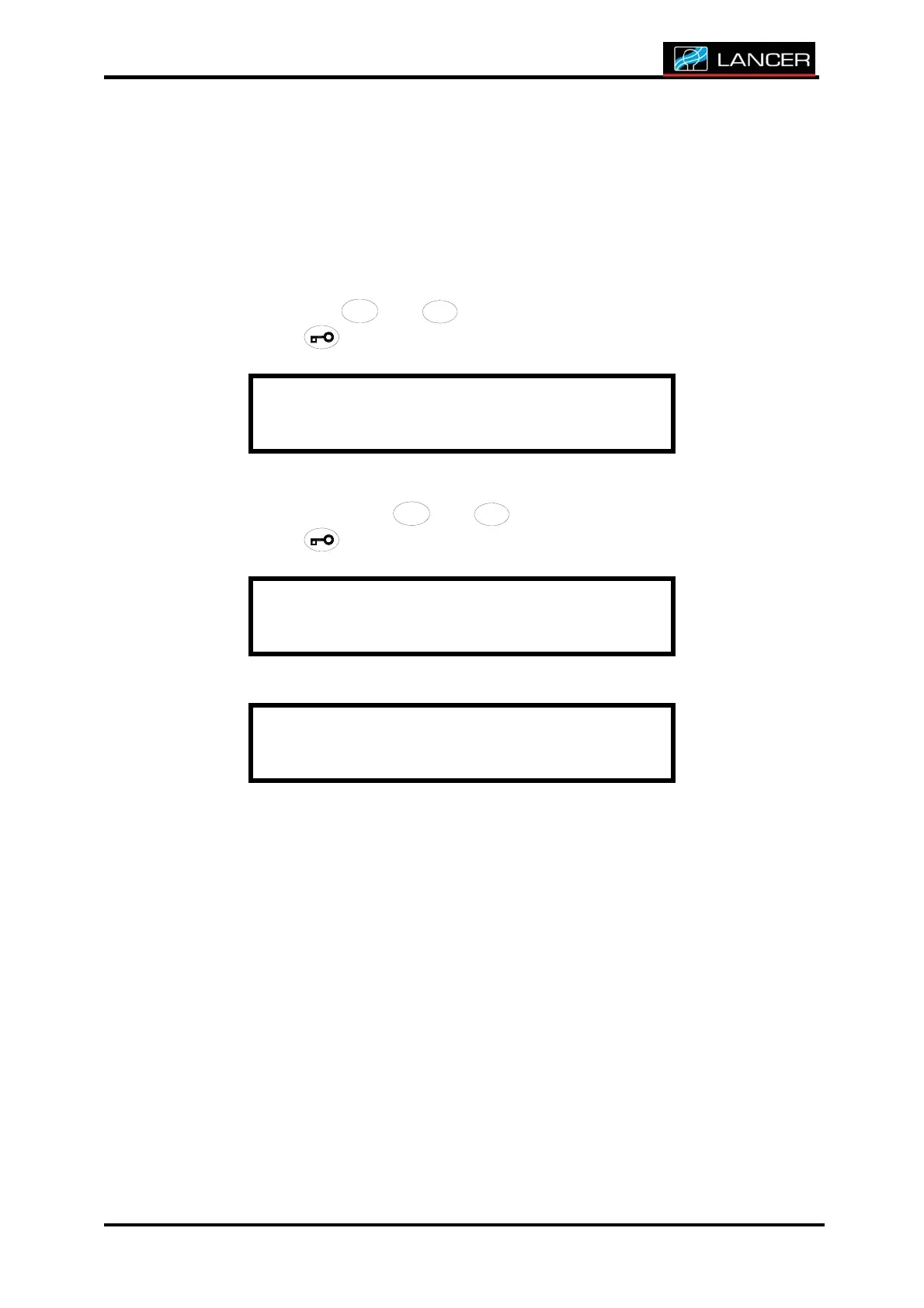
After having reached to the small technician, you must, to allow a new
calculation of the hours before completing work of maintenance
After accessing to technician menu, you must, to allow a new calculation
of the hours before completing work of maintenance, select Reset
Maint. HRS with
/
/
/
/
/
//
//
/
//
///
/
4
4
4
44
4
4
44
4
4
44
4
4
4
+
+++
++
+
++
++
+
+
+
+
+
and
/
/
/
//
/
/
//
/
/
//
/
/
/
3
3
3
33
3
3
33
3
3
33
3
3
3
-
--
-
-
-
--
--
--
-
-
-
-
buttons.
Accept with
button.
T E C H N I C I A N M E N U
R e s e t M A I N T . H R S
Choose yes or no with
/
/
/
/
/
//
//
/
//
///
/
4
4
4
44
4
4
44
4
4
44
4
4
4
+
+++
++
+
++
++
+
+
+
+
+
and
/
/
/
//
/
/
//
/
/
//
/
/
/
3
3
3
33
3
3
33
3
3
33
3
3
3
-
--
-
-
-
--
--
--
-
-
-
-
buttons
Accept with button.
R e s e t M A I N T . H R S
C o n f i r m a t i o n : Y e s
E n d o f m e n u
The display returns to technician menu.



 To Next Page