7
Upon start up, the treadmill defaults to Manual Mode. In Manual Mode, you and only you can change the speed and
elevation as well as view one of the 5 motivational screens.
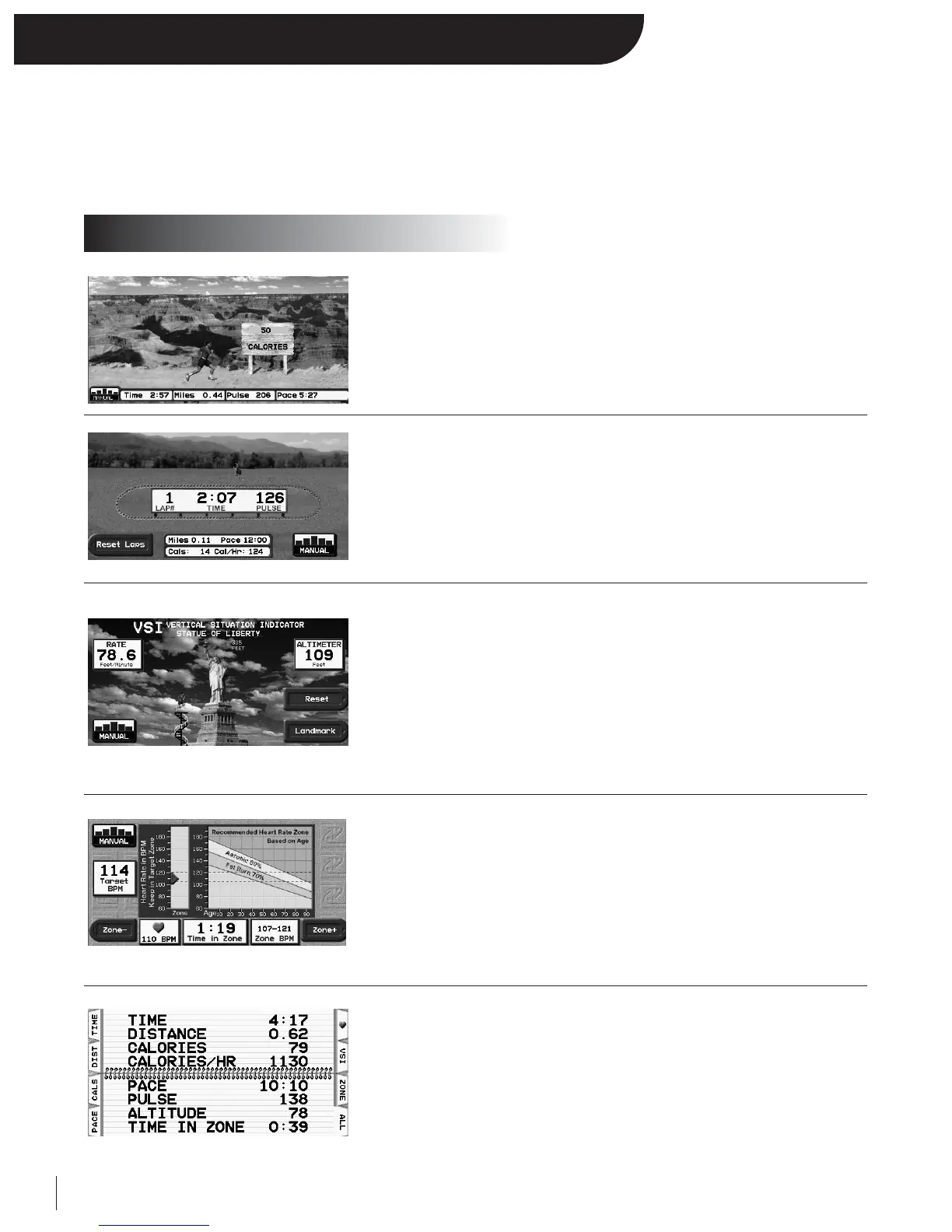
Press NEXT or BACK to rotate through the selectable motivational screens.
• Displayed Statistics:
Time, Distance, Heart Rate, Calories
• Scrolling Statistics:
Calories per hour, Altitude Climbed, Climbing Rate, Zone Timer,
Pace
• Selectable Scenery (Canyon, Mountain, Island, City, Lake)
• Displayed Statistics:
Time, Lap Counter, Distance, Pace, Pulse, Calories, and Calories per hour
•
1
/
4 Mile Track:
A virtual runner displays progress around a
1
/
4 mile track
• Displayed Statistics:
Altimeter and Climbing Rate
• Climbing Progress:
A virtual runner displays climbing progress up a famous landmark
• Selectable Landmark:
Press the designated “LANDMARK” key to scroll though different famous
landmarks of various heights
• Reset: Press the designated “RESET” key to reset your accumulated altitude
• Trips to top
• Displayed Statistics:
Time in Heart Rate Zone, Heart Rate, Target Heart Rate and Age vs.
Zone Graph, Target Heart Rate, and Heart Rate Zone
• Heart Zone Shift:
Press the designated “ZONE –” and “ZONE +” to decrease and increase your
heart rate zone
• Zoom Screen:
Detailed view of user’s heart rate zone
• Displayed Statistics:
Time, Distance, Calories, METS, Calories per hour, Pace, Heart Rate, Time in
Zone, Accumulated Altitude and Climb Rate
• Selectable Statistics:
Press the designated statistic keys to view a featured statistic or “All” to view
all at once.
Manual Mode
Motivational Screens


 To Next Page