Online and Offline
1 - 10 Introduction
Online and Offline
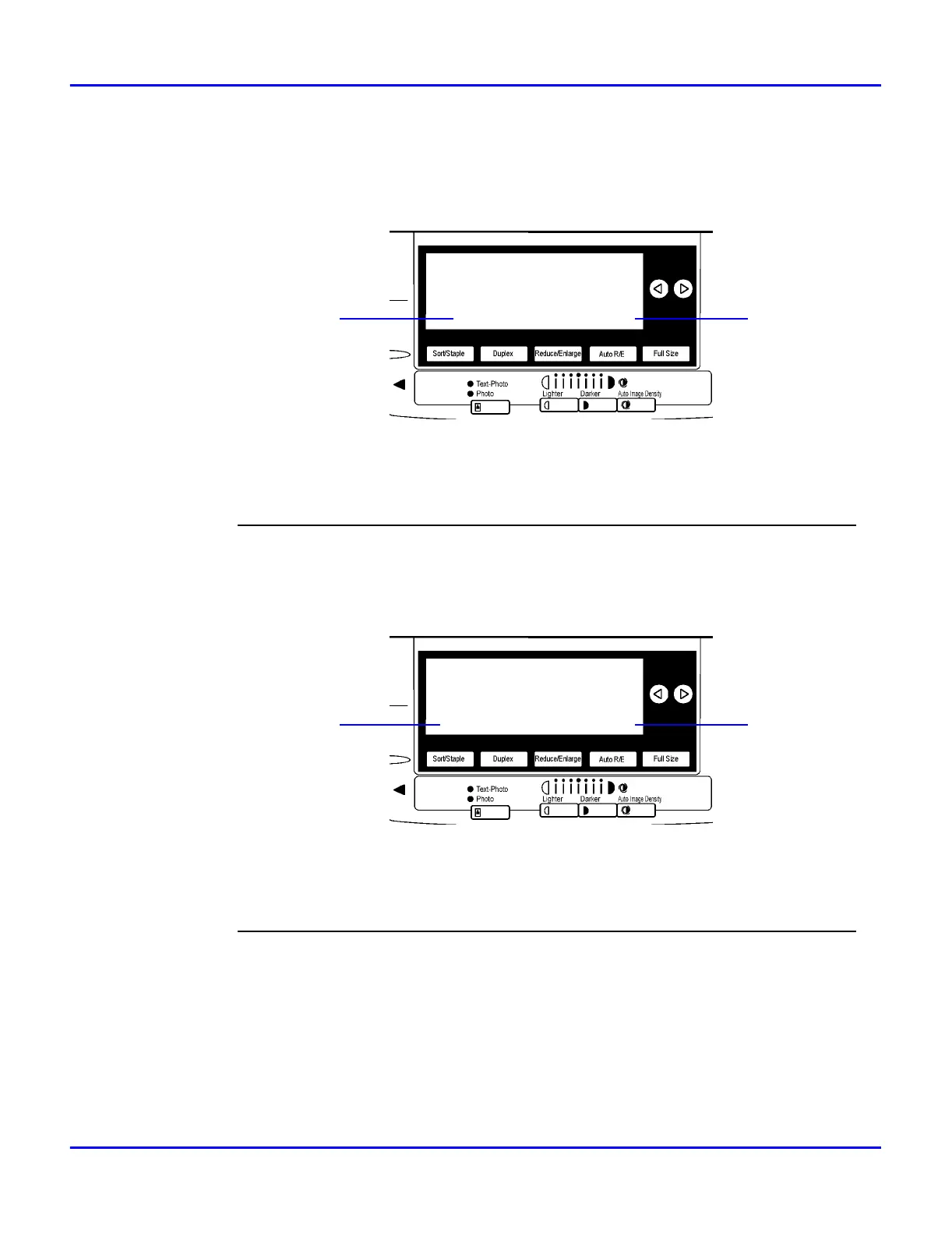
Online
Online is the state in which the printer can receive data from the computer.
1[Job Reset] key:
Press this key when the printer is online to cancel the current print job.
2[Online] key:
Press this key to change the online status, the printer offline conditions.
Offline
Offline is a state in which the printer cannot receive data from the computer.
1 [FormFeed] key:
Press this key when the printer is offline to print out all the data left in the printer's input buffer.
2[Online] key:
Press this key to change the online status, the printer offline conditions.
(Job Reset) (Online)
1
2
(FormFeed) (Online)
12



 To Next Page