Printer Condition
Using the Control Panel 7 - 15
Printer Condition
1
Press {
User Tools
}.
2
Press {
4
} on the number keys.
3
Press
[Up Arrow]
or
[Down Arrow]
until “List Print” appears, and then press
[Enter #]
.
•
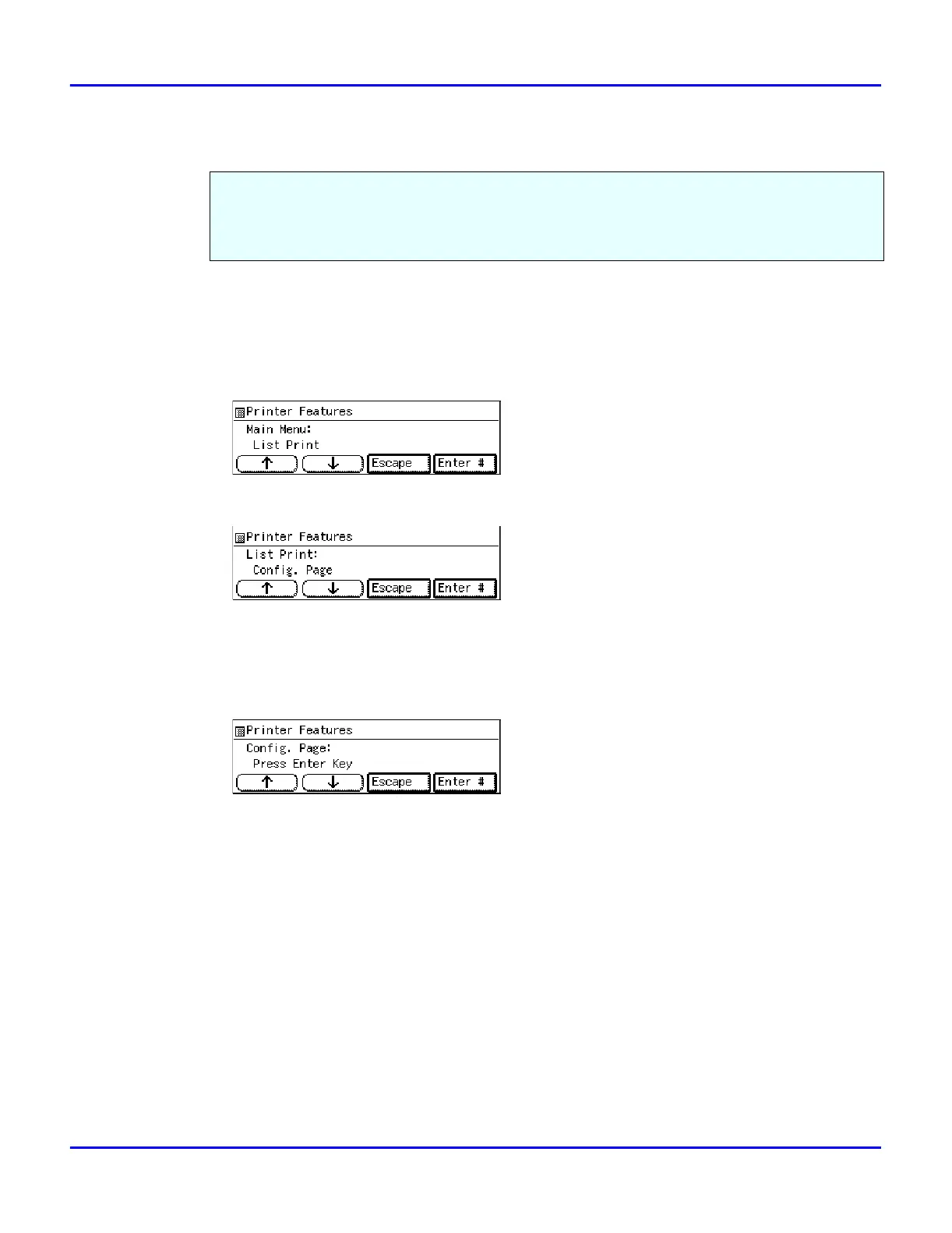
The following message appears on the panel display.
4
After confirming that, “Config. Page” on display, press
[Enter #]
.
•
You can specify the Print List items on the panel display.
•
The following message appears on the panel display.
5
Press
[Enter #]
.
•
This starts printing the configuration page.
We recommend that you print the configuration page and check its settings, before changing
settings of your machine.
The following example describes how to print a Configuration Page.



 To Next Page