Specifying the Custom Paper Size for the Bypass Tray
7 - 14 Using the Control Panel
[Enter #].
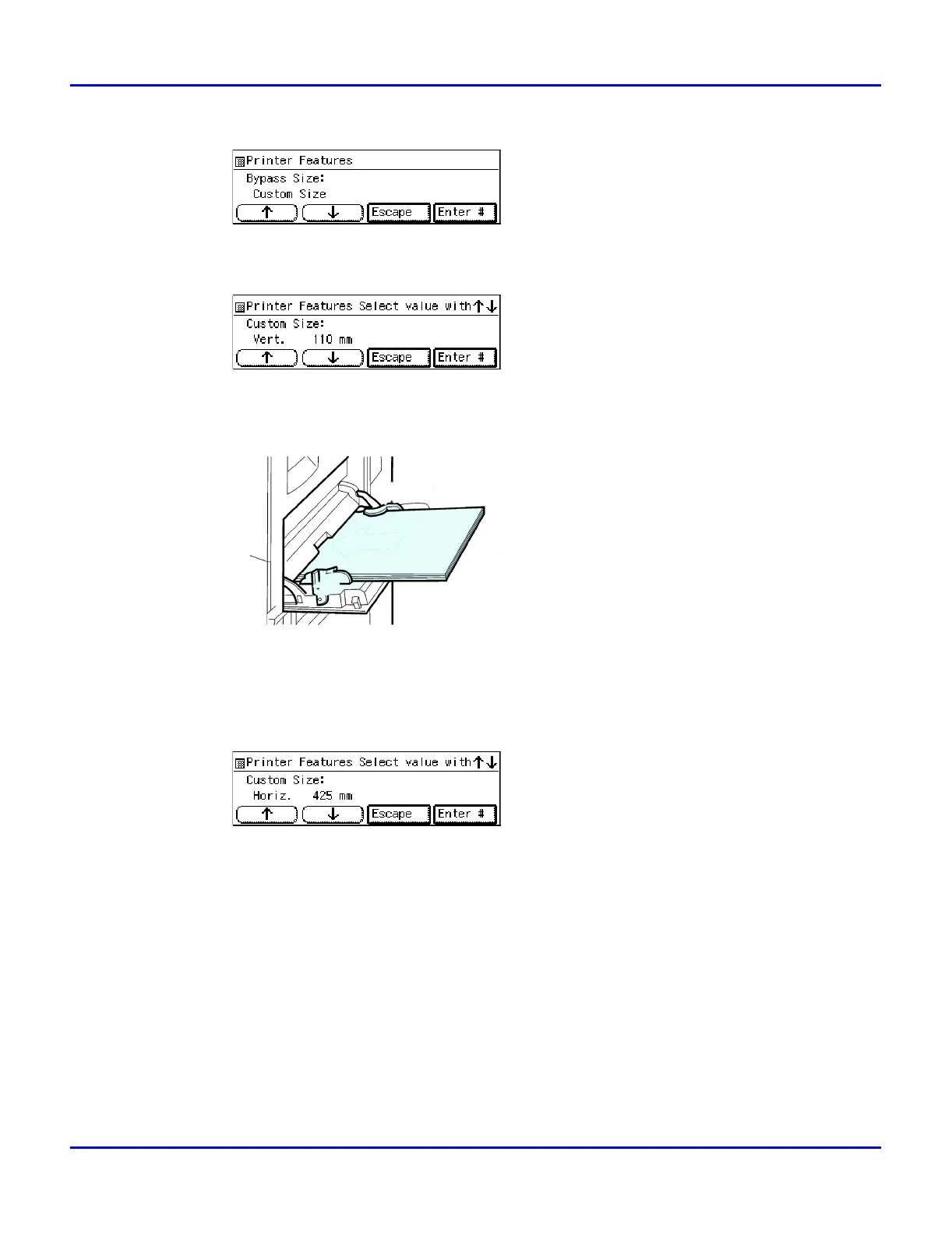
2. Press [Up Arrow] or [Down Arrow] to set the vertical value, and then press
[Enter #].
•
The vertical size and horizontal size are described as follow.
1
•
1 Horizontal size
•
2 Vertical size
3. Press [Up Arrow] or [Down Arrow] to set the horizontal value, and then press
[Enter #].
2
1



 To Next Page