Connecting to the Printer
Introduction 1 - 1
Connecting to the Printer
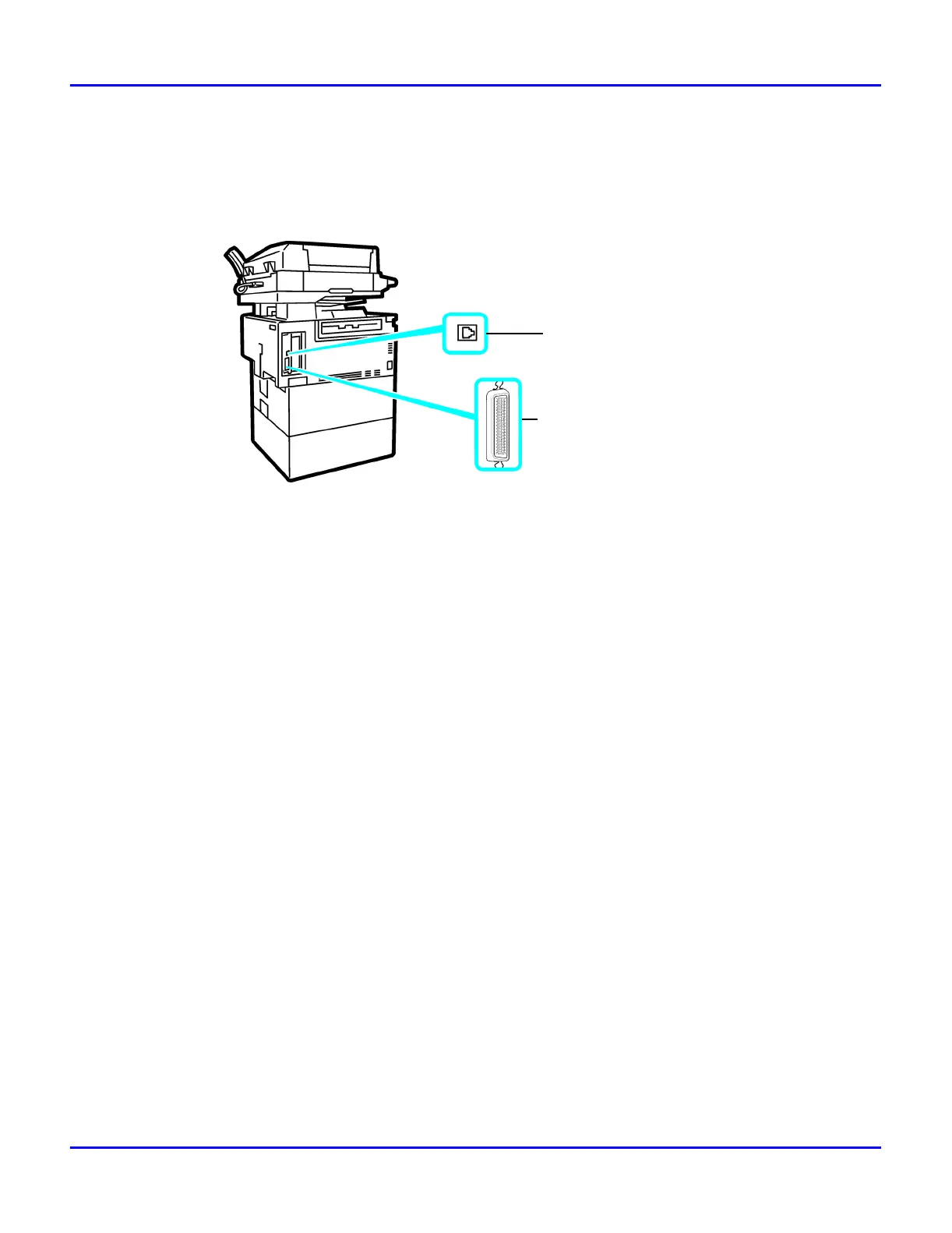
Confirm that the shape and the position of the connector are as shown in the illustration.
Printer Requirements
Requirements
Before using the printer, confirm that all the environmental and electrical requirements have been
met. Connect the unit to your host computer using the parallel port, optional Network Interface
Board 185, or both.
Confirm that all the cables, connectors, and electrical outlets necessary to attach the printer to your
host computer or network are present.
•
The interface cable is not supplied in the box. It is your responsibility to provide the
interface cable appropriate for the computer that you are using.
Parallel Cable Requirements
Connect the printer to your host computer using a parallel port. The parallel cable to connect the
printer to the host computer is not included with the printer.
The printer’s parallel interface is a standard bidirectional interface. It requires a standard 36-pin
parallel cable compliant with IEEE 1284 and a parallel port available on the host computer.
•
Do not use a parallel cable that is longer than 3 meters (10 feet).
10BASE-T/100BASE-TX
Parallel Port



 To Next Page