Configuring the Printer for the Network
Printer Configuration 2 - 1
Configuring the Printer for the Network
After installing the optional network interface card, configure it for the network using the printer's
Control Panel.
The following table shows the operation panel settings and their default settings. These are
included in the “Main Menu”.
1
Press [User Tools].
2
Press [4] on the number keys.
3
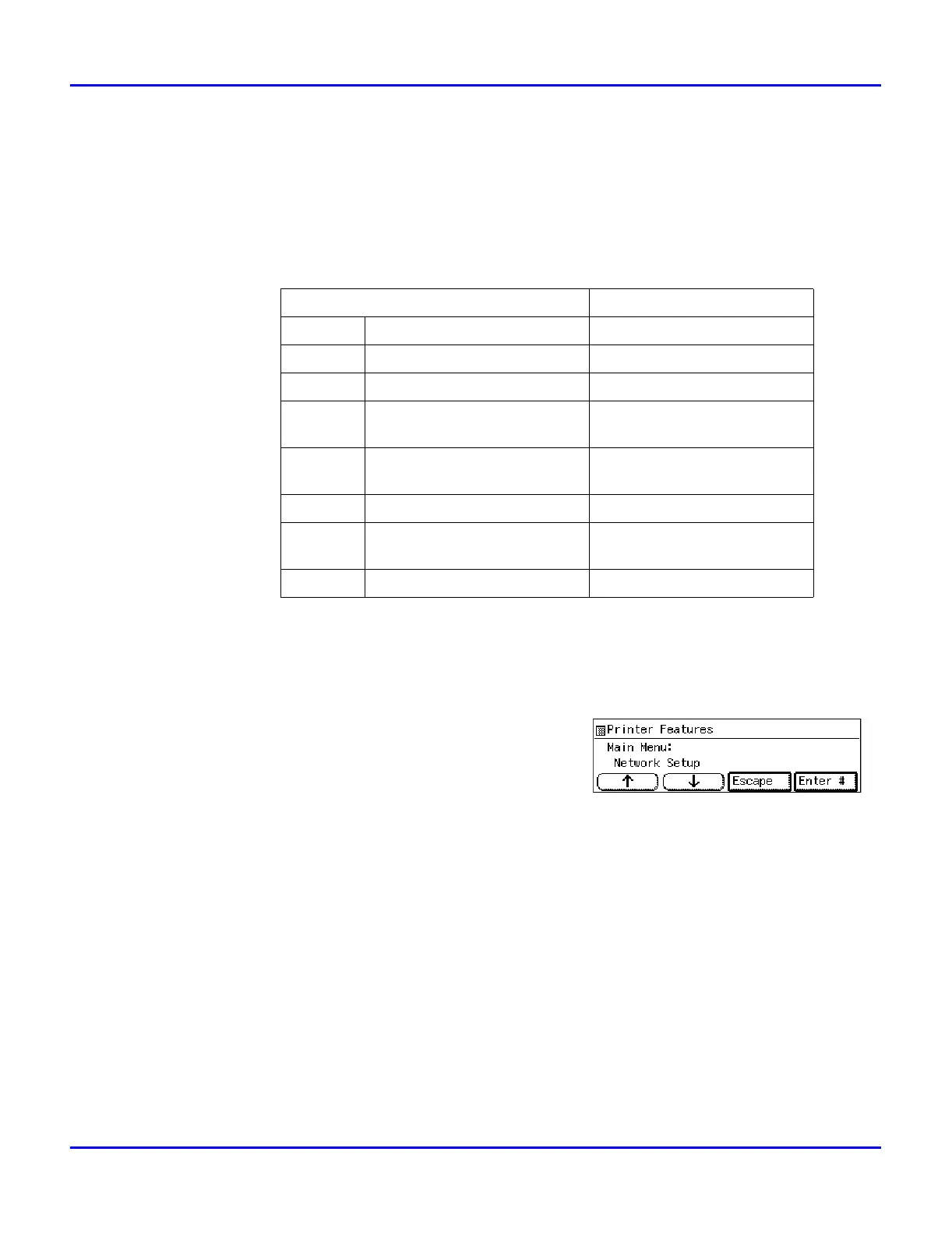
Press the Up or Down Arrow keys until the
following message appears.
4
Press [Enter #].
Items Default
32 IP Address 011.022.033.044
33 Subnet Mask 000.000.000.000
34 Gateway Address 000.000.000.000
35 Access Control
(Access Control Address)
000.000.000.000
36 Access Mask
(Access Control Mask)
000.000.000.000
37 Network Boot None
38 Frame Type(NW)
(Frame Type NetWare)
Auto Select
39 ActiveProtocols All Active



 To Next Page