Printing with the Operation Panel
7 - 18 Using the Control Panel
5
Press
[<FmSymbol>Ø]
or
[<FmSymbol>¦]
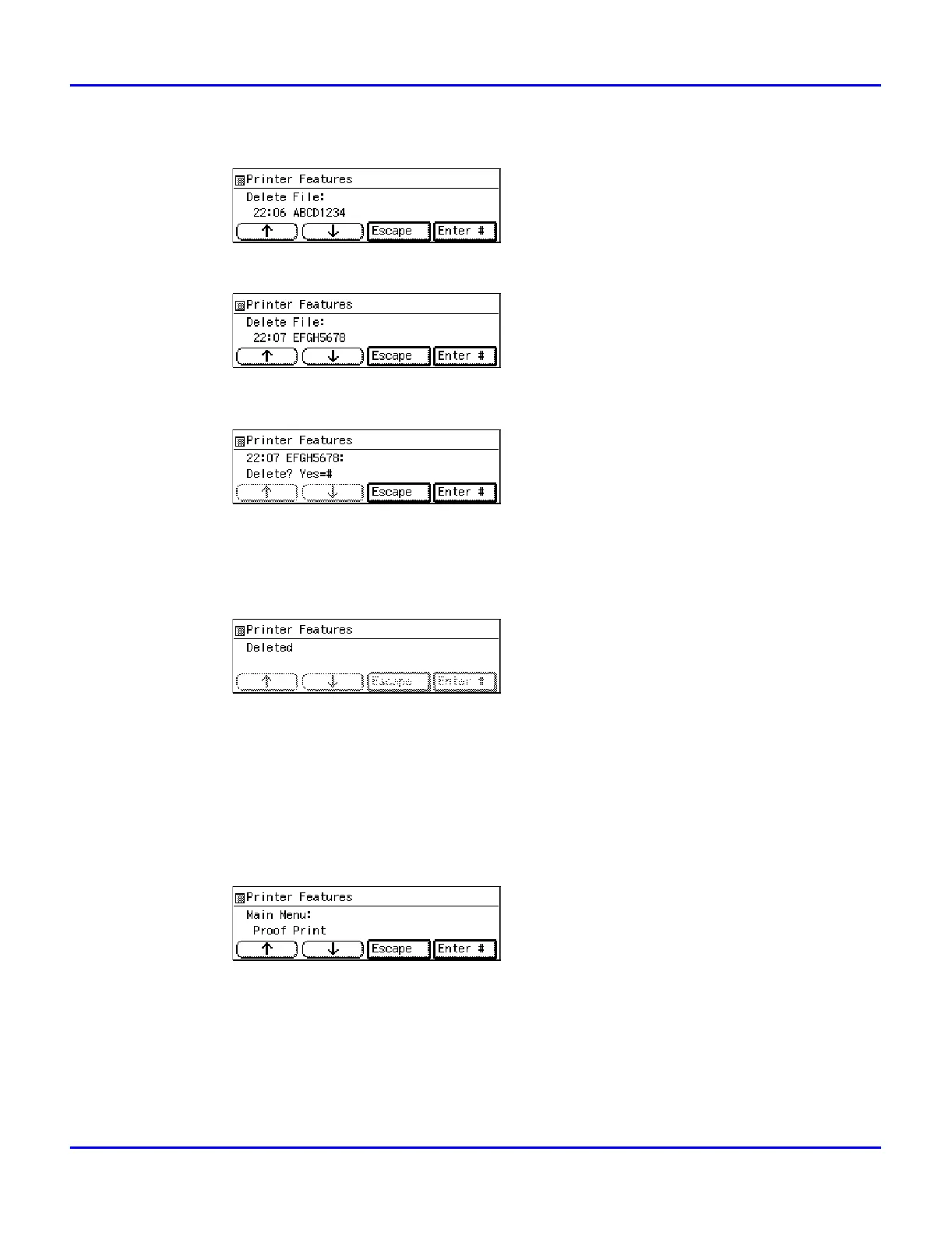
to display the file you want to delete, and then
press
[Enter #]
.
•
The following message appears on the panel display.
6
Press
[Enter #]
.
7
Press
[Enter #]
.
•
This starts deleting a proof print file after the following message appears on the panel
display.
1
Checking the Error Log
2
Press the {
User Tools
} key of the machine's operation panel.
3
Press {
4
} on the number keys.
4
After confirming that “Proof Print” is displayed, press
[Enter #]
.



 To Next Page