Spartan 821/721 Manual Display Overview 20
Measurement Tab
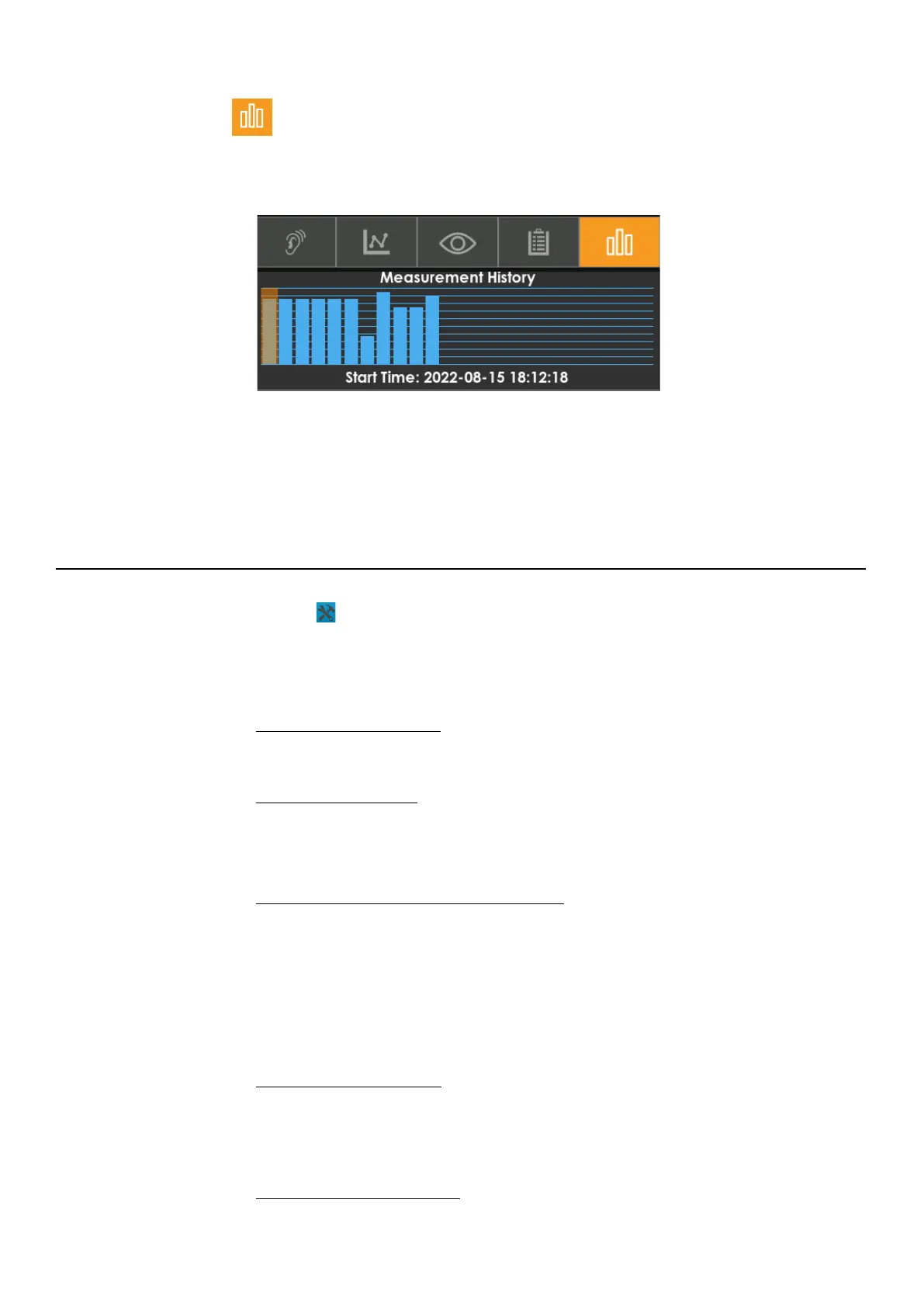
The Measurement History bar graph indicates the most recent history interval records in
the current measurement. It shows the overall level for each record.
FIGURE 2-15 MH Bar Graph
Tap on each bar to navigate through the records. This tab is very similar to the Overall tab
with several of the same cards but the data displayed comes from each measurement
history interval record.
2.4.3 Tools Menu Overview
Select Tools to access the following menus and settings on the meter.
Settings
Set up measurement and system settings.
See Chapter 3 Meter Settings
.
Markers
See 3.10 Markers Settings.
System Utilities
Reboot the meter, calibrate DC Out, and format or restore file system
See Chapter 5 Troubleshooting the 721 or 821
.
Reset
Select Reset to clear any unsaved data on the meter.
Calibrate
Calibrate the system for accurate measurements.
See 2.3 Calibrating the Meter
.
Lock
Lock the meter’s screen to prevent tampering.
See 5.1 Utilizing the Meter Lock
.



 To Next Page